






Weather apps are now a must-have for staying updated on the weather. They help with planning your day, organizing outdoor events, or just checking the forecast. This guide will walk you through creating a weather app, from the basics to getting it ready for app stores.
Developing a weather app is a mix of mobile app making, using weather data, and designing a user-friendly interface. You’ll learn about the main parts of weather apps, what features are needed, and how to make your app stand out.
This article is for anyone wanting to make a weather app from scratch. Whether you’re new to app development or already know your way around, you’ll find the tools and knowledge you need. Let’s start this journey into weather app development together.
Table of Contents
Key Takeaways
- Understand the fundamental components and essential features of weather applications.
- Set up a robust development environment for building a weather app.
- Choose the right weather API service and integrate it seamlessly into your app.
- Design an intuitive and user-friendly interface for your weather app.
- Implement core functionalities, including weather data retrieval, location detection, and weather forecast display.
- Ensure robust error handling and edge case management for a reliable weather app experience.
- Optimize app performance and prepare for successful app store submission.
Understanding Weather App Development Fundamentals
Creating a good weather app needs a solid grasp of key parts and tech needs. It’s all about using the right weather data and location services. Each part must be thought out to give users a great experience. Let’s look at the main things that make up a weather app.
Key Components of Weather Applications
The core of any weather app is the data it uses. This data comes from local weather stations, national agencies, or top weather data sources. By using these sources, users get accurate and timely weather info, forecasts, and alerts.
Essential Features and Functionality
- Geolocation services: Finds your location to show you the weather where you are.
- Real-time weather updates: Keeps an eye on the weather and tells you when it changes.
- Detailed forecast models: Shows you weather details like temperature, rain, wind, and more in a nice way.
Technical Requirements Overview
Building a weather app means knowing about APIs, data handling, and design. It’s also key to make sure it works well on all devices and platforms.
| Requirement | Description |
|---|---|
| Weather API Integration | Works with weather data sources to get current weather info. |
| Geolocation Handling | Manages your location data, like GPS and network services. |
| Data Processing and Storage | Handles weather data well, including caching and storage for a smooth app. |
| Notification System | Sends out weather alerts and updates, keeping you informed in real-time. |
Knowing these basics helps developers make a weather app that’s accurate and fun to use.

“Developing a successful weather app requires a deep understanding of the underlying data sources, location services, and technical capabilities needed to deliver a comprehensive and engaging user experience.”
Setting Up Your Development Environment
Creating a weather app needs a solid development setup. Before coding, you must prepare the tools and resources for a smooth journey. We’ll show you how to get your environment ready for your weather app project.
Choosing an Integrated Development Environment (IDE)
First, pick an Integrated Development Environment (IDE). For weather apps, Android Studio is great for Android, Xcode for iOS, and Visual Studio Code for all platforms. These IDEs offer tools like code editors and debuggers to make your work easier.
Installing the Appropriate SDK
After choosing your IDE, install the right Software Development Kit (SDK). For Android, you need the Android SDK. For iOS, it’s the iOS SDK. These SDKs give you the tools to build, test, and release your app.
Incorporating Version Control
Using a version control system is key for managing your code and working with others. Git and Subversion are top choices. They help you track changes and work together smoothly.
Leveraging Development Tools
There are many development tools to help with your app. Tools for data visualization, API testing, database management, and performance optimization are useful. Learn about these tools and use them to improve your workflow.
With a good development environment, you’re ready to start your weather app project. You’ll have the right tools and resources to overcome any challenges.

Choosing the Right Weather API Service
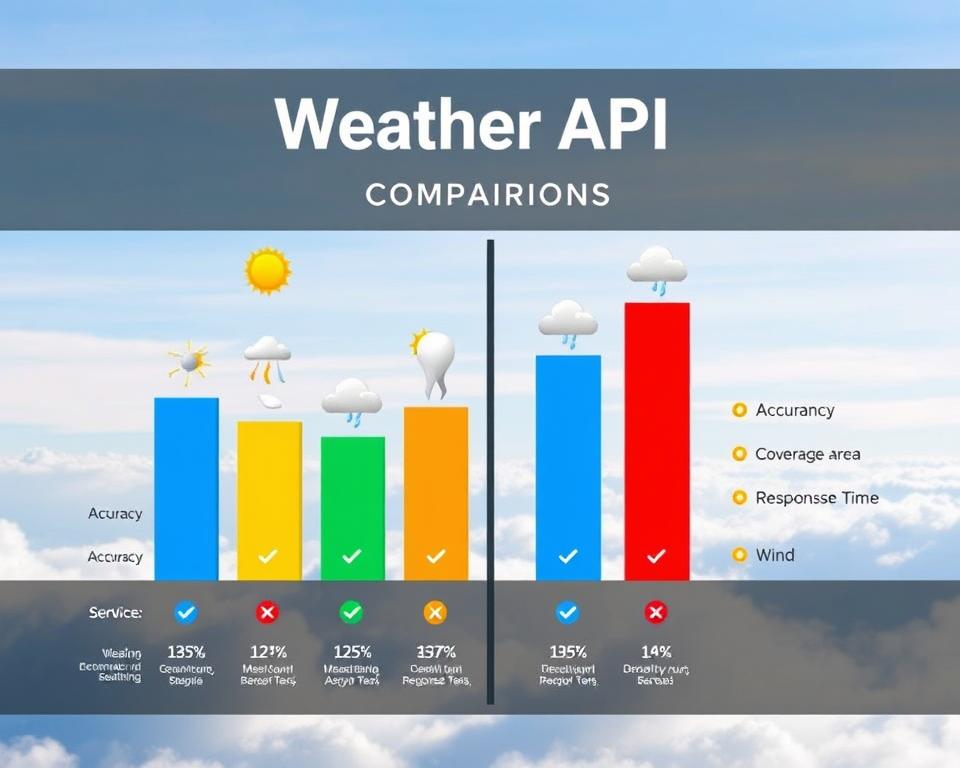
Creating a weather app needs reliable and fresh weather data. Luckily, many weather API services offer the data you need. From OpenWeatherMap to Dark Sky API and Weather Underground, each has its own features and prices.
Popular Weather API Providers
Choosing a weather API for your app is key. Look at the options and their features. Here are some top providers:
- OpenWeatherMap – Offers global weather data and many weather parameters.
- Dark Sky API – Provides accurate local weather forecasts and updates.
- Weather Underground – Gives access to historical and current weather data.
API Documentation and Integration Guidelines
Understanding the API’s documentation and guidelines is vital. It makes integration smooth and helps with authentication and data formats.
Cost Considerations and Usage Limits
Weather APIs have different prices and limits. Check the costs and any limits on API calls, data, or areas covered. This ensures you pick the best fit for your app’s needs and budget.
“Choosing the right weather API is a critical decision that can impact the overall performance and functionality of your weather app.”
Designing the User Interface
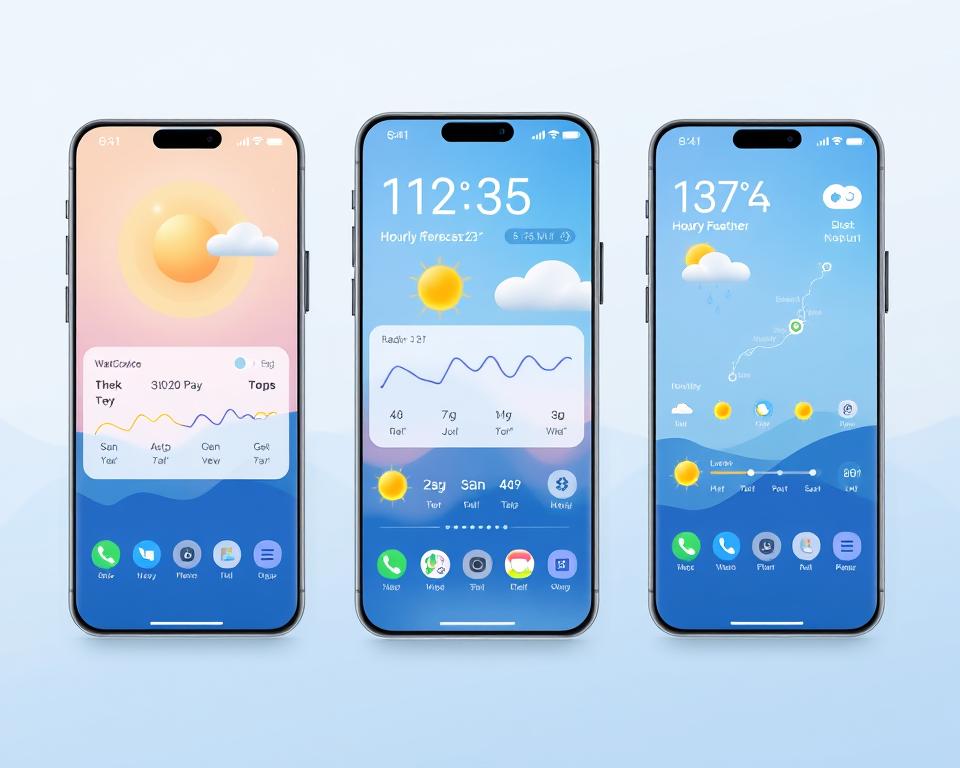
Making a weather app’s interface both easy to use and nice to look at is key. Good UI/UX design makes sure users can find important weather info easily. When designing, keep these important points in mind:
Wireframing and Prototyping
Begin with wireframes to plan out the app’s layout. This lets you try out different ways to organize info and make sure users can move smoothly through the app. Then, use prototyping to make interactive mockups that show what the app will really be like.
Intuitive Data Visualization
Weather apps have to show a lot of data, like temperature and wind speed. Use data visualization techniques to make this info clear and fun to look at. Add simple charts and icons to help users understand the weather now and later.
Responsive and Adaptive Design
Make sure your app works well on all kinds of screens and devices. This means it looks good on phones, tablets, and even smartwatches.
Personalization and Customization
Let users make the app their own by choosing their location, units, and when to get alerts. This makes users more likely to keep using the app.
By focusing on UI/UX design, wireframing, prototyping, and user experience, you can make a weather app that’s not just pretty but also useful. It will give users the weather info they need in a way that’s easy to use.
How to Develop a Weather App
Creating a weather app needs a clear plan to make it work well and grow. Use good app design, coding rules, and modular development. This way, your app will offer a great user experience.
Core Development Steps
- First, make a detailed plan for your app. Include what it will do, like get weather data, find your location, and show forecasts.
- Next, set up your work area with the right tools and languages. This matches your app’s design.
- Then, build a code that’s easy to change and grow. Follow coding standards for this.
- Get a good weather API to get current and accurate weather data. This makes your app work smoothly.
- Finally, make the app easy to use. Design a simple interface with clear navigation and nice visuals.
Implementation Best Practices
When making a weather app, stick to the best ways to do things. This makes your app better, faster, and easier to keep up.
- Use a design that’s easy to add to and change. This makes development and updates simpler.
- Follow coding rules to make your code easy to read and work with. This helps with testing and fixing problems.
- Make your app fast by using smart data storage, network handling, and background tasks.
- Handle errors well to keep users happy, even when things go wrong.
Code Structure and Organization
A good code structure is key for your app’s success. Here are some tips:
| Aspect | Best Practices |
|---|---|
| Modular Development | Break your app into parts that can be used again. Each part does one thing. |
| Separation of Concerns | Keep your app’s look, logic, and data handling separate. This makes it easier to update and grow. |
| Naming Conventions | Use the same names for things in your code. This makes it easier to understand. |
| Documentation | Write lots of comments and notes. This helps others and you when you need to make changes. |

By following these steps and tips, you can make a weather app that’s easy to use, grow, and maintain. Your app will be a hit with users.
Implementing Weather Data Retrieval
Creating a good weather app needs to work well with weather data APIs. You must learn how to make API calls, parse JSON, and process data. This guide will help you get weather data for your app.
Integrating Weather APIs
Your weather app starts with a good weather API. You can choose from OpenWeatherMap, Dark Sky, or AccuWeather. Each offers lots of weather data and clear instructions.
First, read the API’s guide. It will tell you about the data you can get and how to ask for it.
Handling API Calls
API calls need to be handled smoothly. Use Promise-based or async/await methods. This keeps your app running smoothly without freezing.
Make your API requests with the right info. This could be where you are or the city you want weather for.
Parsing JSON Responses
Weather APIs send data in JSON. You need to get the important weather info from this. Use JavaScript’s JSON methods or libraries like Axios or Fetch.
Optimizing Data Handling
Make your app better by handling data well. Use caching to cut down on API calls. This makes your app faster.
Store weather data locally. This helps your app work even when it’s offline.
| Weather API Service | Key Features | Pricing |
|---|---|---|
| OpenWeatherMap | Comprehensive weather data, historical records, and forecasts | Free plan available, paid plans start at $39.99/month |
| Dark Sky | Detailed weather insights, including hyperlocal forecasts and real-time precipitation data | Free plan available, paid plans start at $0.0001/API call |
| AccuWeather | Extensive weather data, including air quality, health indices, and severe weather alerts | Free plan available, paid plans start at $99/month |
By learning about weather APIs, handling API calls, and processing data, you can make a great weather app. Next, we’ll talk about adding location detection.

Creating the Location Detection System
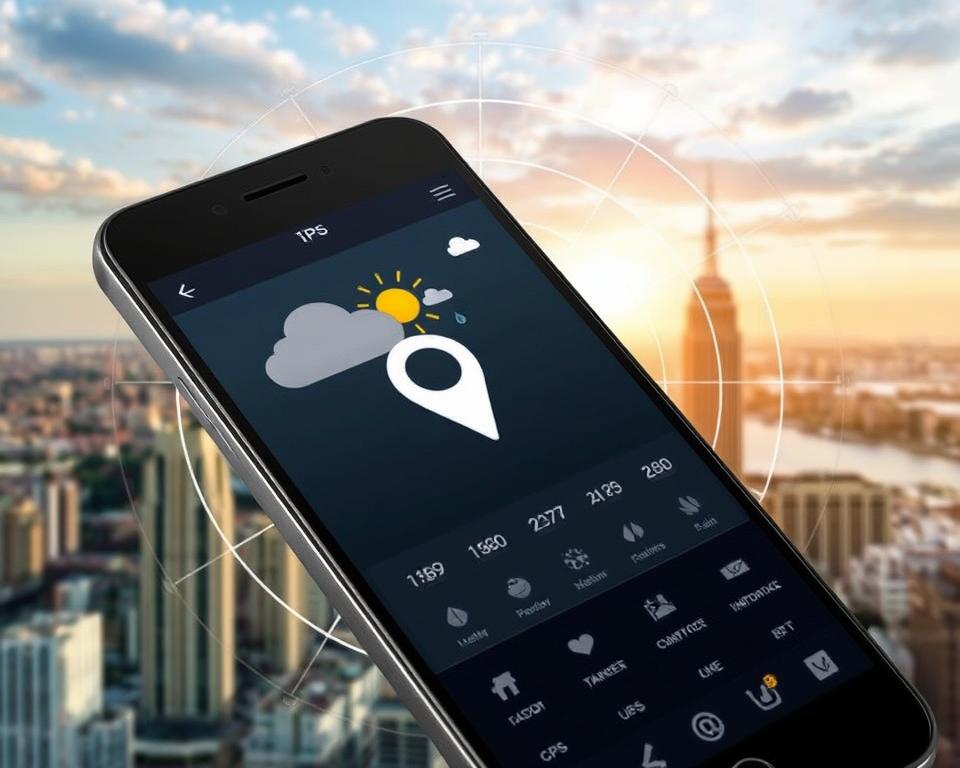
Building a weather app needs to use geolocation services well. This gives users weather info that’s right for their area. The system uses GPS and user permissions to find where the user is.
GPS Integration
Getting the right location data is key for good weather forecasts and alerts. Your app can use GPS to find the user’s exact spot. This makes the weather info shown match the user’s location, making the app better.
Location Permission Handling
Your app needs to ask for permission to use the user’s location. This is important for privacy and trust. Make it clear why you need this info and how it helps the app.
With GPS and careful permission handling, your app can offer local weather info. It also respects geolocation services, GPS accuracy, reverse geocoding, and privacy considerations.
Building the Weather Forecast Display
It’s important to show weather forecasts in a way that’s easy to understand and looks good. This helps users get the information they need and make smart choices. We’ll look at how to use data visualization, graphical representation, and interactive charts to show temperature, rain, and other weather data.
Using icons is a great way to show different weather conditions. For example, you can use a sun icon for sunny days and a rain icon for rainy days. These icons make the information easy to see and look nice together with numbers.
Interactive charts help users understand weather patterns better. You can use line graphs to show how temperature changes, bar graphs for rain levels, or interactive radar maps to track weather systems.
To make sure your forecasts are accurate, use reliable weather data. This means getting information from trusted sources like weather agencies or advanced APIs. This way, you can give your users the most accurate and current weather info, making them trust your app more.
| Feature | Description | Benefit |
|---|---|---|
| Weather Icons | Visually represent weather conditions using intuitive icons | Enhances user understanding and engagement |
| Interactive Charts | Provide interactive graphs and visualizations for temperature, precipitation, and other weather data | Offers a comprehensive and engaging data visualization experience |
| Accurate Forecast | Integrate reliable weather data sources to deliver precise and up-to-date forecasts | Builds user trust and confidence in the weather app |

“Effective data visualization is not just about making charts and graphs; it’s about telling a story with data that resonates with your audience.”
By using these data visualization and graphical representation techniques, you can make a weather forecast display that’s both useful and fun to look at. This will make your app more enjoyable to use and improve how accurate your forecasts are.
Adding Weather Alerts and Notifications
It’s important to keep users updated on severe weather. An alert system that sends timely notifications helps users stay safe. We’ll look at how to set up push notifications for severe weather warnings and adjust alert levels.
Push Notification Setup
To add push notifications, you need to work with a service provider. Apple’s APNS and Google’s FCM are good for iOS and Android. OneSignal works for both. These services send alerts to devices about severe weather warnings.
Here are some tips for setting up push notifications:
- Get users’ permission to send notifications
- Make notification messages clear and to the point
- Let users choose their notification preferences and alert thresholds
- Use geofencing to send alerts based on location
Alert Threshold Configuration
Your app should let users set their own alert thresholds for different weather conditions. This way, users get alerts that fit their needs and preferences.
Some alert types you can offer are:
- Severe thunderstorm warnings
- Flash flood warnings
- Tornado watches and warnings
- Winter weather advisories
- Extreme temperature alerts
By letting users customize their notification systems, you make your app more useful and personal.
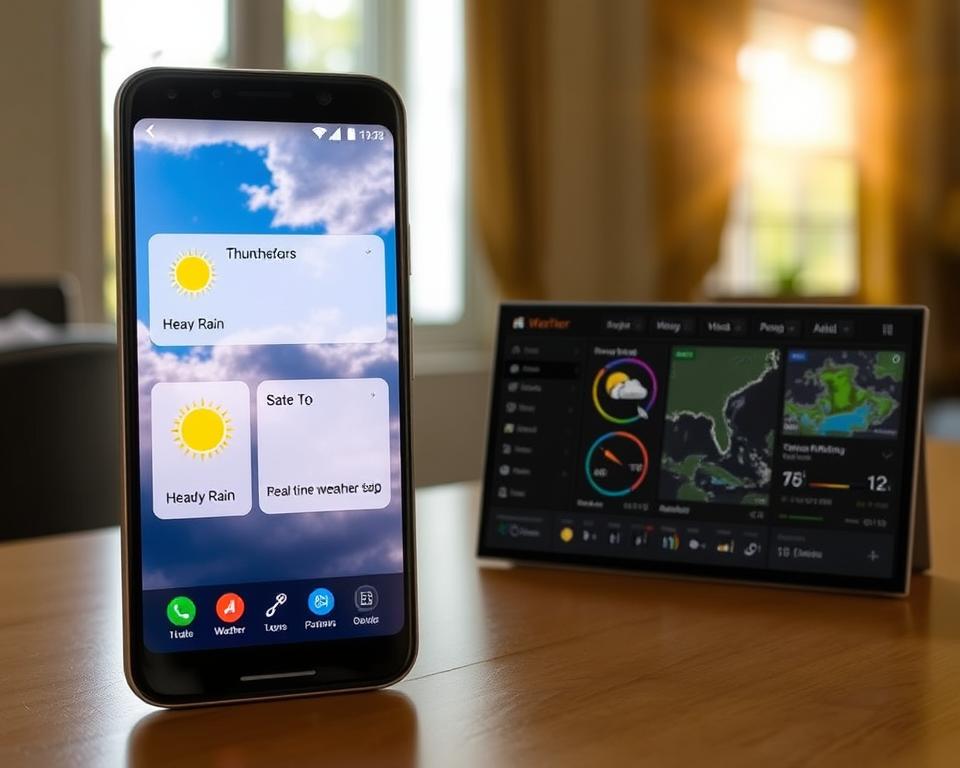
Effective severe weather warnings and customizable alerts are crucial. They help users stay informed and ready for bad weather.
Implementing Data Caching and Storage
In mobile app development, managing data well is key for a smooth user experience. For a weather app, using data caching and storage makes it run better and work offline. Local storage helps keep data safe, so users can see weather info even without internet.
To make your weather app better, store data like location and forecasts on the device. Use local storage or IndexedDB for this. This way, your app can show data fast, even without internet, making it more useful.
- Use local storage for data like location and forecasts.
- Focus on offline functionality and data persistence in your app.
- Keep cached data up to date for the latest weather info.
- Build a strong cache management system for efficient data handling.
By using these data strategies, your weather app will be reliable and useful, even offline. It will give users important weather info, no matter the internet.
“Effective data management is the key to building a weather app that stands out in the crowded mobile market.”
Error Handling and Edge Cases
Creating a solid weather app means getting ready for different error situations and edge cases. Dealing with these issues well can make a big difference. With the right error messages, fallback mechanisms, and graceful degradation, your app will keep working even when it faces problems.
Network Connection Issues
Many users face issues when they don’t have a network connection. Your app should have a fallback mechanism to help. This could be using another data source or showing cached info until the internet comes back.
API Response Errors
When the weather API gives unexpected or wrong answers, your app needs to handle it well. Use strong error handling to manage these problems. Give users clear error messages that tell them what to do next.
Location Services Failures
If location services don’t work, your app should have a plan. This could be letting users enter their location, suggesting cities, or using their IP address for a default location.
By getting ready for these error messages, fallback mechanisms, and graceful degradation situations, you can make a weather app that always gives good user feedback, even when things go wrong.
Testing Your Weather App
Creating a top-notch weather app needs a solid testing plan. This includes unit testing, integration testing, and user acceptance testing. Each step is key to making sure your app is of the highest quality and accuracy.
The unit testing phase checks each part of your app, like getting weather data and calculating forecasts. This detailed check helps find and fix problems early. It stops bigger issues from happening later.
Then, integration testing looks at how all parts of your app work together. It makes sure everything, like weather data and the app’s look, works smoothly. This ensures your app is easy to use and looks good.
Last, user acceptance testing (UAT) tests your app with real users. It’s a chance to get feedback, find any usability problems, and make improvements before it’s released. Beta testing also helps see how the app works in different situations, like different internet speeds and devices.
| Testing Type | Purpose | Key Advantages |
|---|---|---|
| Unit Testing | Validate individual components | Identifies and resolves issues early in development |
| Integration Testing | Ensure seamless interoperability of features | Verifies the cohesiveness of the app’s functionalities |
| User Acceptance Testing | Gather real-world feedback and insights | Refines the app based on user needs and preferences |
By using these detailed testing methods, you can make a weather app that’s not just accurate but also fun to use.
Optimizing App Performance
When you’re making your weather app, making it fast and smooth is key. Improving how it works, manages resources, and saves energy makes users happy. It also means your app works well on many different phones.
Load Time Optimization
Weather apps need to load quickly. Users want to see the latest weather fast. Here are ways to make your app load faster:
- Use lazy loading for images and media to cut down on initial load size.
- Make API requests better by caching weather data and using smart data retrieval.
- Use code minification, asset bundling, and CDNs to shrink files and speed up delivery.
Battery Usage Considerations
Mobiles have small batteries, so saving energy is important. Here are ways to use less battery:
- Use adaptive refreshing to adjust data checks based on user activity or device status.
- Optimize location services with efficient APIs and use GPS only when needed.
- Have power-saving modes that update weather less often or turn off non-essential features when low on battery.
By improving your weather app’s speed and energy use, you give users a great experience. This makes them happy and keeps your app top of mind for weather info on the go.
“Optimizing an app’s performance is crucial for its success, as users expect a fast and responsive experience.”
Preparing for App Store Submission
As you finish your weather app, make sure it meets the App Store’s rules. This means polishing your app’s details, fixing any problems, and making it stand out in the app store.
Start by learning the App Store’s guidelines and what it needs. Check the submission rules to see if your app fits the platform’s standards for content, privacy, security, and how it works. Fixing any issues early can make the review process smoother and boost your chances of approval.
Then, work on making your app’s metadata great. This includes the title, description, keywords, and screenshots. Write these in a way that shows off your app’s best features and appeals to your target audience. Good metadata can help your app show up more in the App Store’s search results, leading to more downloads and user interaction.


