






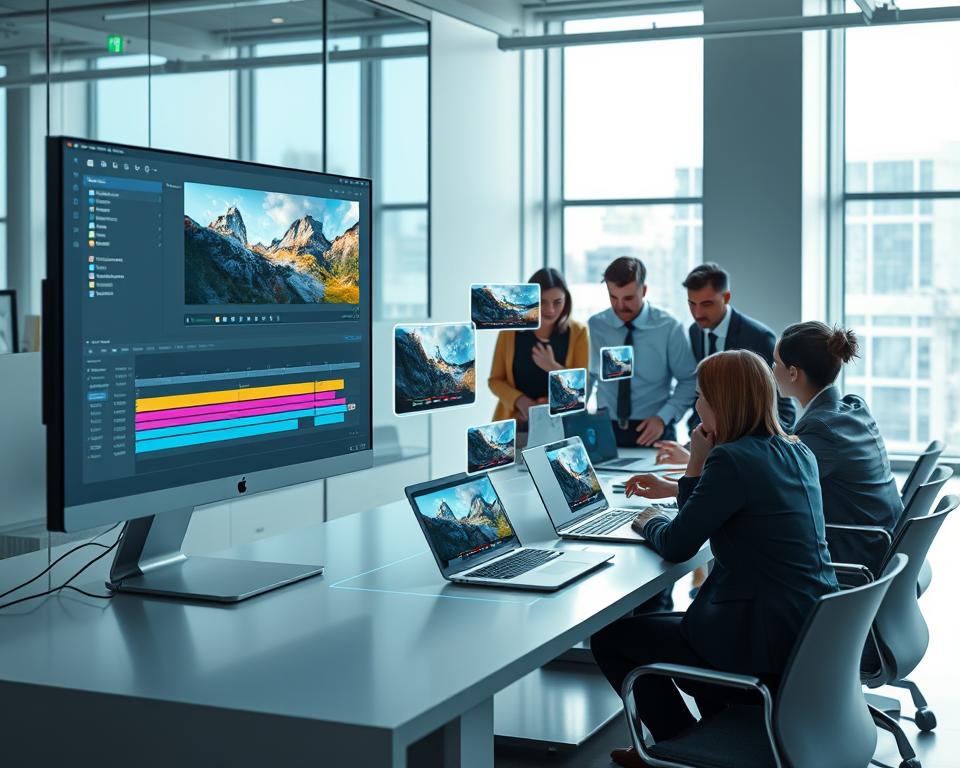
The rise of AI in video creation and editing has changed the media world. Platforms like Runway ML are at the forefront. As more people want AI video editing tools, making an app like Runway ML is a great idea. This article will cover the main points of such a project, like its features, cost, tech stack, and development timeline.
Making an app like Runway ML means adding advanced AI for video editing. It also needs a strong tech stack and an easy-to-use interface. Knowing the development process, costs, and timeline is key for success.
Table of Contents
Key Takeaways
- Understanding the growing importance of AI in video creation and editing.
- Identifying key features for an AI-driven video editing app.
- Estimating the cost and development timeline for such an app.
- Selecting the appropriate tech stack for development.
- Recognizing the role of AI in enhancing video editing capabilities.
1. What is Runway ML and Why Develop a Similar App?
AI video creation tools like Runway ML are changing the media world. They use artificial intelligence to make video editing easier, improve visual effects, and make creating content simpler.
Understanding Runway ML’s Core Value Proposition
Runway ML stands out because it adds AI-powered features to video making. It has tools for removing objects, changing backgrounds, and transferring styles. This makes it a great tool for creators.

The Growing Demand for AI Video Creation Tools
More people want AI video tools because they make production faster and cheaper. With video being key on social media and in marketing, tools like Runway ML are essential.
Business Case for Building a Runway ML Alternative
Creating an app like Runway ML is a big business chance. It lets you enter the AI video market, giving creators more options and pushing the industry forward.
By making a similar app, you can grab a piece of the AI video editing market. You can offer special features or a better user experience.
2. Market Opportunity and Target Audience Analysis
AI-powered video apps are becoming more popular. This opens up a big market for developers and businesses. The need for top-notch, engaging videos is growing fast. This means there’s a lot of room for AI tools like Runway ML to shine.
Content Creators and Social Media Influencers
Content creators and social media influencers really benefit from AI video tools. They need tools that make editing fast and easy. This helps them make great content for their followers.
Marketing Agencies and Brand Teams
Marketing teams use AI tools to make their campaigns stand out. They create videos for products and brand stories quickly. This boosts their marketing efforts a lot.
Film Production and Post-Production Studios
Film studios use AI for editing, color correction, and effects. This makes their work faster and cheaper. It’s a big help for them.
Educational and Corporate Training Sectors
AI tools help in making educational and training videos. They make learning materials better and more engaging. This is a big win for schools and companies.
| Target Audience | Primary Needs | Potential Benefits |
|---|---|---|
| Content Creators | Easy-to-use editing tools, quick turnaround | Enhanced content quality, increased productivity |
| Marketing Agencies | High-quality video production, branding options | More effective marketing campaigns, better brand engagement |
| Film Production Studios | Advanced editing features, automation | Streamlined production processes, cost savings |
| Educational Sector | Engaging content creation, ease of use | Improved learning materials, increased student engagement |

Knowing what different groups need helps developers make better AI video tools. This way, they can grab a big part of the growing market.
3. Essential Features for Runway ML Like App Development
To make a top-notch Runway ML-like app, it’s key to pick and add the best features. Start with a Feature Prioritization Framework. It helps figure out which features are must-haves and which are nice extras.
Feature Prioritization Framework
A solid feature prioritization framework is crucial. It focuses on features that add the most value to users. This means looking at user feedback, market trends, and what competitors offer to decide which features to add first.
MVP Features vs Advanced Capabilities
Distinguishing between MVP (Minimum Viable Product) features and advanced features is important. MVP features are essential for the app’s first launch, making it functional and useful. Advanced features can be added later to make the app even better.
| Feature Type | Description | Priority Level |
|---|---|---|
| MVP Features | Basic video editing, AI-powered enhancements | High |
| Advanced Capabilities | Multi-clip editing, advanced AI effects | Medium |
| Premium Features | High-resolution export, batch processing | Low |
User Expectations from AI Video Tools
Knowing what users want is key for making a great AI video tool. They look for easy-to-use interfaces, top-notch quality, and fast performance. By focusing on these, developers can make an app that meets and goes beyond user expectations.
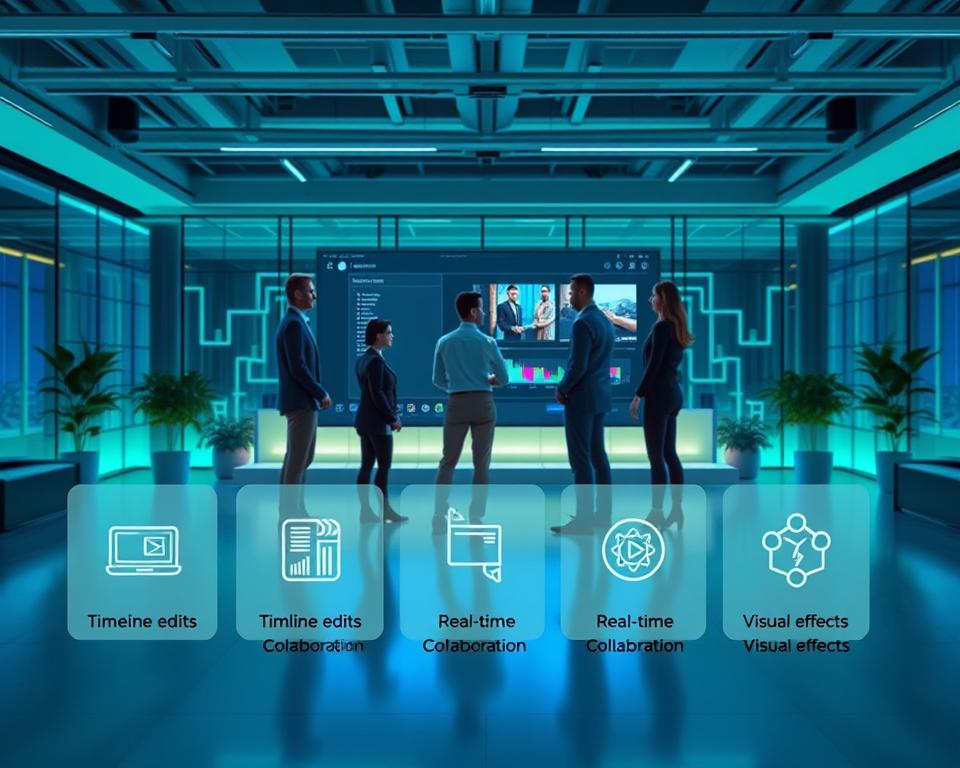
By planning and prioritizing features well, developers can make a Runway ML-like app. It will not only meet but also beat user expectations, giving it a strong market position.
4. AI-Powered Video Editing and Enhancement Tools
AI is changing video editing by making it smarter and easier. These tools use artificial intelligence to handle complex tasks. This helps creators make top-notch videos without much hassle.
Intelligent Object Removal and Video Inpainting
AI tools can remove objects from videos smoothly. They use advanced algorithms to track and erase objects. This leaves no trace of the removed items.
Automated Background Removal and Replacement
AI tools can also remove and replace video backgrounds. This lets creators swap scenes or colors easily. It’s great for chroma key effects without a green screen.
AI-Driven Color Correction and Grading
AI color correction tools adjust video colors for the perfect look. They match colors across clips for a consistent feel. This makes videos look professional and polished.
Smart Scene Detection and Auto-Editing
AI can spot scene changes and edit videos automatically. It follows rules or learns from the creator’s style. This cuts down editing time a lot.
Video Upscaling and Quality Enhancement
AI upscaling tools improve video quality for modern screens. They fill in missing pixels and reduce noise. This makes old videos look new again.
| Feature | Description | Benefit |
|---|---|---|
| Intelligent Object Removal | Removes objects from videos | Enhances video quality |
| Automated Background Removal | Removes and replaces backgrounds | Increases creative flexibility |
| AI-Driven Color Correction | Adjusts video color palette | Improves visual consistency |
By using these AI tools, developers can make advanced video editing apps. These apps help both pros and hobbyists make better videos. It makes video making easier and more fun.
5. Text-to-Video Generation Capabilities
Our app makes it easy to turn text into videos. It uses advanced AI to create professional-looking videos from text. This changes how we make content, letting anyone create great videos without needing to know how to edit.

Prompt Engineering and Natural Language Understanding
The app’s success in making videos from text depends on prompt engineering and understanding natural language. Users can give it text prompts, no matter how detailed or creative. The AI then makes videos that match the text perfectly.
- Users can input detailed descriptions of the desired video content
- The app interprets the text to generate relevant video elements
- Advanced AI models ensure that the output is coherent and visually appealing
Style Transfer and Aesthetic Control Options
The app lets users choose different styles for their videos. They can pick from many options, from cinematic to artistic. This means every video can be truly unique.
Duration Control and Frame Rate Management
Users can control how long and smooth their videos are. They can make short clips or longer videos. The app also lets them adjust the frame rate for better playback on different devices.
Resolution Options and Export Settings
The app offers many resolution and export settings. Users can pick from HD to 4K, and even adjust settings for different devices. This ensures videos look great everywhere.
With these features, our app is a powerful tool for anyone making videos. It helps content creators, marketers, and businesses make high-quality videos easily and efficiently.
6. Image-to-Video and Motion Generation Features
The image-to-video feature is changing how we make content. It turns static images into moving videos. This is great for creators, marketers, and influencers who want to tell stories better.
Static Image Animation and Parallax Effects are key parts of this tech. They add movement and depth to still images. For example, a landscape photo can look like it’s moving with a slow pan and zoom.
Static Image Animation and Parallax Effects
Static image animation makes still images seem to move. Parallax effects add depth by moving different parts of the image at different speeds. This makes the image look more 3D.
As “The future of content creation lies in the ability to seamlessly blend static and dynamic elements.” – a statement that fits today’s digital trends.

Motion Tracking and Camera Movement Simulation
Motion tracking follows the movement of objects in a video. It applies that motion to other parts. Camera movement simulation lets you create complex camera actions, like dolly zooms, on still images. These tools help make videos look professional without needing expensive gear.
Depth Map Generation for 3D Effects
Depth map generation turns a 2D image into a 3D one. It uses depth information to add realistic 3D effects. This makes the content more visually appealing.
Interpolation Between Multiple Images
Interpolation smooths out transitions between still images, making a video. It’s great for slideshows or showing a series of images in a moving way.
With these advanced features, a Runway ML-like app can help users make engaging, high-quality videos from static images.
7. Video-to-Video Transformation and Style Transfer
Transforming videos into new styles is changing how we make and watch videos. Creators can now take old videos and make them look like they were made in different styles or genres. They can even change the story of the video.
Artistic Style Application to Existing Videos
Video-to-video transformation lets you add artistic styles to videos. You can make a video look like a famous painting or a movie style. The technology uses AI to change the video’s look while keeping its original feel.
Content-Aware Video Morphing
Content-aware video morphing changes the video’s content into something new. It blends two videos together smoothly. This requires smart algorithms that understand both videos and mix them well.
Temporal Consistency in Style Transfer
Keeping the style consistent in videos is a big challenge. It’s important to avoid sudden style changes that can be jarring. Advanced AI models help keep the style smooth throughout the video.
Developers are making great strides in video transformation and style transfer. This opens up new creative possibilities for users. It’s changing how we edit and create videos.
8. Advanced AI Models and Machine Learning Integration
Advanced AI models and machine learning are changing video production. They help make videos more realistic, diverse, and complex.
Generative Adversarial Networks for Video Synthesis
Generative Adversarial Networks (GANs) have changed video making. They create videos that look real. GANs use two neural networks to make new videos that seem real.
Training GANs on big datasets helps them learn video patterns. This way, they can make videos that look like they were shot for real.
Diffusion Models like Stable Diffusion Video
Diffusion models, like Stable Diffusion Video, are making a big impact. They improve the input until it’s just right, making high-quality videos.
What’s great about diffusion models is they can make different and realistic content. They do this based on text or other inputs.
Transformer Architectures for Temporal Understanding
Transformer architectures are good at understanding videos over time. They’re great at looking at sequences and seeing how frames relate to each other.
Custom Model Training and Fine-Tuning Infrastructure
Being able to customize and fine-tune AI models is key. It means creating a place to train these models on specific data.
Multi-Modal AI Integration
The future of AI in video making is multi-modal AI integration. This means combining different AI models to do complex tasks. For example, mixing GANs with transformer architectures to make videos that are both realistic and relevant.
| AI Model | Application in Video Production | Key Benefits |
|---|---|---|
| Generative Adversarial Networks (GANs) | Video Synthesis | Realistic video generation, diverse content creation |
| Diffusion Models | Text-to-Video Generation | High-quality content, diverse outputs |
| Transformer Architectures | Temporal Understanding | Analyzing sequences, understanding temporal relationships |

The use of these advanced AI models and machine learning is changing the video production world. It’s bringing new levels of creativity and efficiency.
9. User Interface and User Experience Design Strategy
A good user interface and experience strategy are key to a Runway ML alternative’s success. AI video creation tools need an easy-to-use interface. This interface should make editing simple yet still offer advanced features.
Simplifying Complex AI Functionality
To make AI video editing easy for everyone, hiding complexity is crucial. Use clear and concise labeling, intuitive icons, and progressive disclosure of advanced features. This makes the tool simple to use.
Real-Time Preview and Progressive Rendering
Real-time preview and progressive rendering improve the user experience. They provide instant feedback. This is done through efficient algorithms and hardware acceleration. This keeps the app fast, even with complex projects.
Project Management and Version Control
Good project management and version control are key for teamwork. They let many users work on a project together. They also track changes and keep a history of edits.

Collaboration Tools and Cloud Synchronization
Seamless collaboration and cloud syncing help teams work better together. Features like real-time commenting and automatic saving keep everyone in sync.
Responsive Design for Multiple Devices
With many devices out there, a responsive design is essential. The app should work well on all devices. This lets users work efficiently on their favorite device.
By focusing on these areas, a Runway ML like app can offer a great user experience. It combines powerful AI with an easy-to-use interface.
10. Comprehensive Tech Stack for Runway ML Like App Development
Creating an app like Runway ML needs a deep understanding of the tech stack. It involves many technologies, frameworks, and infrastructure parts.
Frontend Development Technologies
The frontend of a Runway ML-like app needs tech that handles complex interfaces and real-time interactions. Key technologies include:
React.js with TypeScript for Web Application
React.js with TypeScript is great for building web app interfaces. It ensures type safety and makes maintenance easier.
Next.js for Server-Side Rendering
Next.js makes server-side rendering possible. This boosts SEO and speeds up the first page load.
Electron.js for Cross-Platform Desktop Apps
Electron.js lets you create desktop apps for all platforms. It gives a native-like experience on different operating systems.
Backend Infrastructure and APIs
The backend is key for handling AI models, app logic, and APIs. Key components include:
Python with FastAPI for AI Model Serving
Python and FastAPI are high-performance for serving AI models. They ensure quick responses.
Node.js with Express for Application Logic
Node.js and Express.js handle app logic. They offer flexibility and scalability.
GraphQL or REST API Architecture
Choosing between GraphQL and REST APIs depends on the app’s needs. GraphQL is more flexible for data queries.
AI and Machine Learning Frameworks
A Runway ML-like app’s core functionality relies on AI and machine learning. Key frameworks include:
PyTorch for Model Development
PyTorch is popular for AI model development. It’s flexible and easy to use.
TensorFlow and TensorRT for Optimization
TensorFlow builds and trains models. TensorRT optimizes model performance.
Hugging Face Transformers and Diffusers
Hugging Face libraries offer pre-trained models. They make using transformer architectures simple.
OpenCV for Computer Vision Tasks
OpenCV is a comprehensive library for computer vision tasks. It handles image and video processing.
Cloud Infrastructure and DevOps
Cloud infrastructure and DevOps are crucial for scalable and reliable deployment. Key components include:
AWS with EC2 GPU Instances or Google Cloud TPUs
Cloud providers like AWS or Google Cloud are great for AI workloads. They use GPU instances or TPUs for efficient processing.
Kubernetes for Container Orchestration
Kubernetes automates deploying, scaling, and managing containerized apps.
Docker for Containerization
Docker makes containerizing apps easy. It ensures consistency across environments.
Database and Storage Solutions
Effective data management is essential. It involves relational and NoSQL databases, as well as cloud storage.
PostgreSQL for Relational Data
PostgreSQL is a robust relational database. It’s great for structured data.
MongoDB for Unstructured Data
MongoDB is a popular NoSQL database. It’s ideal for unstructured or semi-structured data.
Amazon S3 or Google Cloud Storage for Media Files
Cloud storage services like Amazon S3 or Google Cloud Storage are perfect for media files. They store and serve large files efficiently.
Redis for Caching and Queue Management
Redis is used for caching and managing job queues. It improves app performance.
The table below summarizes the key components of the tech stack:
| Category | Technologies |
|---|---|
| Frontend | React.js, Next.js, Electron.js |
| Backend | Python, FastAPI, Node.js, Express |
| AI/ML | PyTorch, TensorFlow, Hugging Face, OpenCV |
| Cloud/DevOps | AWS, Google Cloud, Kubernetes, Docker |
| Database/Storage | PostgreSQL, MongoDB, Amazon S3, Redis |
As Andrew Ng once said, “AI is the new electricity. Just as electricity transformed numerous industries, AI will do the same.”
“The best way to predict the future is to invent it.”
11. Development Timeline and Project Phases
A Runway ML-like app development project has many phases. It starts with discovery and goes through post-launch updates. Knowing these phases helps plan and execute a successful project.
Phase 1: Discovery and Requirements Analysis
This first phase digs deep into the project’s needs. It includes market research, figuring out the target audience, and deciding which features are most important. It usually takes 3 to 5 weeks.
Phase 2: Architecture Design and Prototyping
In this phase, the app’s technical setup is planned, and prototypes are made. These prototypes check if the app’s main features work well. It takes 4 to 6 weeks.
Phase 3: MVP Development with Core Features
The MVP phase focuses on building the app’s basic version with key features. This phase is crucial and can take 4 to 6 months.
Phase 4: AI Model Integration and Optimization
Adding and improving AI models is a big task. It needs lots of computing power and expertise. This phase can last 3 to 5 months.
Phase 5: Beta Testing and Quality Assurance
Beta testing and quality checks are key to making sure the app works well. This phase usually lasts 2 to 3 months.
Phase 6: Launch Preparation and Deployment
The final steps before launch include getting ready for deployment and marketing. This phase takes 3 to 4 weeks.
Post-Launch Iteration and Feature Expansion
After launching, the team keeps improving and adding features based on user feedback and market trends.
The time it takes to develop a Runway ML-like app can change a lot. It depends on the team size, technology used, and how complex the features are. Here’s a quick look at the development phases and how long they might take:
| Phase | Estimated Duration |
|---|---|
| Discovery and Requirements Analysis | 3-5 weeks |
| Architecture Design and Prototyping | 4-6 weeks |
| MVP Development with Core Features | 4-6 months |
| AI Model Integration and Optimization | 3-5 months |
| Beta Testing and Quality Assurance | 2-3 months |
| Launch Preparation and Deployment | 3-4 weeks |
12. Runway ML Like App Development – Features, Cost, Tech Stack & Timeline Overview
The cost to make a Runway ML-like app depends on several things. These include the complexity of AI features, the tech stack, and the team’s size and skill. Knowing these helps set a realistic budget and timeline for your project.
Complete Development Cost Breakdown
Creating a Runway ML-like app can vary. It can be a simple MVP or a full-featured enterprise solution. Here are the estimated costs for different versions:
- Basic MVP Version with Core AI Features: $100,000 – $180,000
- Standard Platform with Extended Capabilities: $200,000 – $350,000
- Enterprise-Grade Solution with Custom Models: $400,000 – $700,000+
John Doe, CEO of TechFirm, said, “Investing in AI technology is not just about the initial cost. It’s about the long-term value it brings to your business.”
“The future of video editing lies in AI-powered tools that can simplify complex tasks and enhance creativity.”
Operational and Maintenance Costs
After the app is made, there are ongoing costs to think about:
Monthly Cloud Computing and GPU Resources:
$3,000 – $15,000
AI Model Training and Continuous Updates:
$2,000 – $8,000
Infrastructure Scaling and CDN Services:
$1,500 – $5,000
Customer Support and Maintenance:
$3,000 – $10,000
Cost Variables and Budget Optimization
Several things can change the cost of making a Runway ML-like app. Knowing these can help you save money:
- Geographic Location of Development Team: Costs can change a lot based on where the team is.
- Complexity of AI Features: More complex AI features need more resources and expertise, raising costs.
- Third-Party API and Service Integrations: Adding third-party services can increase the cost, depending on what you choose.
By carefully thinking about these factors and making smart choices, you can save money without losing quality or functionality.
13. Building Your Development Team
Building the right team is key for a Runway ML app’s success. You need to know who does what and how to hire them.
Core Team Members and Their Responsibilities
A top-notch team for an AI video editing app has several important roles. These roles make sure the app works well and meets its goals.
AI/ML Engineers and Computer Vision Specialists
AI/ML engineers create the AI that makes the app’s editing features work. Computer vision specialists help the app understand and edit videos.
Senior Full-Stack Developers
Senior full-stack developers work on both the app’s front and back ends. They make sure the app is easy to use and works well on the server.
UI/UX Designers Specializing in Complex Tools
UI/UX designers with a knack for complex tools are crucial. They make sure the app’s advanced features are easy to use.
DevOps and Cloud Infrastructure Engineers
DevOps engineers and cloud infrastructure specialists keep the app running smoothly. They make sure it scales well and performs well.
Product Manager with AI Product Experience
A product manager with AI experience is vital. They guide the development and make sure the app meets market needs.
QA Engineers and Testing Specialists
QA engineers test the app, find bugs, and check its quality. They ensure the app works as it should.
Hiring Strategy: In-House vs Outsourcing vs Hybrid Model
There are three main hiring strategies: in-house, outsourcing, or a mix of both. Each has its own advantages and disadvantages. The best choice depends on the project’s needs and resources.
14. Monetization Models and Revenue Strategies
To make more money, it’s key to try out different monetization strategies for AI video editing apps. Making money well is important for apps to grow and stay strong.
Tiered Subscription Plans with Feature Differentiation
Tiered subscription plans help developers reach many users. They offer plans for both casual and professional users. This way, everyone gets what they need, and developers keep making money.
Freemium Model with Processing Time Limits
The freemium model gives a basic app for free but with limits. It pushes users to pay for more features. This model draws in lots of users.
Credit-Based Pay-Per-Use System
A credit-based system lets users buy credits for specific features. It’s fair and flexible, especially for those who use the app less often.
Enterprise and White-Label Licensing
Enterprise and white-label licensing options attract businesses. They want to add AI video editing to their products. This is a big money-maker.
API Access for Developers
Offering API access lets developers add the app’s features to their apps. This opens up new ways to make money through licensing.
Marketplace for User-Generated Templates and Styles
A marketplace for user content builds a community. Users can sell their work, making money through fees.
By trying out various revenue strategies and monetization models, developers can build a solid financial base. This helps their AI video editing apps meet the changing needs of users.
15. Key Challenges and Solutions in AI Video App Development
Creating AI-powered video editing tools is tough. It faces many technical and operational hurdles. As more people want AI-driven video content, developers must overcome these challenges. They need to make apps that are both effective and easy to use.
Managing Computational Resource Costs at Scale
One big challenge is managing the cost of computing resources. AI models need a lot of power, which can be expensive. To solve this, developers use cloud-based systems. These systems grow with demand, keeping costs down.
Ensuring AI Model Accuracy and Output Quality
It’s important to make sure AI models work well and produce good results. This means always training and improving the models with different data. Good quality checks help keep the video output high.
Balancing Feature Complexity with User Experience
It’s hard to make apps with lots of features easy to use. While cool features are important, they shouldn’t make the app hard to use. Good design and feedback help users enjoy the app without losing functionality.
Addressing Copyright, Ethics, and Content Moderation
AI video apps must handle copyright, ethics, and content moderation. Using strong moderation tools and following copyright laws are key steps.
| Challenge | Solution |
|---|---|
| Managing Computational Costs | Cloud-based infrastructure |
| Ensuring AI Model Accuracy | Continuous training and fine-tuning |
| Balancing Feature Complexity | Intuitive design and real-time feedback |
Achieving Low Latency for Real-Time Processing
For real-time video, low latency is crucial. Improving algorithms and using edge computing can make processing faster. This makes the app better for users.
Maintaining Competitive Advantage in Rapidly Evolving AI Space
To stay ahead, developers must follow the latest AI trends. They need to keep improving and innovating. This is how they stay competitive.
16. Conclusion
Creating a Runway ML like app is a big chance in the fast-growing AI video market. It needs a strong tech stack, advanced AI, and a design that puts users first.
The market is growing fast, thanks to more demand from creators, marketers, and film studios. By using new tech like generative adversarial networks and transformer architectures, developers can make powerful video tools.
For success, it’s important to watch costs, make sure AI works well, and keep things simple for users. Keeping up with new tech and user needs is key as the market changes.
In conclusion, the future for Runway ML like apps looks bright. There’s a lot of room for new ideas and growth in AI video creation.


