






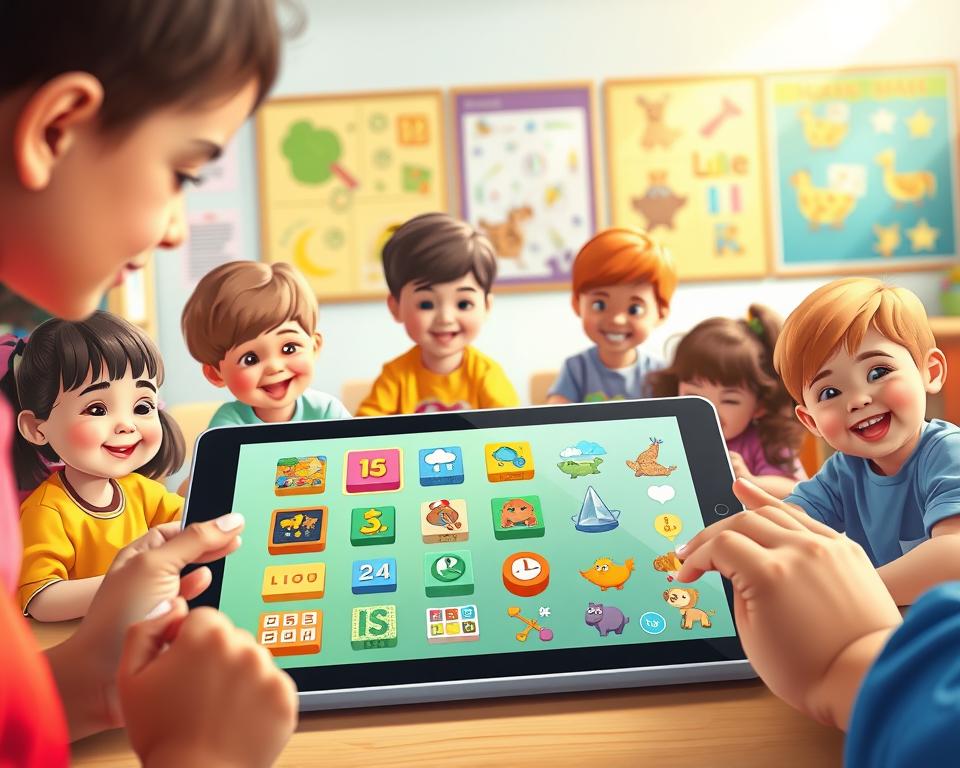
The need for educational apps is growing fast. This is because parents and teachers want tools that make learning fun and effective for kids.
With new tech coming out, app development for kids is booming. It focuses on making learning fun and interactive for young minds.
A good educational app can really help kids learn. It offers a fun way to pick up new skills and knowledge.
Table of Contents
Key Takeaways
- Educational apps can enhance children’s learning experiences.
- Effective app development for kids requires a balance of education and entertainment.
- User experience design is crucial for engaging young learners.
- Adaptive learning algorithms can personalize the learning experience.
- Parental controls are essential for ensuring a safe and secure environment.
1. Understanding the Educational App Market for Children
Developers need to grasp the educational app market for kids to make a real impact. This market is shaped by tech progress, changing parent views, and learning trends.
1.1 Current Market Size and Growth Trends
The market for kids’ educational apps is big and keeps growing. Parents and teachers want digital tools for learning. This demand is driving the market to expand.
| Segment | Market Size (2022) | Projected Growth Rate |
|---|---|---|
| Preschool Apps | $1.2 billion | 15% |
| Elementary School Apps | $2.5 billion | 20% |
| Middle School Apps | $1.8 billion | 18% |
1.2 Key Market Segments and Opportunities
The market is split into preschool, elementary, and middle school apps. Each area has its own chances and hurdles. The goal is to make content that fits each age group and meets learning standards.
1.3 Parent and Educator Expectations
Parents and teachers want apps that are fun and teach something. They also care a lot about safety and privacy. Developers must find a balance between fun and learning.
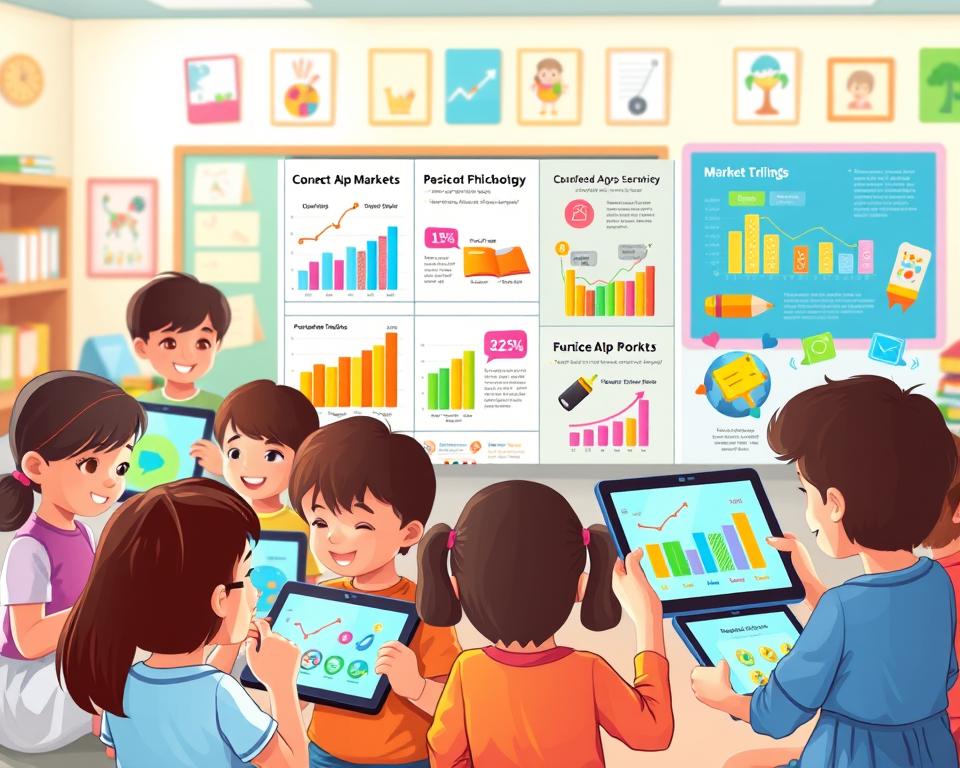
Knowing these market trends helps developers make apps that kids and parents will love.
2. Core Principles of Kids Learning App Development
Making an educational app for kids needs a few key principles. These focus on both learning and fun. They make sure the app is enjoyable and teaches something valuable.
2.1 Balancing Education and Entertainment
Finding the right mix of education and fun is a big challenge. Educational content should be fun and interactive. This can be done with games, puzzles, and stories that teach new things.
2.2 Age-Appropriate Content Frameworks
It’s important to make content that fits the child’s age. The content should be right for their developmental stage. This means it’s not too easy or too hard.
2.3 Developmental Milestones Integration
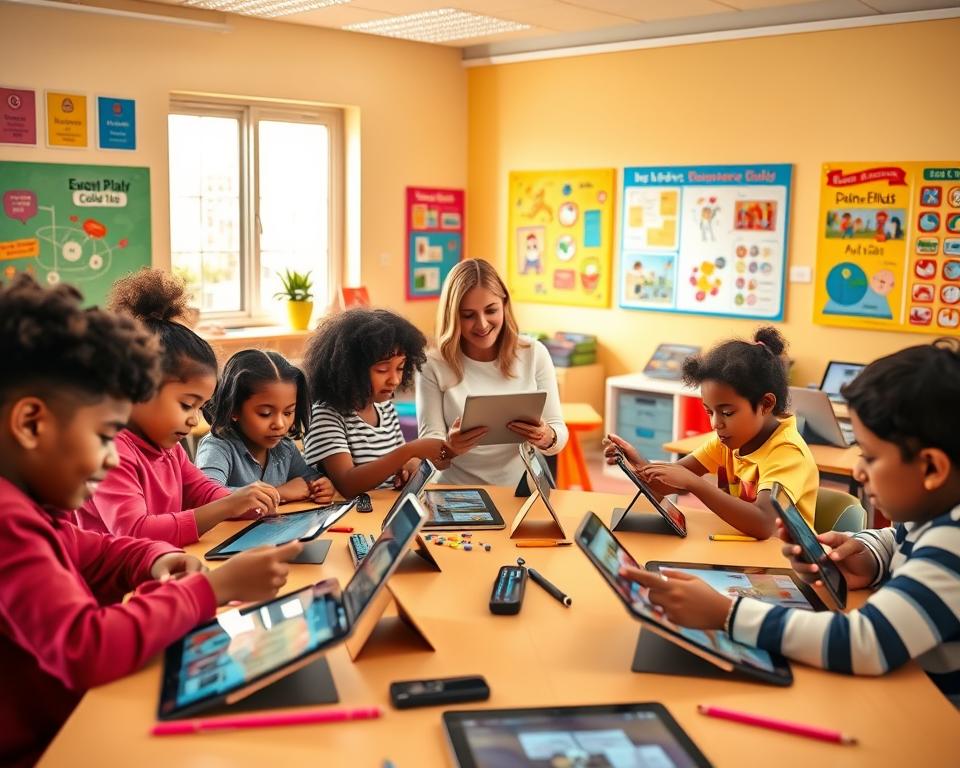
Adding developmental milestones to the app helps kids grow. This includes learning, social, and emotional skills. By matching the app’s content with these milestones, kids get the most out of it.
2.4 Creating Meaningful Learning Experiences
To make learning meaningful, developers need to know how kids learn. They use interactive elements, stories, and rewards to keep kids interested. This makes learning fun and effective.
Following these principles helps make educational apps that kids love. These apps offer valuable learning experiences.
3. Educational Psychology Foundations for App Design
Creating effective kids’ learning apps needs a deep grasp of educational psychology. It helps make learning fun and effective by understanding how kids learn and grow.
3.1 Constructivist Learning Theory Application
Constructivist learning theory says kids build their own knowledge through experiences. Kids’ learning apps can offer interactive and exploratory settings to help with this.
3.2 Scaffolding and Zone of Proximal Development
Scaffolding means giving kids temporary help as they learn new things. The zone of proximal development is the area where kids can learn with a little help.

3.3 Multiple Intelligence Theory in Digital Learning
Howard Gardner’s multiple intelligence theory says kids have different kinds of smarts. Learning apps can reach out to these different smarts with various activities.
3.4 Growth Mindset and Motivation Techniques
Teaching kids to see challenges as learning chances is key. Using things like games and rewards can keep kids interested and motivated.
| Theory | Application in Kids’ Learning Apps |
|---|---|
| Constructivist Learning Theory | Interactive and exploratory learning environments |
| Scaffolding and Zone of Proximal Development | Temporary support and gradual release of responsibility |
| Multiple Intelligence Theory | Varied learning activities catering to different intelligences |
By using these educational psychology basics, kids’ learning apps can be more effective and fun. They support kids’ learning and growth better.
4. Planning Your Educational App Project
To make an educational app that really helps, you need to plan well. This means taking several important steps. These steps make sure the app is both useful and fun for its users.
4.1 Defining Clear Learning Objectives
Setting clear learning objectives is key. These goals should be specific, measurable, achievable, relevant, and have a deadline (SMART). For example, an app for elementary school math might aim to improve addition and subtraction skills within a set time.
4.2 Target Audience Specification
Knowing who your target audience is is very important. Educational apps can be made for different age groups. Each group has its own special needs.
4.2.1 Preschool Apps (Ages 3-5)
Apps for preschoolers should focus on basic skills. This includes alphabet, counting, and social skills. The content should be fun and interactive, with lots of games and bright colors.
4.2.2 Elementary School Apps (Ages 6-11)
Apps for elementary school can explore more subjects. This includes math, science, and language arts. They should have quizzes and puzzles to keep kids interested.
4.2.3 Middle School Apps (Ages 12-14)
Apps for middle school can tackle harder topics. They should help kids think critically and solve problems. Interactive simulations and project-based learning are great for this.
4.3 Content Scope and Curriculum Alignment
The content scope must match curriculum standards. This makes sure the app is relevant and helpful. It’s important to know the educational standards of different areas and adjust the content as needed.
By planning well, developers can make an app that not only entertains but also helps kids learn.

5. Designing Engaging User Experiences for Children
To capture young learners, designing an intuitive and engaging user experience is key. A well-crafted experience can make learning fun and effective for kids.
5.1 Visual Design Principles for Young Users
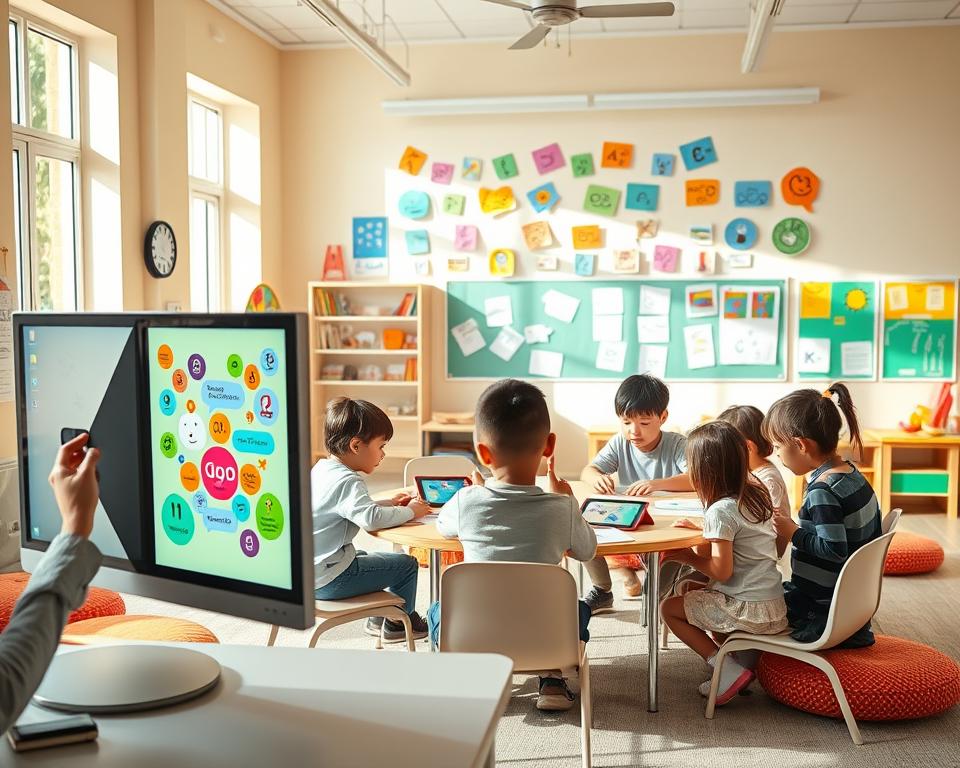
The visual design of a kids’ learning app is crucial. It must be appealing, engaging, and both fun and educational.
5.1.1 Color Psychology and Palette Selection
The colors in a kids’ app greatly affect their feelings and thoughts. Bright and vibrant colors boost creativity and energy. Softer pastel colors can calm them down. Choosing the right colors is vital for the app’s educational goals.
5.1.2 Typography and Readability Standards
Typography is key in visual design. Fonts should be clear, easy to read, and suitable for kids. San-serif fonts are best for digital screens because they’re clear and easy to read.
5.1.3 Character Design and Mascot Development
Characters and mascots make learning fun and interactive for kids. Good design helps guide them through the app. They also offer support and encouragement.
5.2 Intuitive Navigation for Different Age Groups
Intuitive navigation is vital for kids to use the app easily. The design should be simple, clear, and consistent. It must meet the needs of various age groups.
5.3 Touch Gestures and Motor Skill Considerations
Touch gestures make the app interactive and fun. But, we must think about the motor skills of the kids. Younger ones need simple and large touch targets.
5.4 Audio Design and Voice Integration
Audio design, like sound effects and voiceovers, enhances the experience. Clear and child-friendly voiceovers guide kids. Sound effects add feedback and make it more engaging.
6. Essential Features for Kids Learning Apps
Effective kids learning apps have special features for young learners. These features make learning fun and educational. They keep the app engaging for kids.
6.1 Adaptive Learning Algorithms
Adaptive learning algorithms are key in kids learning apps. They adjust the content’s difficulty based on the child’s performance. This personalized approach keeps the learning pace right, so the child stays interested and not overwhelmed.
6.2 Progress Tracking and Analytics
Progress tracking and analytics give insights into a child’s learning. They help parents and educators see where the child needs help. This allows for focused support.
6.3 Gamification Elements
Gamification elements make learning fun and engaging. They include:
- Points, Badges, and Achievement Systems: Motivating children with rewards and recognition.
- Storylines and Quest-Based Learning: Engaging children in a story that requires them to complete tasks and challenges.
- Leaderboards and Social Features: Creating a sense of competition and community among young learners.
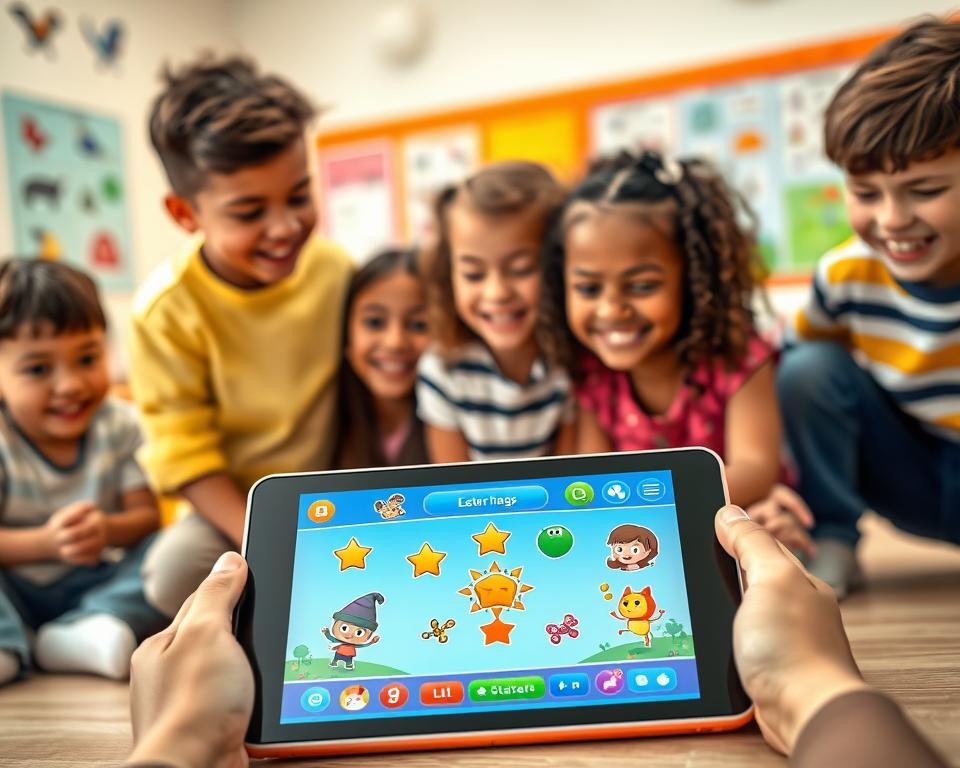
These systems reward children for their achievements. They encourage kids to keep learning.
6.3.2 Storylines and Quest-Based Learning
Storylines and quests turn learning into an adventure. This makes it more enjoyable and interactive for kids.
6.3.3 Leaderboards and Social Features
Leaderboards and social features let children compare their progress with peers. This promotes healthy competition.
6.4 Parental Dashboard and Controls
A parental dashboard and controls are crucial for child safety and progress monitoring. These features let parents:
- Track their child’s learning journey
- Set limits on screen time
- Monitor app activity
By adding these essential features, kids learning apps offer a safe, engaging, and comprehensive learning environment.
7. Building Coding and Programming Learning Features
Visual programming environments are changing how kids learn to code. They offer an easy and fun way to grasp programming ideas. This makes coding open to kids of all ages and skill levels.
7.1 Visual Programming Environments
Visual programming environments use pictures instead of text. This makes learning easier for kids. It helps them understand complex ideas without getting lost in code.
7.1.1 Block-Based Coding Interfaces
Block-based coding, like in Scratch and Blockly, lets kids build programs by dragging blocks. It’s great for beginners because it avoids syntax errors.
7.1.2 Scratch-Inspired Systems
Scratch-inspired systems add fun stories and games to block-based coding. They keep kids excited and eager to learn.
7.1.3 Drag-and-Drop Logic Builders
Drag-and-drop logic builders teach kids to think critically. They are key for developing problem-solving skills.
7.2 Progressive Skill Development Pathways
A good coding app should have clear learning paths. As kids get better, it should introduce harder concepts. This keeps them interested and learning more.
| Skill Level | Concept Introduced | Example Activity |
|---|---|---|
| Beginner | Loops and Sequences | Creating a simple animation |
| Intermediate | Conditional Statements | Building a basic game with rules |
| Advanced | Functions and Variables | Developing a complex interactive story |
7.3 Real-Time Feedback and Error Handling
Immediate feedback is key for learning. Coding apps should show kids how they’re doing. They should point out mistakes and suggest fixes.

7.4 Project-Based Learning Modules
Project-based learning lets kids use their coding skills in real projects. It makes learning stick and shows them coding’s value in the real world.
By adding these features, kids’ coding apps can offer a full and fun coding education. As coding skills become more important, these apps will help prepare the next generation for a tech-filled world.
8. Developing Design and Creative Skill Features
Learning apps with design and creative features can really help kids learn. They offer tools for imagination, self-expression, and solving problems.
8.1 Digital Art and Drawing Tools
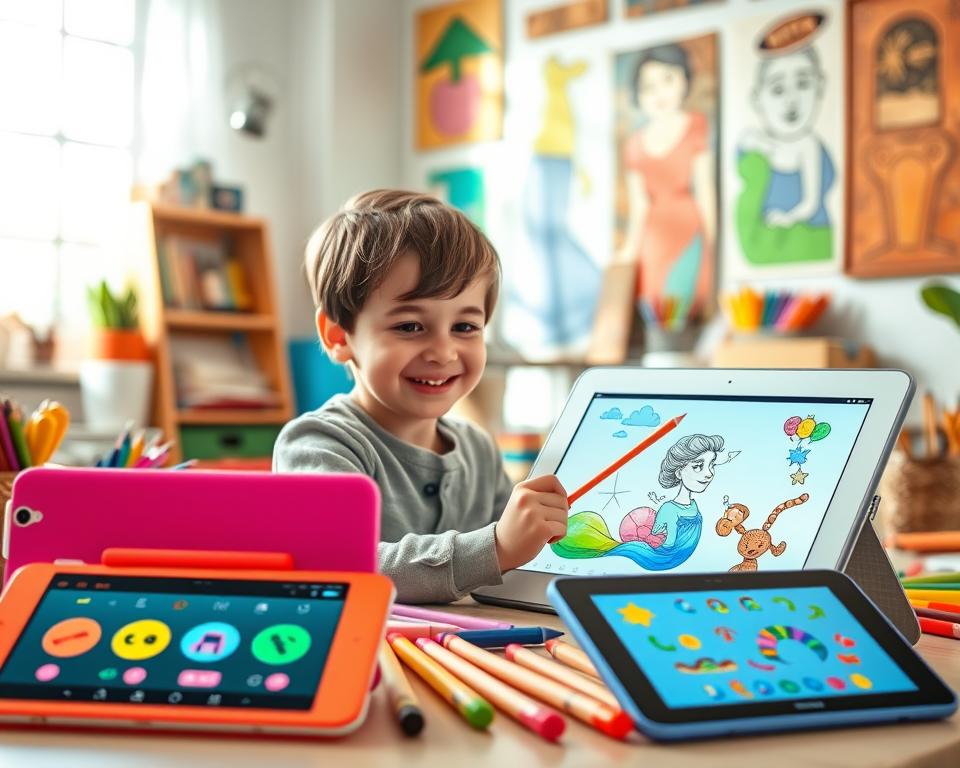
Digital art and drawing tools let kids show their creativity. They can use simple or complex tools. Key features include brushes, shapes, and colors for different styles.
8.2 Animation Creation Features
Animation tools let kids make their stories come alive. They can move characters and objects around. This helps them tell stories and understand timing.
8.3 Music and Sound Composition Tools
Music tools give kids another way to be creative. They can make music and learn about sound. Features may include virtual instruments and sound libraries.
8.4 Storytelling and Content Creation
Storytelling tools help kids share their ideas. They can use text, images, audio, and video. This way, they improve their storytelling and communication skills.
These creative features make learning apps more fun and educational. They offer a complete learning experience.
9. Technical Implementation and Development Stack
Creating a kids’ learning app needs a strong technical base for a smooth user experience. The choice of development stack and strategy is key to the app’s success.
9.1 Platform Selection Strategy
Picking the right platform for your kids’ learning app is vital. It depends on your audience and goals. You can choose iOS, Android, or go for cross-platform development.
9.1.1 iOS Development with Swift and SwiftUI
For iOS, Swift and SwiftUI are great. They offer a modern way to build interfaces and manage app logic. SwiftUI’s declarative syntax makes development easier and boosts app performance.
9.1.2 Android Development with Kotlin
Kotlin is top for Android app making. It has a concise syntax and safety features. It works well with Java and brings a modern twist to Android development.
9.1.3 Cross-Platform Solutions
Frameworks like React Native and Flutter let you make apps for both iOS and Android from one codebase. This saves time and money.

9.2 Backend Infrastructure and Cloud Services
A solid backend is key for storing user data and tracking progress. Cloud services like AWS and Google Cloud offer scalable solutions for these needs.
9.3 Database Design for User Progress
Creating an efficient database is crucial for storing user data. A well-designed database makes user data easy to access and use for personalizing the learning experience.
9.4 Performance Optimization Techniques
Improving app performance is vital for keeping users engaged. Techniques include reducing load times, managing memory, and saving battery.
9.4.1 Load Time Minimization
To speed up app loading, optimize assets, use caching, and implement lazy loading. These steps ensure the app starts fast and stays responsive.
9.4.2 Memory Management
Good memory management means releasing unused resources and avoiding memory leaks. This keeps the app running smoothly and prevents crashes.
9.4.3 Battery Efficiency
Keeping battery use low is key for user satisfaction. Reduce unnecessary network requests and optimize background tasks to achieve this.
By focusing on these technical strategies, developers can make educational and engaging kids’ learning apps.
10. Privacy, Safety, and Compliance Requirements
Privacy, safety, and following rules are key for kids’ learning apps. These apps handle sensitive data, so following rules is very important.
COPPA Compliance Guidelines
The Children’s Online Privacy Protection Act (COPPA) has strict rules for apps for kids under 13. To follow COPPA, apps need to get consent from parents, collect only necessary data, and have clear privacy policies.
COPPA Requirements:
- Get verifiable consent from parents
- Collect data only when needed
- Inform users about data collection
GDPR and International Privacy Laws
Apps also need to follow laws like the General Data Protection Regulation (GDPR) in the EU. Knowing these laws is important for apps to be used worldwide.
| Regulation | Key Requirement |
|---|---|
| COPPA | Get consent from parents for kids under 13 |
| GDPR | Get clear consent for data use |
Parental Consent Mechanisms
It’s crucial to have strong ways for parents to give consent. This can be through in-app forms, emails, or other methods. These ensure parents know and agree to how data is used.
“Getting verifiable consent from parents is not just a rule. It’s a way to build trust with parents about their kids’ data safety.”
Data Encryption and Security Measures
Using strong encryption is key for app security. Apps should use SSL/TLS encryption and safe storage to keep data safe from hackers.
Data encryption makes sure data is safe, even if it’s caught by hackers.
Content Moderation and Filtering
Keeping content safe is very important. Using filters and moderation tools helps keep a safe space for kids.
By focusing on privacy, safety, and following rules, developers can make trustworthy apps for kids. These apps help kids learn and are safe for parents too.
11. Testing and Quality Assurance with Young Users
Testing and quality assurance are key when making kids’ learning apps. They need to be fun and educational. A good testing plan is essential to meet these goals and ensure a smooth user experience.
Usability Testing Methods for Children
Testing with kids means watching how they use the app. This helps find any problems. It can happen in person or online. Important things to check include:
- Clear instructions and easy navigation
- Right touch gestures and motor skills needed
- Content that’s engaging and relevant
Educational Effectiveness Evaluation
Checking if an app teaches what it’s supposed to is important. This involves testing, feedback from teachers, and comparing with others. The aim is to make sure the app offers real learning experiences.
Accessibility Testing Standards
Testing for accessibility makes sure the app works for all kids. This means following rules like the Web Content Accessibility Guidelines (WCAG 2.1). Important things to test include:
| Accessibility Feature | Description | Importance Level |
|---|---|---|
| Screen Reader Compatibility | Ensures the app works with screen readers | High |
| Color Contrast | Text and background must have enough contrast | Medium |
| Closed Captions | Provides captions for audio and video | High |
Beta Testing with Parents and Educators
Beta testing with parents and teachers gives valuable feedback. This feedback helps improve the app.
By using these testing and quality assurance steps, developers can make learning apps that are both fun and effective.
12. Monetization and Business Models
Monetizing kids’ learning apps needs a balance between making money and keeping users happy. Developers have to pick the right ways to make money that fit their app and its users. This ensures the app can keep going.
Free vs Paid App Strategies
Choosing between free and paid apps is a big decision. Free apps might use ads or in-app buys, which can make money but might not be good if not done right. Paid apps are easier to make money from but might not be popular with parents because of the cost.
Subscription Models and Pricing Tiers
Subscription models give a steady flow of money and let users keep getting premium stuff. Having different pricing tiers helps reach more users, from those who want the free version to those who pay for more.
In-App Purchases and Content Packs
In-app purchases let users buy extra stuff or features, making the app more valuable. Selling content packs or bundles can encourage users to spend more.
School and Institution Licensing
Licensing the app to schools can be a big money-maker. This means selling the app as part of a bigger educational package or platform used by schools.
Ethical Monetization Practices
It’s important to use ethical monetization practices to avoid taking advantage of kids or risking their safety. This means being clear about prices, avoiding annoying ads, and making sure in-app buys are okayed by parents.
By picking and using these monetization strategies wisely, developers can make their kids’ learning apps profitable and still keep users happy.
13. Conclusion
Creating kids’ learning apps needs a detailed plan. It includes knowing the market, using educational psychology, making fun user experiences, and keeping things safe. As tech for learning gets better, we can make a bigger impact on kids’ learning.
The future of kids’ learning apps will see more AI, better controls for parents, and more creative tools. Keeping up with these tech trends helps developers make apps that teach and motivate kids.
To stay ahead, it’s key to mix learning with fun. Make sure the content is right for their age and the app is easy to use. As tech for learning changes, using new ideas and best practices is vital for success.


