







Creating a project management tool similar to Trello needs a deep understanding of key features. These features make it useful for users.
Choosing the right tech stack is also important. It affects the development cost and how the app works.
A detailed app development plan is key. It ensures a top-notch product that users will love.
Table of Contents
Key Takeaways
- Understanding the essential features of a project management tool.
- Selecting the appropriate tech stack for development.
- Estimating the development cost and timeline.
- Creating a comprehensive project plan.
- Delivering a high-quality product that meets user needs.
1. Understanding Trello and the Market Opportunity
Trello’s success comes from making complex projects simple. It’s loved by teams and individuals for this reason. This makes it a great model for other apps.

What Makes Trello Successful
Trello’s intuitive Kanban board system lets users see their projects clearly. It’s easy to use and can be customized for any project. This makes Trello useful in many industries.
Atlassian says Trello’s success is in its simplicity and flexibility. Its drag-and-drop feature, due dates, and integrations with other tools also help its popularity.
Market Demand for Project Management Tools
More people are working remotely, leading to a big need for project management tools. The global market for these tools is growing fast. Teams want better ways to work together.
“The rise of remote work has underscored the importance of digital tools that can facilitate seamless collaboration and project tracking.”
Why Build a Trello-Like App
Creating a Trello-like app can be very profitable. There’s a big market for project management tools. An app with new features or better functionality can grab a big share of this market.
It’s important to know what users need, make the app easy to use, and make sure it can grow and stay safe. By doing this, developers can make a top product for project managers and teams everywhere.
2. Essential Features for Your Trello-Like App
To make a great project management tool like Trello, you need key features. These features make the app easy to use and help manage projects well.
User Registration and Authentication
A good user registration and authentication system is key. It lets users sign up, log in safely, and manage their profiles. Using OAuth or social media login makes signing up easier for everyone.
Key considerations for user registration and authentication include:
- Email verification
- Password recovery
- Two-factor authentication (2FA)
- Integration with popular authentication services
Board Creation and Management
Boards are the main work area in Trello-like apps. They help organize tasks and projects. Being able to create, edit, and manage boards is essential.
Features to include:
- Customizable board backgrounds and settings
- Board permissions and access control
- Board duplication and archiving
Lists and Card System
Lists and cards are the core of Trello’s project management. Lists show different stages of a project, and cards have tasks or items.
| Feature | Description |
|---|---|
| Card Creation | Allowing users to create cards with titles, descriptions, and attachments. |
| Card Movement | Enabling users to move cards across lists. |
| Card Details | Providing detailed views for cards, including comments, checklists, and due dates. |
Drag-and-Drop Functionality
Drag-and-drop is a key part of Trello’s design. It lets users move cards between lists easily. This makes managing tasks simpler and more intuitive.
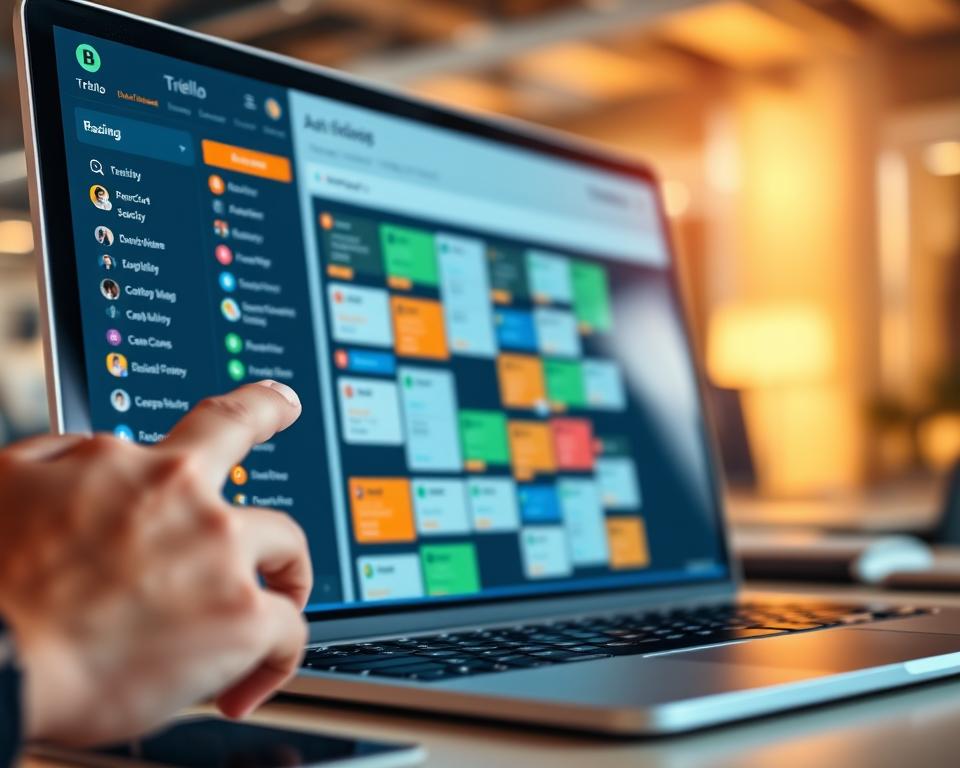
With these essential features, a Trello-like app can offer a strong and easy-to-use project management experience.
3. Advanced Features to Enhance User Experience
Improving user experience is crucial for a Trello-like app’s success. Advanced features are key to this. They make the app more comprehensive and engaging for users.
Labels and Tags
Labels and tags are vital for organizing tasks and projects. They help users categorize cards, making it easier to find and filter content. A robust labeling system with customizable colors and names boosts user experience.
- Enable users to create custom labels for different categories.
- Allow multiple labels per card for flexible organization.
- Use color-coding to make labels visually distinct.
Due Dates and Reminders
Due dates and reminders are essential for task management. They help users stay on track and meet deadlines. This reduces the chance of missed tasks.
- Implement a due date setter that integrates with the calendar.
- Provide reminders for upcoming deadlines to keep users informed.
- Allow users to customize reminder frequencies to suit their needs.
File Attachments and Media Support
File attachments and media support enhance collaboration. They allow users to share documents and media directly in the app. This is crucial for teams working on complex projects.
- Enable users to attach various file types, including documents, images, and videos.
- Implement a media player for previewing attached media files.
- Ensure that file attachments are securely stored and easily accessible.
Comments and Activity Tracking
Comments and activity tracking provide transparency. They allow team members to communicate and stay updated on project progress. These features are vital for a collaborative environment.
As Harvard Business Review notes, “Collaboration is key to success in today’s fast-paced business environment.” By implementing comments and activity tracking, you can foster a more collaborative and productive team.
“The future of collaboration is all about creating a seamless and intuitive experience that brings people together.”
4. Collaboration and Team Management Features
To make a Trello-like app, you need strong team collaboration and management tools. These tools help teams work better together. They make projects more productive and successful.
Team Workspaces
Team workspaces are key in any project management tool. They are where teams can work on projects together. They can share info and track progress.
A good team workspace lets you easily create and manage boards, lists, and cards. It also lets you invite team members and assign roles.
Member Roles and Permissions
Having member roles and permissions is important. It helps control who can see, edit, or manage your app. This keeps sensitive info safe and prevents data breaches.

Real-Time Collaboration
Real-time collaboration lets many users work on a project at the same time. It makes work more dynamic and interactive. This is great for teams on big projects that need constant updates.
Notifications System
A good notifications system keeps users updated on important events and changes. It can notify users about new tasks, due dates, comments, and more. A well-set up notifications system helps team members stay on track with their tasks.
By adding these features, you can make a Trello-like app that helps modern teams work better. It boosts their productivity.
5. Integration and Automation Capabilities
Integration and automation are key to unlocking the full potential of a Trello-like application. By incorporating various integrations and automation features, you can significantly enhance user experience and productivity.
Third-Party Integrations
Third-party integrations are vital for extending the functionality of your Trello-like app. They allow users to connect with other tools and services they use daily, streamlining their workflow. Popular integrations include Google Drive, Slack, and GitHub.
Benefits of Third-Party Integrations:
- Enhanced productivity through streamlined workflows
- Increased user satisfaction by providing access to a broader range of tools
- Competitive advantage in the market
| Integration | Description | Benefits |
|---|---|---|
| Google Drive | File storage and sharing | Easy access to files, collaboration |
| Slack | Team communication | Real-time notifications, enhanced collaboration |
| GitHub | Version control for developers | Direct link to code repositories, streamlined development process |
API Development
API development is crucial for allowing custom integrations. By providing a robust API, you enable developers to build custom integrations tailored to their specific needs, further extending your app’s capabilities.
Key Considerations for API Development:
- Security: Ensure that your API is secure and follows best practices for authentication and authorization.
- Documentation: Provide comprehensive documentation to help developers understand how to use your API effectively.
- Support: Offer support for developers, including SDKs and code samples.
Automation Rules and Butler-Like Features
Automation rules and Butler-like features allow users to automate repetitive tasks within your app, significantly enhancing productivity. These features can be customized to fit various workflows and user needs.
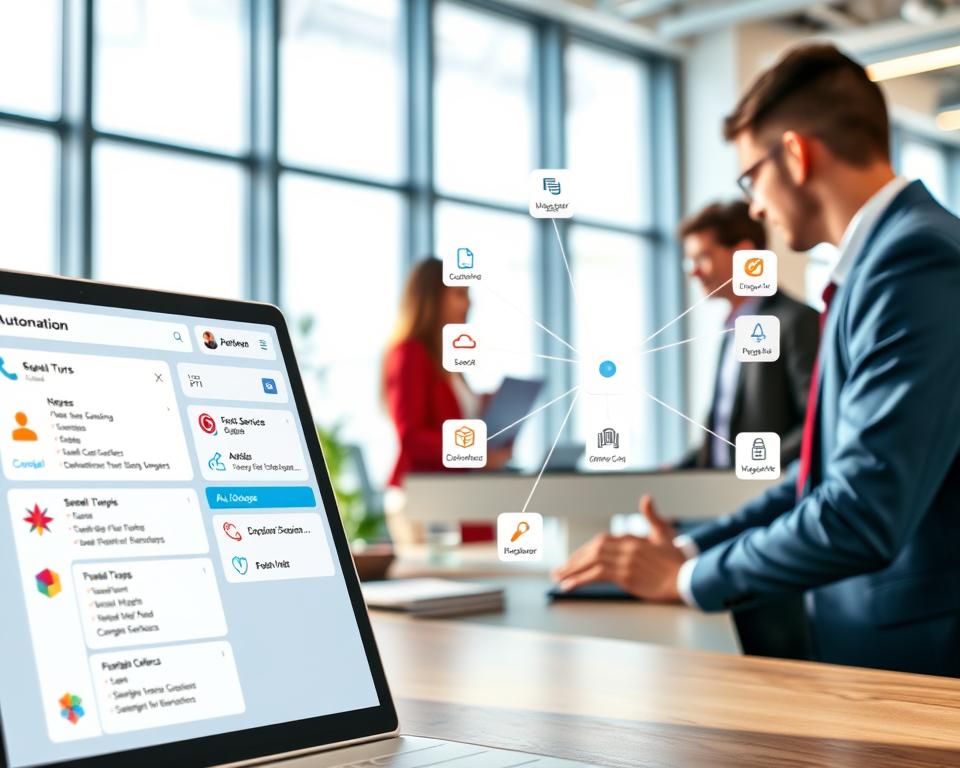
- Automatically moving cards to a specific list when their status changes
- Sending notifications when a due date is approaching
- Assigning tasks to team members based on predefined rules
By incorporating these integration and automation capabilities, you can make your Trello-like app more appealing to a wider range of users, enhancing its overall value proposition.
6. Frontend Technology Stack
A good frontend tech stack is key for a successful Trello-like app. It makes sure users have a smooth and easy experience. The frontend is what users see and use, so it must work well.
React.js for Web Application
React.js is a top choice for building web interfaces, especially for apps like Trello. It uses a component-based system. This makes it easy to reuse parts of the app and keep it up to date.
Key Benefits of React.js:
- Virtual DOM for better performance
- Big community and lots of resources
- Great for managing app state
React Native or Flutter for Mobile Apps
For mobile apps, you can pick between React Native and Flutter. Both let you build apps for both iOS and Android without writing separate code.
| Framework | Language | Cross-Platform | Performance |
|---|---|---|---|
| React Native | JavaScript | Yes | Near-native |
| Flutter | Dart | Yes | Near-native |
State Management Solutions
Good state management is vital for a smooth app. Solutions like Redux and MobX work well with React apps.
Considerations for State Management:
- How complex the app state is
- How big the app needs to be
- How well it fits with your chosen framework
UI/UX Frameworks and Libraries
There are many UI/UX tools to make your app look and feel great. For React apps, Material-UI and Ant Design are favorites.

Choosing the right frontend tech stack is crucial. It makes your Trello-like app fast and easy to use. This gives you an edge in the market.
7. Backend Technology Stack
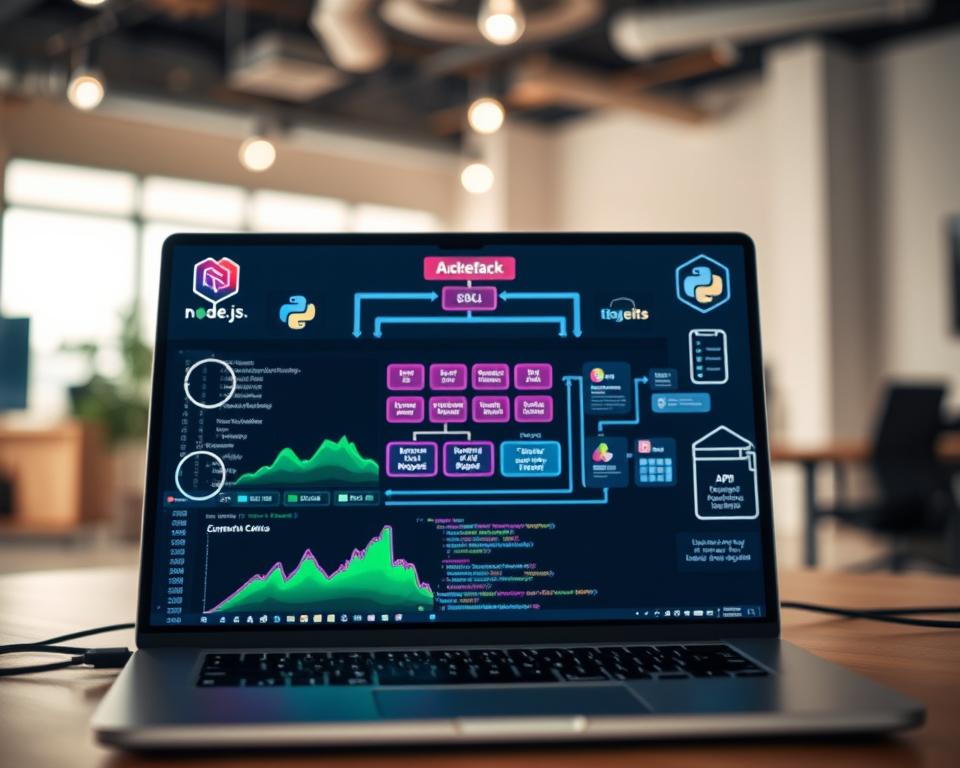
The backend technology stack is key in making a Trello-like app scalable and efficient. It handles data storage, processing, and communication between the frontend and database.
Node.js and Express.js
Node.js is great for backend development because of its non-blocking, event-driven architecture. It’s perfect for real-time apps. Express.js, a lightweight framework, makes building web applications easier. Together, they create a strong and scalable backend.
Using Node.js and Express.js means a JavaScript-based backend. This makes development smoother and reduces the hassle of switching between programming languages.
Alternative Backend Frameworks
While Node.js and Express.js are favorites, other frameworks are worth looking at:
- Django (Python): It’s a high-level framework for fast development and clean design.
- Ruby on Rails (Ruby): It’s known for quick web app building with its convention over configuration approach.
- Laravel (PHP): A PHP framework with tools and features for complex web applications.
Each framework has its own strengths. The choice depends on the project’s needs, the team’s skills, and how fast you want to develop.
RESTful API vs GraphQL
Developers have two main options for designing a Trello-like app’s API: RESTful API and GraphQL.
| Feature | RESTful API | GraphQL |
|---|---|---|
| Data Fetching | Fixed data structures | Flexible, query-based |
| API Endpoints | Multiple endpoints | Single endpoint |
| Data Overhead | Can be more | Reduces overhead |
| Learning Curve | Well-established, straightforward | Steeper, due to query complexity |
RESTful APIs are traditional and easy to understand. GraphQL offers more flexibility in data querying. The choice depends on the project’s needs and the team’s experience.
WebSocket for Real-Time Features
For apps needing real-time updates, like live card updates or instant notifications, WebSocket is essential. It allows for real-time communication between the client and server. This makes updates efficient without needing to poll.
Using WebSocket improves the user experience by providing timely updates. It keeps the app state consistent across all connected clients.
8. Database and Storage Solutions
The heart of a strong Trello-like app is its database and storage setup. A good database stores data well and helps the app grow and work smoothly under different loads.
MongoDB for Flexible Data Structure
MongoDB is great for apps needing flexible data. Its document model lets data be stored like JSON, perfect for big amounts of varied data.
MongoDB Benefits:
- Flexible schema design
- High scalability
- Support for large volumes of data

PostgreSQL as Relational Alternative
PostgreSQL is a strong relational database. It has many features, like supporting complex transactions and advanced queries. It’s best for apps needing strict data consistency and complex data models.
PostgreSQL Advantages:
- ACID compliance
- Advanced indexing
- Support for complex queries
Cloud Storage for File Management
Cloud storage, like AWS S3 or Google Cloud Storage, is key for managing files in apps. They offer scalability, reliability, and speed, making sure files are safe and easy to access.
Cloud Storage Benefits:
- Scalability and reliability
- High performance
- Secure data storage
Caching with Redis
Redis is an in-memory data store for caching. It boosts app performance by storing often-used data. This cuts down database load and speeds up responses.
Redis Advantages:
- High performance caching
- Reduced database load
- Improved response times
9. Development Process and Phases
To create a Trello-like app, you must go through several development stages. Each stage has its own challenges and chances. The development process is key to the app’s success, with a series of planned stages.
Discovery and Planning Phase
The first step is the discovery and planning phase. This stage includes market research and defining the target audience. It’s vital to know the competitive landscape and user needs to make a product that meets the market’s demands.
In this phase, the development team works with stakeholders to outline the project’s scope and goals. A detailed project plan is made, including milestones and deliverables, ensuring everyone is on the same page.
Design and Prototyping
After planning, the next step is designing and prototyping the app. This involves creating the UI and UX design, making sure the app is easy to use and looks good. A good prototype lets you test and validate ideas before starting development.

The design phase is crucial for user adoption and retention. By making wireframes and high-fidelity prototypes, developers can improve the design based on feedback. This ensures the final product meets user expectations.
MVP Development
With the design and prototype ready, the next step is developing the Minimum Viable Product (MVP). The MVP includes the essential features for the app to be functional. Focusing on the MVP lets developers test the product with real users, gather feedback, and make informed decisions about future development.
MVP development is a smart approach to reduce the risk of investing in a product that may not meet user needs. By launching an MVP, developers can validate assumptions and improve the product, ensuring future development aligns with user expectations.
Testing and Quality Assurance
Testing and quality assurance are key parts of the development process. This stage includes thorough testing to find and fix bugs, ensure the app works as expected, and meets standards. Quality assurance processes help deliver a stable and reliable product.
Various testing methods are used, like unit testing, integration testing, and user acceptance testing (UAT). By doing thorough testing, developers can make sure the app is strong, secure, and offers a great user experience.
Deployment and Launch
The last phase is deploying and launching the app. This involves setting up the infrastructure, deploying the app to production, and making it available to users. A well-planned deployment strategy is crucial for a successful launch, ensuring the app can handle the expected load and perform well.
After launching, it’s important to monitor the app’s performance, gather user feedback, and make continuous improvements. This way, developers can keep the app competitive and meet evolving user needs.
“The key to a successful app launch is not just in the development, but in the thorough planning and execution of each development phase.”
10. Trello Like App Development – Features, Cost, Tech Stack & Timeline Breakdown
Knowing the cost to make a Trello-like app is key for planning. The price depends on the app’s features, tech used, and the team’s skills.
MVP Development Cost
The cost to make an MVP for a Trello-like app changes. An MVP has basic features like signing up, making boards, and simple task management.
- Basic Features: User registration, board creation, lists, and cards.
- Development Time: Usually 8-12 weeks.
- Cost: Can be between $30,000 to $60,000.
Full-Featured App Cost
A full-featured Trello-like app has more features. These include real-time teamwork, integrations, and detailed stats.
- Advanced Features: Real-time collaboration, third-party integrations, and detailed analytics.
- Development Time: Usually 16-24 weeks or more.
- Cost: Can be between $80,000 to $150,000 or more.
Cost Factors and Variables
Several things affect the cost:
- Complexity of Features: More complex features need more time.
- Technology Stack: The tech used affects the cost.
- Development Team: The team’s location, skills, and size change the cost.
Timeline for Different Development Phases
The app’s development timeline is divided into phases:
| Phase | Timeline |
|---|---|
| Discovery and Planning | 1-2 weeks |
| Design and Prototyping | 2-4 weeks |
| MVP Development | 8-12 weeks |
| Full-Featured App Development | 16-24 weeks or more |
11. Development Team Structure and Requirements
To build a Trello-like app, you need a team with the right skills. The success of your project depends on your team’s structure and skills.
Essential Team Members
A good development team for a Trello-like app has several key roles:
- Project Manager: Manages the project’s timeline, budget, and resources.
- UX/UI Designer: Designs the app’s user interface and experience.
- Frontend Developer: Builds the app’s client-side.
- Backend Developer: Handles server-side logic, database, and API connectivity.
- Quality Assurance (QA) Engineer: Tests the app for bugs and quality.
- DevOps Engineer: Manages the development environment and deployment.
In-House vs Outsourced Development
You can choose between in-house or outsourced development for your team. Each option has its advantages and disadvantages.
| Criteria | In-House Development | Outsourced Development |
|---|---|---|
| Control and Communication | Direct control and easier communication. | Potential communication barriers and less control. |
| Cost | Higher costs for salaries, benefits, and infrastructure. | Cost-effective, as you pay for the service. |
| Expertise | Team dedicated to your project, deeper understanding. | Access to various expertise and experiences. |
Hiring Considerations
When hiring for in-house or outsourced development, consider these factors:
- Experience: Choose professionals with experience in project management tools.
- Technical Skills: Ensure they have the right technical skills for your project.
- Portfolio: Review their previous work to assess their capabilities.
- Cultural Fit: For in-house teams, cultural fit is key for teamwork and productivity.
12. Monetization Strategies for Your App
A good monetization plan is key for your Trello-like app’s success. It can greatly boost your app’s earnings and user base.
Freemium Model
The freemium model gives a basic app for free and charges for extra features. It lets users try your app before buying.
Benefits of the Freemium Model:
- More users try your app
- Chance to sell more features
- Stands out in a crowded market
To make the freemium model work, balance free and paid features. The free version should be useful but not too full to make users want more.
Subscription Plans
Subscription plans offer regular income by charging users monthly or yearly. This is great for apps that keep giving value, like project management tools.
Key Considerations for Subscription Plans:
- Offer different prices for various needs
- Be clear about what each plan offers
- Give users flexible payment options
Enterprise Solutions
Enterprise solutions customize your app for big companies. They need special features, support, and can grow with their needs.
Advantages of Enterprise Solutions:
| Feature | Benefit |
|---|---|
| Customization | Meets specific company needs |
| Dedicated Support | Fast help for big issues |
| Scalability | Handles lots of users and big projects |
Offering enterprise solutions can bring in big clients and lots of money. It’s all about customized services and support.
13. Challenges and Best Practices
Starting to make a Trello-like app can be tough. You need to make it easy to use, keep data safe, and grow with more users.
Common Development Challenges
There are a few big hurdles when making a Trello-like app:
- Creating an easy-to-use interface for managing projects
- Adding features for real-time teamwork without slowing down
- Keeping user data safe and following privacy laws
- Building a system that can handle more users as it grows
To overcome these, you need a solid plan. This includes best practices in UI/UX design, real-time data syncing, and security.
Security and Data Protection
Keeping data safe is key in project management apps. Here’s how to protect it:
- Use end-to-end encryption for data safety.
- Set up strong authentication like two-factor login.
- Keep your system up to date to avoid security risks.
Scalability Considerations
To grow with your users, think about these:
- Build a microservices architecture for easier scaling.
- Choose cloud services that can grow with you.
- Use efficient data storage to handle more users.
User Retention Strategies
Keeping users is just as important as getting them. Here’s how:
- Try a freemium model to show the app’s value.
- Keep adding new features and improving based on feedback.
- Make sure customer support is top-notch.
By focusing on these, you can make a Trello-like app that meets and exceeds user needs. This leads to long-term success.
14. Conclusion
Creating a Trello-like app means knowing a lot about project management tools. It also means understanding what today’s teams need. You’ll need to add features like user sign-up, board making, and live teamwork to make it strong and easy to use.
The tech stack, like React.js, Node.js, and MongoDB, is key for a solid app. Knowing how to go from the start to launch is important for success.
As more teams look for project management tools, your app can benefit. Focus on making it easy to use, team-friendly, and connected to other apps. This way, you’ll make a product that stands out and keeps users coming back.
Knowing how to develop, the costs, and how to make money is crucial. With these steps, you’re ready to start making your Trello-like app. Keep your focus on what users want, and you’ll make a hit project management tool.


