






The digital world is changing fast, with social media taking over our lives. Content creators want to make high-quality videos from their phones. This need has led to a big increase in demand for easy-to-use tools that give pro results.
Today, people want to share stories quickly and easily online. The market for mobile video editing software is growing fast in the United States. Many entrepreneurs are trying to tap into this trend by creating platforms that make complex tasks simple for everyone.
To succeed in this competitive field, understanding what users want is key. By looking at the famous CapCut interface, designers can find out what keeps millions engaged. Starting this development journey means diving deep into user experience and current social trends.
Table of Contents
Key Takeaways
- Social media popularity drives the need for faster content creation.
- Users want professional quality tools on their mobile devices.
- Market demand for creative software continues to grow in the United States.
- Intuitive interfaces are essential for maintaining high user retention.
- Success requires a thorough analysis of current digital media trends.
- Mobile platforms are the primary choice for modern digital storytellers.
1. The Rise of Mobile Video Editing and CapCut’s Success Story
Mobile video editing apps like CapCut are becoming more popular. This is because they are easy to use and accessible everywhere. Creators all over the world prefer them.
CapCut stands out because it’s easy to use and has many features. It helps creators with basic and advanced tasks. This makes it a favorite for many.
But, CapCut faced challenges in the US market. It was banned on January 19, 2025. Although it was later allowed back, it’s still not in app stores. This has opened doors for other video editing apps.
Impact of the Ban on CapCut’s User Base
The ban on CapCut made people look for other video editing apps. They want something that works just as well.
| Feature | CapCut | Alternative Apps |
|---|---|---|
| Video Editing Tools | Advanced trimming, cutting, and merging | Similar tools with varying degrees of complexity |
| User Interface | User-friendly and intuitive | Varied, with some offering more simplicity and others more advanced features |
| Availability | Currently restricted in US app stores | Generally available, with some being exclusive to certain platforms |
The table shows what CapCut and its alternatives have in common and what’s different. As more people look for alternatives, there’s a big chance for new apps to shine.

Mobile video editing is getting more popular. With CapCut facing limits, there’s a big need for other apps that can do similar things.
2. Understanding the CapCut App Model and Its Core Value Proposition
Let’s explore what makes CapCut so popular. It’s a video editing app that suits everyone, from beginners to pros. Its success lies in offering a full range of editing tools.
Its fame comes from AI-powered video editing. This makes editing easy and fun. We’ll look at what makes CapCut stand out, like its features, design, and business model.
2.1 Key Features That Drive CapCut’s Popularity
CapCut is loved for its many tools and features. It has an easy-to-use interface and advanced editing tools. Here are some key features:
- Intuitive editing interface
- AI-powered editing tools
- Wide range of filters and effects
- Advanced color grading options
These features, along with AI-powered video editing, attract users. They want to make great videos without needing to be experts.
2.2 User Experience Design Philosophy
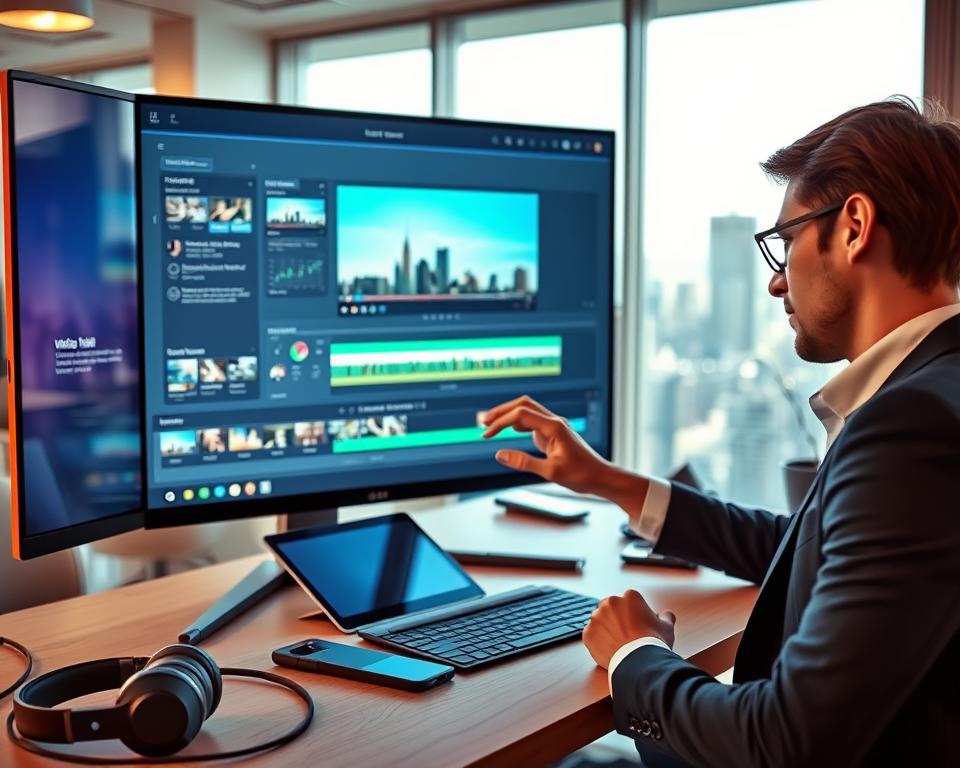
CapCut focuses on simplicity and ease of use. Its design makes it simple for beginners to start editing. The app’s design is clean and easy to navigate.
- Clean and minimalistic interface
- Easy-to-use navigation
- Real-time preview and feedback
This design philosophy helps CapCut attract new users. It makes video editing accessible to everyone.
2.3 Freemium Approach That Converts Users
CapCut uses a freemium model. It offers free and premium features. This lets users try the app for free and then upgrade if they want more.
- Provides a risk-free trial experience
- Showcases the value of premium features
- Encourages users to upgrade for additional capabilities
This model helps CapCut turn users into paying customers. It offers a great video editing app experience with both free and premium features. This keeps users happy and loyal.
3. Market Analysis for Video Editing Apps in the United States
The demand for mobile video editing is growing fast in the US. This market offers both chances and challenges. It has a wide range of users and apps with different features.

3.1 Target Audience and User Demographics
The US video editing app market targets many users, from pros to casuals. Understanding demographics is key to meeting their needs. Younger users often want advanced features like AI editing and sharing on social media. Older users might prefer simpler apps.
Users can be divided by age, job, and why they edit videos. For example, film pros need complex software with multi-track editing and color grading. Social media stars and casual users might prefer apps with filters and easy interfaces.
3.2 Market Size and Revenue Projections
The US video editing app market has grown a lot lately. This growth is thanks to social media’s rise and more people making their own content. The market is expected to keep growing, with more people using mobile video editing tools.
Apps make money through subscriptions, in-app buys, and ads. The freemium model is popular, offering basic features for free and premium ones for a fee.
3.3 Competitive Landscape and Opportunities
The US video editing app market is very competitive. Big names like Adobe and LumaFusion, and new players like CapCut, are all in the game. To succeed, developers need to find what makes their app unique.
Ways to stand out include using AI, making the app easy to use, and offering special features for certain users.
4. Essential Video Editing Features Your App Must Include
A video editing app’s success depends on its tools. It needs to offer a wide range of editing features for all users. Knowing what features are expected is key to making a competitive app.
4.1 Timeline-Based Editing and Multi-Layer Support
Timeline-based editing lets users arrange their media in order. Multi-layer support allows for working with different video and audio layers. This boosts creativity and flexibility.
A good video editing app has a strong timeline editor. It should handle various media and offer tools like zooming and scrolling for precise editing.
4.2 Trimming, Splitting, and Merging Tools
Trimming, splitting, and merging are essential for any app. They help users refine their videos by removing parts, dividing clips, and combining them.
For more on making a full-featured video editing app, check our guide on how to develop an app like.
4.3 Speed Control and Reverse Video Options
Speed control and reverse video options add creativity. They let users create dramatic effects or share information quickly. Reversing video adds unique visual effects.
4.4 Filters, Effects, and Color Grading
Filters, effects, and color grading are vital for a video’s look. A wide range of filters and effects can change a video’s style. Color grading tools help set a mood or atmosphere.
| Feature | Description | Importance Level |
|---|---|---|
| Timeline-Based Editing | Allows for chronological arrangement of media assets | High |
| Trimming, Splitting, and Merging | Basic editing operations for refining video content | High |
| Speed Control and Reverse Video | Enhances creative possibilities with speed adjustments and reverse playback | Medium |
| Filters, Effects, and Color Grading | Transforms the aesthetic appeal of the video | High |

5. Advanced Features That Set Premium Apps Apart
To stand out, a CapCut alternative needs advanced features for both casual users and pros. These features improve the editing experience and give a competitive edge in the market.
5.1 Keyframe Animation and Motion Tracking
Keyframe animation lets creators control video elements precisely, making complex animations and effects possible. Experts say it’s a game-changer for adding a professional touch to videos. Motion tracking tracks objects in a video, adding sophistication to editing.
Adding keyframe animation and motion tracking makes a video editing app more appealing to pros. These features are great for making engaging social media content, music videos, and more.

5.2 Chroma Key and Green Screen Effects
Chroma keying, or green screening, lets editors swap a video’s background with any image or video. It’s used a lot in film, TV, and online content.
Good chroma key effects need advanced algorithms for edge detection, color matching, and lighting. A CapCut alternative with top-notch chroma keying will attract users seeking professional editing.
5.3 Professional Transitions and Overlays
Transitions and overlays are key in video editing, helping to smoothly move between scenes and add visual interest. Professional transitions include complex effects like 3D animations and particle simulations.
A video editing app with many professional transitions and overlays opens up more creative possibilities. This is especially good for social media influencers, YouTubers, and other content creators who need visually appealing videos.
“The right transitions and overlays can turn a good video into a great one,” says a veteran video editor. This shows how important a diverse and high-quality library of transitions and overlays is in a premium video editing app.
6. AI and Machine Learning Integration for Smart Editing
AI and machine learning are changing video editing. They automate tasks, boost video quality, and make editing easier. These technologies add advanced tools to video editing apps.
6.1 Automatic Caption and Subtitle Generation
AI can automatically create captions and subtitles. It uses speech recognition to transcribe audio into text. This makes content more accessible and saves time.
Apps like CapCut use this feature to improve user experience.
6.2 AI-Powered Video Enhancement and Stabilization
AI enhances and stabilizes video quality. It adjusts brightness, contrast, and color balance. It also smooths out shaky footage.
For more on AI video editing, check out this resource. It offers insights and key features.
6.3 Smart Scene Detection and Auto-Editing
AI detects scenes and suggests edits. It creates a polished video automatically. This is great for beginners who want professional results.
6.4 Background Removal and Object Recognition
AI identifies objects in videos. It lets users remove or replace backgrounds. This opens up creative possibilities.
AI and machine learning make editing faster and better. As AI grows, we’ll see more cool features in video editing apps.
7. Audio Editing and Music Library Implementation
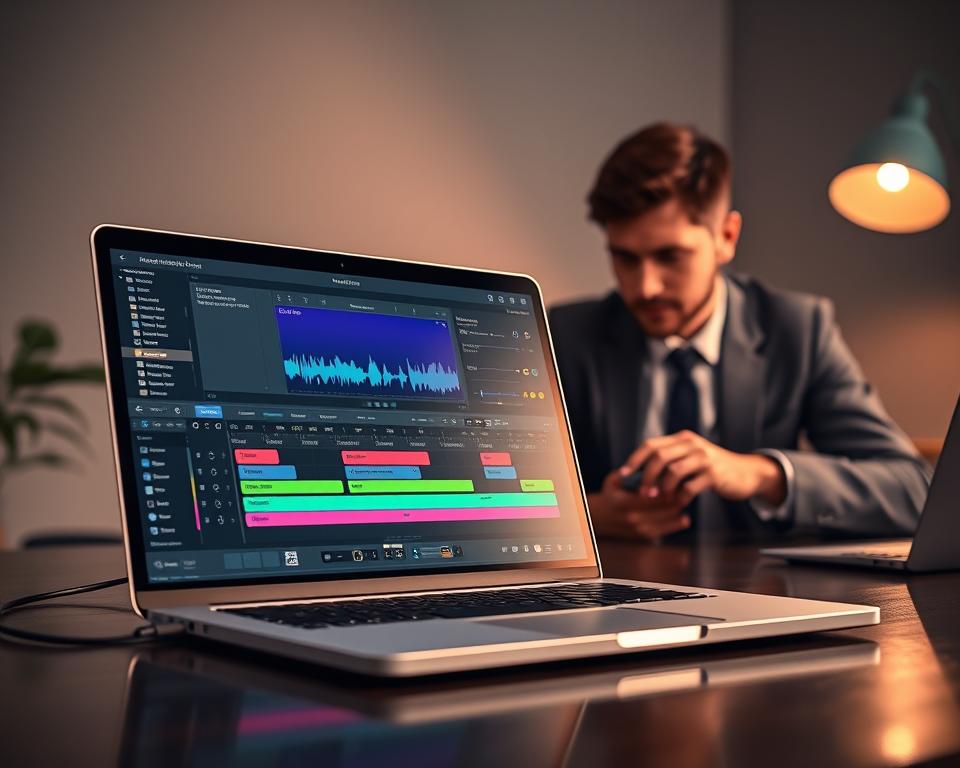
Good video editing needs strong audio editing tools. These tools help make videos that grab viewers’ attention. In a video editing app, tweaking audio can really boost the video’s quality.
Audio editing tools help make videos look and sound better. You can adjust sound levels, add music, and use effects. A good audio editing feature set makes the app more enjoyable to use.
Audio Mixing and Volume Control
Being able to mix and control audio levels is key. It lets users balance music, voiceovers, and original sounds. Good audio mixing makes sure the video’s key parts are clear and loud.
For example, you might need to lower music when someone is speaking. This control is essential for a balanced sound. Top video editing software should have easy controls for volume adjustments, like fade-ins and fade-outs.
Royalty-Free Music Library Integration
A royalty-free music library is a must-have in a video editing app. It gives users a wide range of music tracks without copyright worries. This is crucial for creators who want to use their videos for money.
With a royalty-free music library, users can easily add quality music to their videos. This improves the video’s quality and saves users from the trouble of finding music elsewhere.
Voice Recording and Audio Effects
Being able to record voiceovers directly in the app is very useful. It makes editing videos easier, especially when you’re on the move. Also, having audio effects like noise reduction and echo can make the audio sound better.
These features make the video editing process more complete. By giving users the tools to improve their audio, developers can make their video editing app stand out.
| Audio Feature | Description | Benefit |
|---|---|---|
| Audio Mixing | Allows users to balance different audio tracks | Enhances overall audio quality |
| Royalty-Free Music | Provides access to copyright-free music tracks | Saves users from copyright issues |
| Voice Recording | Enables users to record voiceovers within the app | Increases convenience and flexibility |
| Audio Effects | Offers various effects to enhance audio quality | Improves the overall video production value |
8. Technology Stack for CapCut Like Video Editing App Development
Choosing the right technology stack is key for a smooth video editing app. It includes frontend and backend tech, video processing, cloud storage, and databases.
For a CapCut-like app, picking the right tech stack is crucial. It affects the app’s performance, growth, and upkeep. The tech stack impacts how well the app handles video editing, user interface, and supports many users.
8.1 Frontend Technologies for iOS and Android
Frontend tech is vital for a good user interface in mobile apps. For iOS, Swift and SwiftUI are top choices for their performance and design. For Android, Kotlin and Jetpack Compose are favored for their simplicity and power.
Cross-platform tools like React Native and Flutter are great for iOS and Android apps. They share code, saving time and money.
8.2 Backend Architecture and Server Infrastructure
The backend handles tasks like user login, video processing, and data storage. A microservices architecture is good for video apps. It lets different parts work and grow separately.
Node.js and Express.js are top picks for the backend server. They’re scalable and fast. Cloud providers like AWS or Google Cloud are great for hosting the backend.
8.3 Video Processing Frameworks and Libraries
Video processing is essential for any editing app. FFmpeg is a top choice for its wide range of video tasks, like trimming and adding effects.
For advanced AI features, OpenCV and TensorFlow Lite are great. They enable features like object detection and video stabilization.
8.4 Cloud Storage and Content Delivery Networks
Cloud storage like Amazon S3 and Google Cloud Storage is key for storing user content. They offer scalable storage that grows with the app.
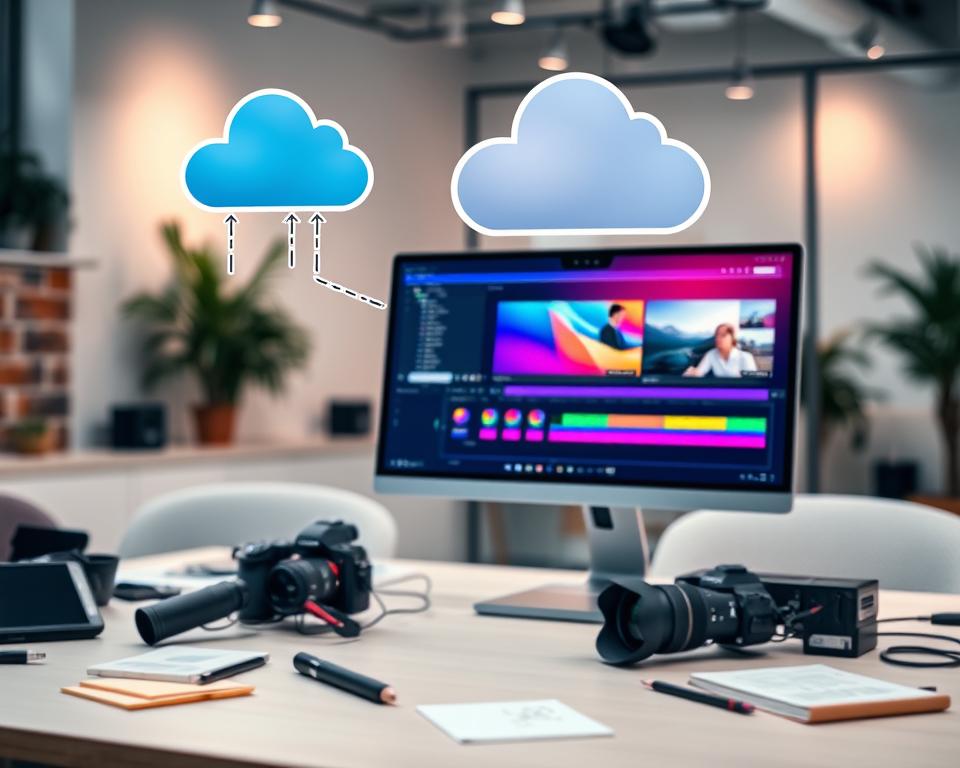
A Content Delivery Network (CDN) helps distribute content worldwide. It reduces latency and boosts user experience.
8.5 Database Solutions for User Data Management
For user data, a mix of relational and NoSQL databases works well. MySQL and MongoDB are good choices. The right database depends on the app’s data needs.
Choose databases that scale, are always available, and handle complex queries well.
9. Cross-Platform Development Approach and Considerations
Cross-platform development has changed how video editing apps are made. It’s a cost-effective way to make apps for both iOS and Android. This method lets developers work on one codebase for many platforms, saving time and money.
Choosing between native development and cross-platform tools like React Native and Flutter depends on several things. These include how well the app needs to perform, the resources available, and what the user experience should be like.
Native Development vs. React Native vs. Flutter
Native development gives the best performance and direct access to device hardware. It’s perfect for complex apps like video editors. John Smith, a renowned mobile app development expert, says, “Native development offers the best user experience but requires more time and resources.”
Cross-platform tools like React Native and Flutter let developers make apps for both iOS and Android from one codebase. React Native uses JavaScript and JSX for a web-like development experience. Flutter, built on Dart, has a rich set of widgets and is highly customizable.
“The choice between React Native and Flutter depends on the team’s skills and the project’s needs,” says Jane Doe, a mobile app development consultant
Platform-Specific Optimization Strategies
Optimizing the app for each platform is key, no matter the development method. It’s important to know the unique features and limitations of iOS and Android devices.
- For iOS, this might include using ARKit for augmented reality or optimizing for the latest iPhone.
- For Android, it could involve using Google services or ensuring compatibility across many devices.
Code Reusability and Maintenance Efficiency
One big plus of cross-platform development is code reusability. Sharing a lot of code between iOS and Android reduces maintenance and keeps the app consistent across platforms.
But, finding the right balance between code sharing and platform-specific optimization is key. As the development world changes, being able to adapt and maintain the app well is vital for its success.
By carefully choosing the development approach and considering performance, resources, and user experience, developers can make a top-notch video editing app. This app can compete with CapCut and meet the needs of the US market.
10. User Interface Design Principles for Video Editing Apps
A good user interface is key for a video editing app. It affects how users enjoy and stick with the app. Steve Jobs once said,
“Design is not just what it looks like and feels like. Design is how it works.”
This idea is very important for video editing apps. A simple design makes using the app much better.
An easy-to-use interface is vital. It should have a timeline, templates, and gestures. The design should be simple and easy to use. This lets users enjoy the app without getting lost in complexity.
10.1 Intuitive Timeline and Editing Interface
The timeline is the core of a video editing app. It shows how the video project is set up. An easy timeline lets users arrange, trim, and edit clips smoothly. Key features include:
- Clear and concise clip representation
- Easy drag-and-drop functionality
- Precise trimming and splitting tools
10.2 Template Library and Asset Organization
A good template library saves time and boosts creativity. It offers pre-made templates for different projects. Efficient asset organization is also key. It lets users quickly find and manage their media.
10.3 Gesture Controls and Touch Interactions
Gesture controls and touch interactions are crucial for mobile devices. Simple gestures like pinch-to-zoom and swipe-to-navigate make the app easy to use. A UI/UX expert noted,
“The best interfaces are those that feel almost invisible, allowing users to focus on their content rather than the interface itself.”
10.4 Preview and Real-Time Rendering Display
Real-time rendering and preview are must-haves. They let users see their edits immediately. This keeps the editing process smooth and fun.
By following these design principles, video editing apps can offer a better experience. They become more engaging, intuitive, and useful for users.
11. Development Process From Concept to Launch
Creating a CapCut-like video editing app is a detailed process. It goes from the idea stage to when it’s ready to be released. This journey is key to making an app that users will love and that stands out in a crowded market.
11.1 Requirements Analysis and Feature Prioritization
The first step is understanding what users want and need. This means doing market research and looking at what competitors offer. For a video editing app, it’s important to have AI editing, an easy-to-use interface, and strong editing tools.
Choosing which features to focus on first is also crucial. This can be done using MoSCoW prioritization or the Kano model.
| Feature | Priority | Impact |
|---|---|---|
| AI-powered video editing | High | Enhances user experience |
| Multi-track video editing | Medium | Provides advanced editing capabilities |
| Color grading tools | Low | Offers professional-grade editing |
11.2 UI/UX Design and Prototyping Phase
The design phase is all about making the app easy to use. It involves creating wireframes, prototypes, and detailed designs. For a video editing app, the design of the timeline and editing interface is very important.
Tools like Figma or Sketch help make interactive prototypes. These can be tested and feedback can be collected.
11.3 Agile Development and Sprint Planning
Using agile development makes the process flexible and allows for continuous improvement. Sprint planning helps break down the work into smaller tasks and sets goals for each sprint.
For a complex app like a video editing app, agile development is great. It lets the team adjust to changes and include user feedback during development. More on agile development is in our guide on app development from idea to launch.
11.4 Quality Assurance and Beta Testing
Quality assurance is key to making sure the app works well and meets standards. This includes unit testing, integration testing, and UI testing.
Beta testing with a small group of users finds issues that might not be caught otherwise. This feedback helps make the final adjustments before the app is released.
11.5 App Store Submission and Launch Strategy
The last step is getting the app ready for release. This includes optimizing the store listing, planning marketing, and coordinating the launch on different platforms.
A good launch strategy is important for getting noticed and attracting users. This can involve social media, content marketing, and paid ads to create excitement for the app.
12. Performance Optimization and Technical Challenges
Improving performance is key for video editing apps to offer a smooth experience. Creating a mobile video editing app that handles high-quality videos and complex edits is a big task. It requires tackling several technical hurdles.
One major issue is video rendering speed and export optimization. If videos render too slowly, it can upset users and harm their experience.
Video Rendering Speed and Export Optimization
To speed up video rendering, developers can use hardware acceleration like GPU acceleration. This shifts heavy tasks from the CPU. Also, tweaking video encoding settings and using efficient codecs can cut down export times.
The table below shows how different video encoding settings affect export times:
| Encoding Setting | Export Time | Video Quality |
|---|---|---|
| H.264, 1080p, 30fps | 2 minutes | High |
| H.265, 1080p, 30fps | 1.5 minutes | Very High |
| H.264, 4K, 60fps | 5 minutes | High |
Memory Management for High-Resolution Videos
Managing memory well is also vital for performance. High-res videos need a lot of memory, and bad management can cause crashes and freezes.
To solve these problems, developers can use smart memory allocation, like caching and buffering. They can also use lazy loading to lessen memory usage.
Battery Life and Resource Consumption
Battery life is a big deal for mobile video editing apps. Tasks like video rendering and export can quickly drain a battery.
To save battery, developers can use power-saving methods. This includes lowering CPU usage, using low-power modes, and optimizing tasks that use a lot of resources.
Offline Functionality and Local Storage
Lastly, having offline functionality and good local storage is key for a great user experience. Users want to work on their projects even without internet.
To make this happen, developers can use local storage solutions. This lets users access their projects offline and sync them when they get online.
13. Monetization Models and Revenue Strategies
Creating a successful video editing app like CapCut needs a smart plan for making money. The right strategy depends on who you’re making it for and the market. It’s key for the app to grow and stay strong.
Freemium Model with Premium Features
The freemium model gives a basic app for free and charges for extra features. This lets users try it first before buying. For a CapCut alternative, offering special editing tools or unique templates as premium features can draw in paying users.
- Basic editing tools available for free
- Premium features like advanced color grading or keyframe animation
- Exclusive templates and effects for premium users
Subscription Tiers and Pricing Strategy
Subscription tiers can bring in steady money. By offering different levels of premium content or features, you can meet many users’ needs. For example, a basic tier might have some premium features, while a higher tier gives access to all.
For more tips on making money, check out 15 Proven Monetization Tools Smart Creators Used to Make $10K in.
In-App Purchases for Templates and Assets
Selling extra templates, effects, or assets in the app can make a lot of money. People often pay for unique or high-quality content that makes their videos better.
Ad-Based Revenue Options
Ad-based models show ads in the app. This can include banner ads, interstitial ads, or rewarded videos. The goal is to show ads without annoying users.
- Banner ads that are non-intrusive
- Interstitial ads displayed between editing sessions
- Rewarded videos that offer in-app rewards
By mixing different ways to make money, developers can earn more and make a hit video editing app.
14. Marketing and User Acquisition for US Market
To succeed in the US market, a video editing app needs smart marketing and user strategies. The US has a big and varied user base, offering both challenges and chances.
Understanding the audience is key. A good marketing plan should speak to them. This means using app store optimization, social media marketing, content marketing, and paid advertising.
App Store Optimization and Keyword Strategy
App store optimization (ASO) boosts visibility and organic downloads. It’s about using the right keywords, like “video editing software” and “mobile video editing.” It also includes a catchy icon and screenshots.
Choosing the right keywords is vital for ASO. Research and use terms like “video editing software” in the app’s title and description.
“The importance of ASO cannot be overstated. It’s the first step in getting your app discovered by potential users.”
Social Media Marketing and Influencer Partnerships
Social media marketing helps reach and engage the audience. Create a strong presence on Facebook, Instagram, and YouTube. Use paid ads to drive traffic and conversions.
Working with influencers is also effective. Partner with influencers who match your target audience to gain credibility and visibility.
| Platform | Audience | Ad Format |
|---|---|---|
| 1.8 billion daily active users | Video ads, image ads | |
| 1 billion active users | Photo ads, video ads, stories ads | |
| YouTube | 2 billion monthly active users | Video ads, display ads |
Content Marketing and Tutorial Creation
Content marketing is crucial. Create valuable content like tutorials, tips, and industry insights. This engages the audience.
Make tutorials and guides to teach users. Share them on blogs, videos, and social media. This educates and engages users.
Paid Advertising and User Retention Tactics
Paid ads drive traffic and conversions. Use Google Ads and Facebook Ads to target specific audiences.
Keeping users is key for long-term success. Use push notifications, email marketing, and in-app rewards to keep users coming back.
By using these strategies, a video editing app can effectively reach and engage its audience in the US market.
15. Legal Compliance and Security Considerations
Legal compliance and security are key for video editing apps to keep user trust. As these apps grow, they face many legal rules and security steps. These steps help protect user data and content.
Copyright Licensing for Music and Effects
Getting the right copyright licenses for music and effects is a big deal. Video editing apps need to talk to rights holders and make sure they follow the rules.
Key aspects of copyright licensing include:
- Identifying and clearing rights for music and sound effects
- Negotiating licensing agreements with rights holders
- Ensuring compliance with licensing terms and conditions
| Licensing Aspect | Description | Importance Level |
|---|---|---|
| Music Licensing | Clearing rights for music used in videos | High |
| Sound Effects Licensing | Obtaining licenses for sound effects | Medium |
| Compliance Monitoring | Regularly checking for licensing compliance | High |
Data Privacy and CCPA Compliance
Video editing apps must follow data privacy laws like the California Consumer Privacy Act (CCPA). They need to protect user data and be clear about how they use it.
Key data privacy practices include:
- Implementing robust data encryption
- Providing clear privacy policies
- Obtaining user consent for data collection
User-Generated Content Moderation
Moderating user content is very important. Apps need to have rules and ways to handle bad or copyrighted content.
Effective moderation strategies include:
- Using AI-powered content detection tools
- Establishing clear community guidelines
- Employing human moderators for nuanced cases
Terms of Service and Liability Protection
Having detailed Terms of Service is key to protect the app. It should cover what users can and can’t do, copyright rules, and what the app is not responsible for.
Key elements of Terms of Service include:
- User obligations and responsibilities
- Copyright and intellectual property policies
- Disclaimer of warranties and limitations of liability
By focusing on these legal and security issues, video editing apps can lower risks. This makes the service safer and more reliable for users.
Conclusion
To make a video editing app like CapCut, you need to know a lot about what people want and how to make it work. It’s important to include basic features like editing on a timeline and adding filters. You should also have advanced options like animation and AI to make videos better.
Creating a good app also means paying attention to how it works. This includes making it fast, managing memory well, and following the law. This means dealing with copyright and keeping user data safe. With smart money-making plans, you can make an app that’s fun and profitable.
By focusing on what users need, a CapCut-like app can meet the growing need for video editing tools in the US. It will offer a powerful and easy-to-use way to edit videos.


