







Many digital creators use one platform for all their media projects. But, a text-based editor might not fit your needs perfectly. You might find your video editing software is missing key tools or costs too much.
Looking for Descript alternatives is a smart move. It helps you find a balance between cost and quality. Some want a traditional timeline, while others need audio editing tools for better sound.
Choosing a new tool means looking at how it handles transcription and multitrack recording. This guide shows several options with unique features for faster content creation. Whether you work alone or with a team, finding the right tool will boost your results.
Table of Contents
Key Takeaways
- Explore different pricing tiers to save on monthly subscription costs.
- Identify specific tools that offer more advanced visual editing capabilities.
- Look for platforms that provide high-quality automated transcription services.
- Consider how well each program supports real-time team collaboration.
- Check if the software offers specialized features for podcast production.
- Compare the learning curve of various editors to save training time.
What is Descript and Why Consider Alternatives?
Descript is a standout in video and audio editing. It combines transcription services with editing tools. This makes editing video and audio files feel like editing text.
Descript has Overdub, a voice cloning feature. It lets users make changes to audio without re-recording. It also has multitrack collaboration for teamwork, making it great for both solo creators and teams.
Even with its strong features, some users look for Descript alternatives. They might want different pricing or specific features not found in Descript. For example, while Descript is great for transcription and basic editing, some need more advanced video editing or different audio tools.
Others might want tools that focus on screen recording, video creation, or team collaboration. They might seek a more customized solution for their projects or workflows.
Knowing what Descript offers is key to understanding why users might look elsewhere. By looking at its features and what it lacks, creators can decide if Descript is right for them or if they need something else.
Key Features to Look for in Descript Alternatives
To find a good Descript alternative, look at the key features that matter for your editing work. A good tool should have great video editing features, audio editing features, and transcription accuracy. This helps make your content creation smoother.
When checking out Descript alternatives, focus on a few important features. Look for AI-powered editing capabilities to boost your productivity. Features like automatic video editing and content suggestions can save time and improve your work.
High transcription accuracy is also key. A tool with accurate transcription makes editing and adding subtitles easier. This is especially useful for creators who work with lots of dialogue or need to make content accessible.
Collaboration tools are also essential, especially if you work in a team. Being able to work together in real-time, leave comments, and track changes can really help your team. For more on collaboration tools, check out video conferencing tools.
Here’s a quick rundown of the main features to look for in Descript alternatives:
| Feature | Description | Importance Level |
|---|---|---|
| AI-Powered Editing | Automates editing tasks, such as cutting, trimming, and arranging clips. | High |
| Transcription Accuracy | Provides accurate transcription of audio and video files. | High |
| Collaboration Tools | Enables real-time collaboration, commenting, and change tracking. | Medium |
| Export Quality | Ensures high-quality export options for various platforms. | High |
| User Interface | Offers an intuitive and user-friendly interface. | Medium |
By focusing on these key features, you can find a Descript alternative that meets your needs now and grows with you. Whether you’re working alone or with a team, the right tool can greatly impact your content creation journey.
Best Overall Descript Alternatives
Among the best overall Descript alternatives, Adobe Premiere Pro is notable for its professional-grade features.
1. Adobe Premiere Pro
Overview
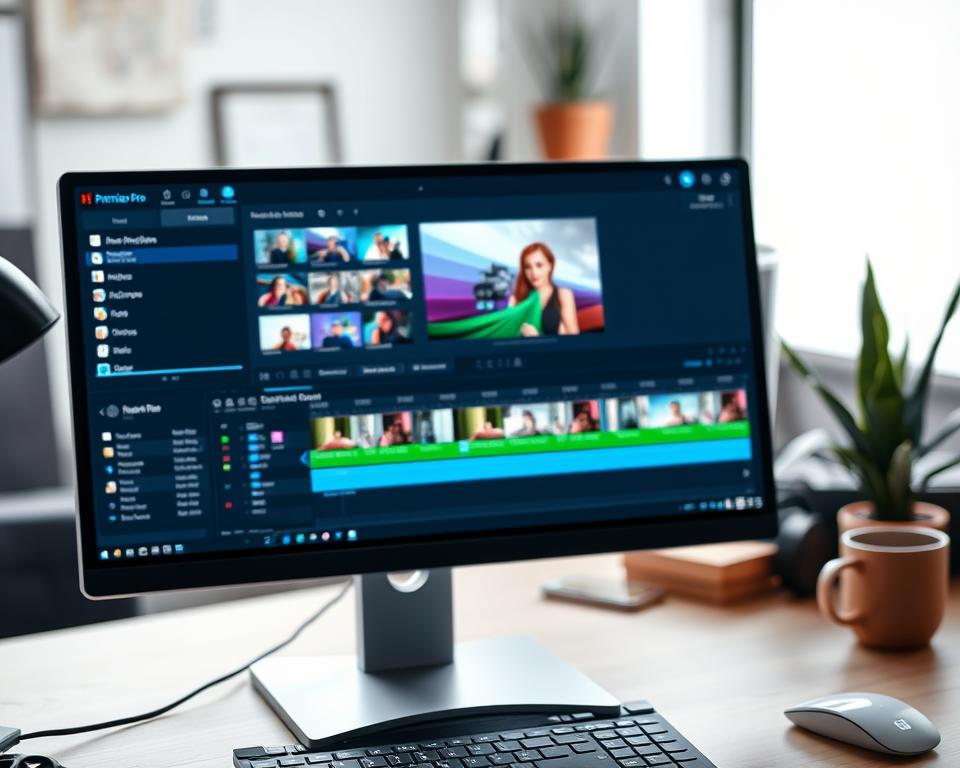
Adobe Premiere Pro is a top video editing software in the Adobe Creative Cloud suite. It’s favored by pros in film, TV, and online content for its advanced tools and seamless Adobe integration.
Professional video editing is at the core of Adobe Premiere Pro. It offers a wide range of tools for editing, color grading, and audio adjustments.
- Advanced video editing tools with support for multiple formats
- Integration with other Adobe Creative Cloud applications like After Effects and Photoshop
- Robust color grading and audio editing capabilities
- Dynamic linking with other Adobe applications for a streamlined workflow
- Regular updates with new features and improvements
Pros
Adobe Premiere Pro’s professional-grade editing tools give you precise control over video editing.
- High-performance editing with support for 4K, 8K, and higher resolutions
- Extensive format support, including RAW and HDR
- Seamless integration with other Adobe Creative Cloud apps
Cons
Adobe Premiere Pro is powerful but tough for beginners due to its steep learning curve.
- Resource-intensive, requiring a powerful computer for smooth performance
- Subscription-based model through Adobe Creative Cloud
- Can be overwhelming for novice editors due to the vast array of features
Best AI-Powered Video Editing Alternatives
AI has changed video editing for the better. It makes editing easier and more fun for creators.
Riverside.fm
Overview
Riverside.fm is a top choice for video editing. It offers high-quality recording and AI editing. It’s perfect for those who want to make videos easily.

- High-definition remote recording
- AI editing tools for easy post-production
- A simple interface for all creators
Pros
Using Riverside.fm has many benefits. These are:
- Superior recording quality with its tech
- Quick editing with AI tools
- Easy to use for beginners
Cons
But, there are some downsides:
- It lacks advanced features for complex edits
- Needs internet for remote recording
| Feature | Riverside.fm | Descript |
|---|---|---|
| AI-Powered Editing | Yes | Yes |
| Remote Recording | Yes | Limited |
| User Interface | User-friendly | User-friendly |
Best Alternatives for Podcast Editing
Audacity is a top choice for podcasters looking for free audio editing. It offers precision, flexibility, and a wide range of tools. This makes it a great option for creating high-quality audio.
Audacity
Overview
Audacity is a well-liked, open-source audio editing software. It works on Windows, macOS, and Linux. This makes it a great choice for podcasters on different platforms. As free audio editing software, Audacity has many tools for recording, editing, and mixing audio.
Key Features
Audacity has many features that are perfect for podcast editing. Some of its key features include:
- Multi-track recording and editing
- Support for various audio formats
- Noise reduction and audio effects
- Plug-in support for extended functionality
These features help podcasters improve their audio, remove unwanted noise, and get a professional sound.
Pros
Audacity is free, which is a big plus for podcasters on a budget. It’s also open-source, which means it keeps getting better thanks to a community of developers. One user said, “Audacity has been a game-changer for my podcast; it’s free, powerful, and easy to use.”
“I’ve used Audacity for years, and it never ceases to amaze me with its capabilities.”
Cons
While Audacity is great, it has some downsides. Its user interface might look old compared to newer software. Also, it lacks cloud integration and collaboration features. Still, Audacity is a powerful tool for podcast editing.
Best Browser-Based Alternatives
Online editing tools have changed how we make videos. Now, creators can edit videos in their browser. This makes working together and being flexible easier.
7. Kapwing
Overview
Kapwing is a browser-based video editing platform. It makes creating content easier. It has tools for simple edits and complex video tasks.
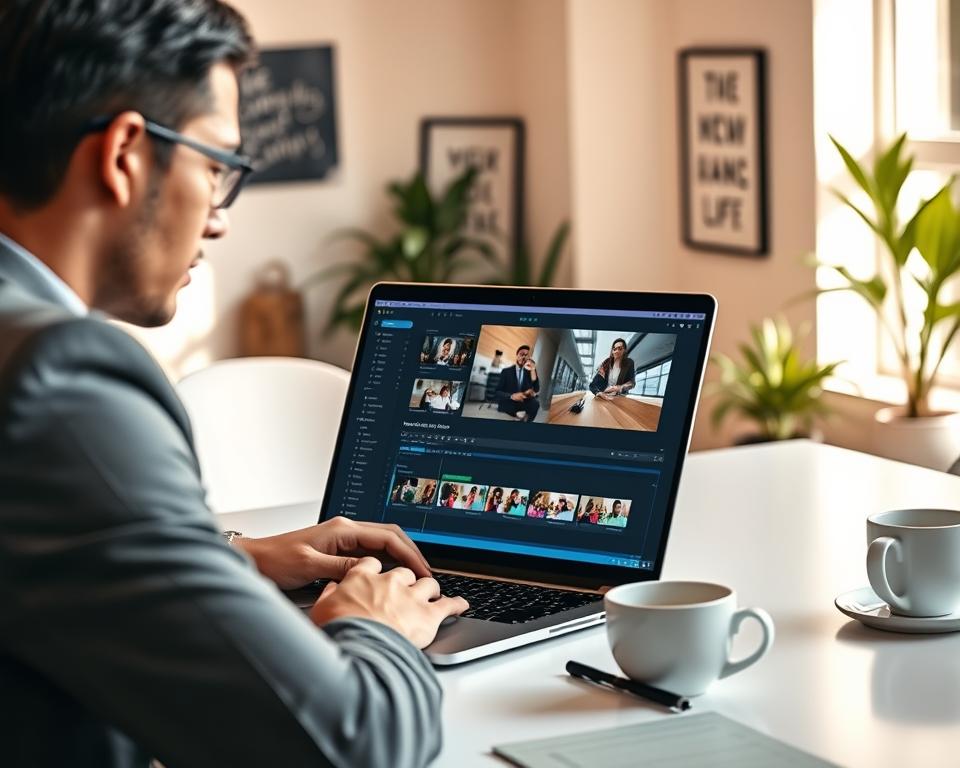
- Multi-track video editing: You can layer videos and audio tracks.
- AI-powered tools: It has auto-subtitle generation and content detection.
- Collaboration features: It lets you work together in real-time.
- Customizable templates: It has templates for social media and more.
Pros
- Accessibility: You can use Kapwing from any device with internet.
- User-friendly interface: It’s easy to use, even for beginners.
- Versatile toolset: It supports many content creation needs.
Cons
- Limited advanced features: It might not have all the features of professional software.
- Dependent on internet connection: Your internet can affect how well it works.
Best Budget-Friendly Alternatives
Video editing doesn’t have to cost a lot. There are many options that offer top-notch editing without the high price. These alternatives are perfect for creators on a budget.
DaVinci Resolve
Overview
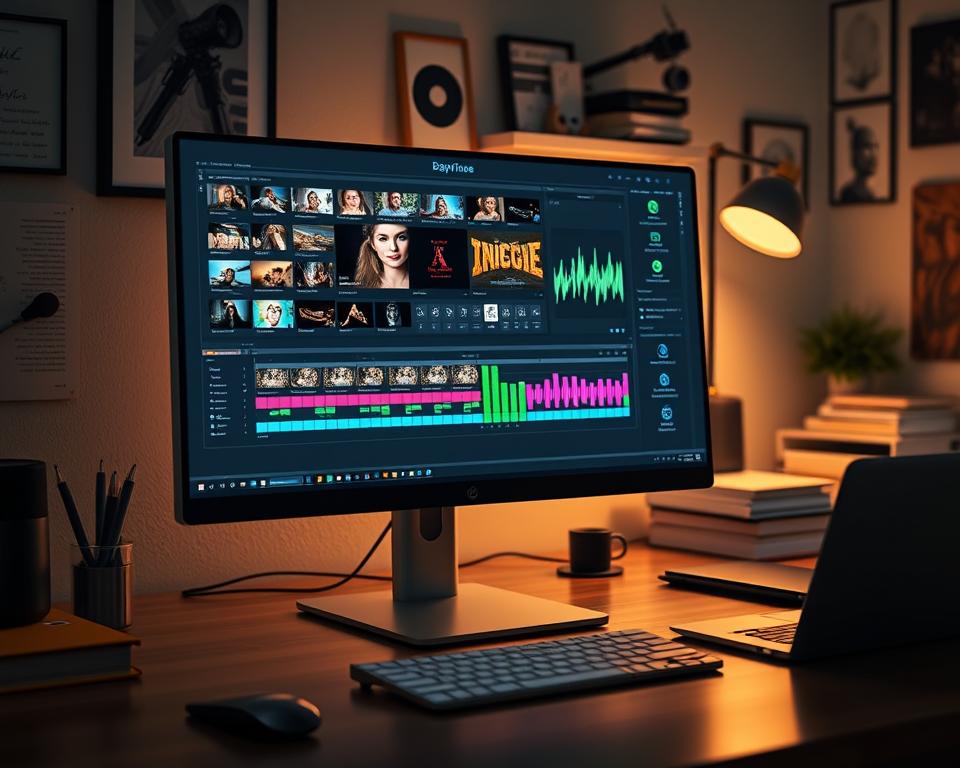
DaVinci Resolve is a top video editing software that’s free. It’s great for both newbies and pros. It has lots of tools for editing, color correction, and audio.
Key Features
DaVinci Resolve has many cool features, including:
- Multi-track editing: You can handle complex projects with many video and audio tracks.
- Color correction and grading: It has advanced color tools to make your projects look amazing.
- Fairlight audio integration: It offers top-notch audio editing and mixing.
- Fusion visual effects: You can create complex visual effects and animations.
Pros
Using DaVinci Resolve has many benefits, such as:
- Free version available: The free version is very powerful, making it great for those on a tight budget.
- Professional-grade features: It has advanced editing, color correction, and audio tools, just like paid software.
- Cross-platform compatibility: It works on Windows, macOS, and Linux.
Cons
DaVinci Resolve is amazing, but it has some downsides:
- Steep learning curve: Its many features can be hard for beginners to learn.
- System requirements: It needs a strong computer to run smoothly, especially with big projects.
Here’s a look at what you get in DaVinci Resolve’s free and paid versions:
| Feature | Free Version | Paid Version |
|---|---|---|
| Multi-track editing | Yes | Yes |
| Color correction and grading | Yes | Yes |
| Fairlight audio integration | Yes | Yes |
| Fusion visual effects | Yes | Yes |
| Advanced noise reduction | No | Yes |
Best Alternatives for Transcription and Subtitles
Otter.ai is changing the game in transcription with its advanced AI tech. It’s a top choice for those needing accurate and quick transcription services. Its features make it stand out in the field.
11. Otter.ai
Overview
Otter.ai is an AI-powered transcription service known for its high accuracy. It works well with many platforms. It’s great for anyone or team needing reliable transcription.
Key Features
- Real-time transcription: Otter.ai lets you transcribe speech as it’s spoken.
- AI-driven insights: It uses AI to spot important topics, keywords, and emotions, giving deeper insights.
- Integration with popular platforms: It connects with tools like Zoom and Google Meet, fitting into your workflow easily.
- Customizable vocabulary: You can add your own words to improve accuracy for specific terms.
Pros
- High accuracy: Otter.ai’s AI tech ensures precise transcriptions.
- User-friendly interface: It’s easy to use, even for those new to transcription.
- Collaboration features: It supports real-time teamwork, helping teams work better together.
Cons
- Limited free version: The free version has limits on minutes and features.
- Dependence on audio quality: Audio quality affects transcription accuracy, just like with any service.
Best Alternatives for Screen Recording and Video Creation
Camtasia is a top choice for screen recording and video making. It’s a tool that helps users make professional videos easily.
Camtasia
Overview
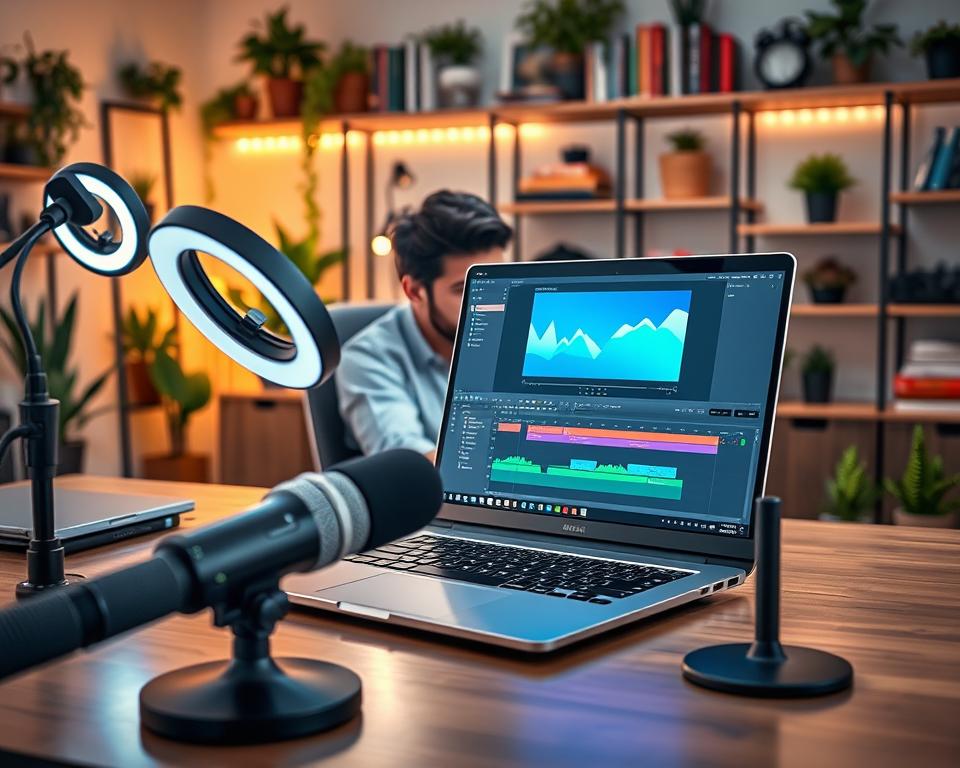
Camtasia is a strong screen recording software with great video editing tools. It’s perfect for anyone who wants to make top-notch videos, like tutorials or presentations.
Key Features
Camtasia has many features that make it great for recording and making videos. Some key ones are:
- Screen recording with customizable settings
- Video editing with a multi-track timeline
- Built-in annotations and effects
- Support for 4K video recording
- Ease of use: Its simple interface is great for all skill levels.
- Professional output: It can make videos that look professional.
- Feature-rich: It has lots of features for different video needs.
Cons
Camtasia also has some downsides. These are:
- Steep learning curve for advanced features: While easy to start, learning the advanced parts takes time.
- Cost: It’s a premium product, which might be too expensive for some.
If you’re looking for more Descript alternatives, check out Colossyan’s blog for more options and info.
| Feature | Camtasia | Descript |
|---|---|---|
| Screen Recording | Yes | Yes |
| Video Editing | Yes, multi-track timeline | Yes |
| 4K Support | Yes | Yes |
Best Alternative for Team Collaboration
Frame.io is a top choice for team collaboration, especially for video review and approval. It uses cloud technology to help teams work better on video projects.
Frame.io
Frame.io makes video production easier by offering a single place for review, approval, and teamwork. It works well with many editing tools, making it great for teams.
Overview
Frame.io is a cloud-based platform for video project teamwork. It has features for review and approval, perfect for teams wanting to improve their video production.
Key Features
- Review and Approval Workflows: Frame.io lets teams set up clear review and approval steps. This ensures everyone is in sync.
- Real-time Collaboration: Teams can work together live, with the chance to comment and see changes.
- Integration with Editing Tools: Frame.io works with popular editing software, making it useful in many production settings.
- Enhanced Collaboration: Frame.io makes teamwork better with its easy-to-use interface and live features.
- Streamlined Workflows: The platform’s review and approval tools help organize and speed up video production.
Cons
- Frame.io might take some time for teams to get used to its interface and features.
- The cost of using Frame.io could be a problem for smaller teams or solo creators.
Top 15 Descript Alternatives – Features, Pros & Cons Comparison
Choosing the right Descript alternative means looking at their features, benefits, and drawbacks. This comparison will help you understand the top 15 options.
These alternatives offer various features for different needs. You can find tools for video editing, transcription, screen recording, and team work. It’s important to know these features to pick the best one for you.
| Software | Key Features | Pros | Cons |
|---|---|---|---|
| Adobe Premiere Pro | Advanced video editing, multi-camera support | Industry-standard, robust features | Steep learning curve, expensive |
| Riverside.fm | AI-powered video editing, high-quality recording | User-friendly, excellent audio quality | Limited advanced editing features |
| Audacity | Free audio editing, multi-track editing | Free, user-friendly interface | Limited video editing capabilities |
| Kapwing | Browser-based video editing, collaboration tools | Easy to use, collaborative features | Limited advanced features |
Each Descript alternative has its own good and bad points. It’s key to consider these based on your needs and likes.
“The right video editing software can make all the difference in the quality of your final product,” says a renowned video editor.
“Choosing the right tool is not just about features; it’s about how those features align with your project’s goals.”
By looking at each Descript alternative’s features, pros, and cons, you can choose wisely. This will help you meet your video editing, transcription, or collaboration needs.
How to Choose the Right Descript Alternative for Your Needs
Choosing the right Descript alternative can seem hard. But, by looking at key factors, you can make a good choice. It’s about finding software that fits your video editing needs well.
When selecting a Descript alternative, think about the editing features you need. Check if the software has tools like multi-track editing, color correction, and audio ducking.
Also, consider transcription accuracy. If you work with lots of audio or video, choose software with high accuracy. Some alternatives, like Descript alternatives, have advanced transcription services.
Collaboration tools are key if you work in a team. Look for software that lets you collaborate in real-time. Some platforms have features like those in collaborative tools.
Don’t forget about pricing. Different software has different pricing plans. Choose one that fits your budget and meets your needs.
| Feature | Descript | Adobe Premiere Pro | Riverside.fm |
|---|---|---|---|
| Multi-track Editing | Yes | Yes | Yes |
| Transcription Accuracy | High | Medium | High |
| Collaboration Tools | Limited | Yes | Yes |
| Pricing Plan | Subscription-based | Subscription-based | Subscription-based |
By looking at these factors and comparing different Descript alternatives, you can find the best fit for your video editing needs.
Factors to Consider When Switching from Descript
Switching from Descript involves several key factors. You need to check if the new software fits your workflow. It’s also important to compare features and understand the learning curve.
First, compatibility is key. Make sure the new software works with your file formats and other tools. This prevents workflow problems.
Next, feature parity is crucial. Compare the new software’s features with Descript’s. Look at editing, effects, color correction, and audio tools.
Finally, the learning curve matters a lot. A steep curve can slow you down at first. Choose software with an easy interface or good tutorials.
| Software | Compatibility | Key Features | Learning Curve |
|---|---|---|---|
| Descript | Supports various file formats, integrates with some DAWs | Multitrack editing, transcription, screen recording | Moderate |
| Adobe Premiere Pro | High compatibility with Adobe ecosystem, supports many file formats | Advanced video editing, color grading, Lumetri Color Panel | Steep |
| Audacity | Supports various audio file formats | Multitrack editing, effects, noise reduction | Gentle |
| DaVinci Resolve | Supports various file formats, integrates with other Blackmagic Design tools | Video editing, color correction, audio post-production | Moderate to Steep |
By evaluating these factors and comparing software, you can make a smart choice. This keeps your video editing workflow efficient and productive.
Conclusion
Exploring the top 15 Descript alternatives shows a wide range of video editing software. Each has its own special features and benefits. From Adobe Premiere Pro to Frame.io, these tools offer different functionalities for various needs.
Choosing the right tool for your video and audio editing needs is key. Consider your budget, what features you need, and if you work with a team. This helps you pick the best video editing software for your projects.
This summary shows there are many options for creators. Whether you’re a professional editor or a content creator, the right Descript alternative can boost your productivity and quality.


