







Moving your online store to a new platform can be tough. But, with a good plan, you can make the switch without losing sales. This means moving your data, products, and customer info to a new place. It’s a big task for online store owners.
A successful online store migration needs careful planning and testing. We’ll show you how to do it right. This way, you can avoid losing sales during the move.
Table of Contents
Key Takeaways
- Understand the importance of ecommerce migration for your online store.
- Learn the potential risks involved in online store migration.
- Discover best practices to ensure a smooth transition.
- Get tips on minimizing sales disruption during ecommerce migration.
- Understand the key elements of a successful online store migration.
Understanding E-commerce Migration Challenges
Migrating an e-commerce platform is a complex task. It comes with several challenges. Businesses need to know these risks to ensure a smooth transition.
Common Risks During Store Migration
Several risks come up during migration, like data loss, downtime, and unhappy customers. Data loss happens if the migration isn’t done right. This can lead to losing important customer and product info.
Downtime is another big risk. It can cause lost sales and revenue. It’s key to keep downtime low to keep the business running.
Impact of Downtime on Revenue
Downtime can really hurt a business’s revenue. When a store is down, customers can’t buy, leading to lost sales. Also, long downtime can harm a brand’s image and scare off customers.
Customer Experience Considerations
Keeping customers happy is vital during migration. Businesses must make sure the migration doesn’t mess with the customer experience. This includes keeping customer data safe and everything working right.

Assessing Your Current E-commerce Setup
Understanding your current e-commerce setup is key for a smooth move to a new platform. This means checking your current setup to find challenges and chances for betterment.
Evaluating Your Existing Platform
First, look at what your current platform does well and what it doesn’t. Think about scalability, security, and user experience. Make a list of what works and what doesn’t.
Identifying Technical Dependencies
Find out any technical links that might affect your move. This includes third-party integrations, custom code, and APIs. Knowing these will help you plan better.
Documenting Custom Functionality
Write down any special features or custom parts that are vital to your business. This ensures these important parts are kept during the move.
| Assessment Area | Current Status | Migration Considerations |
|---|---|---|
| Existing Platform | Stable | Upgrade or Replace |
| Technical Dependencies | Complex Integrations | Reconfiguration Required |
| Custom Functionality | Unique Features | Preservation Critical |
By carefully checking your current setup, you can make your move to a new platform more successful.
Setting Clear Migration Goals and Objectives
A successful e-commerce migration starts with clear goals. This step makes sure your project is focused and meets your business needs.
Defining Success Metrics
To know if your migration is a success, you need to set clear success metrics. These might be:
- Increased sales
- Improved customer satisfaction
- Enhanced operational efficiency
Setting these metrics early helps you track progress and make changes when needed.
Establishing Timeline Expectations
A good migration timeline is key for managing expectations and resources. This means:
- Setting realistic milestones
- Allocating enough time for testing and quality assurance
- Working with stakeholders and team members
Prioritizing Business-Critical Features
Identifying and prioritizing business-critical features is important. It makes sure your new e-commerce platform meets your key business needs. This includes:
- Payment processing capabilities
- Inventory management systems
- Customer account management
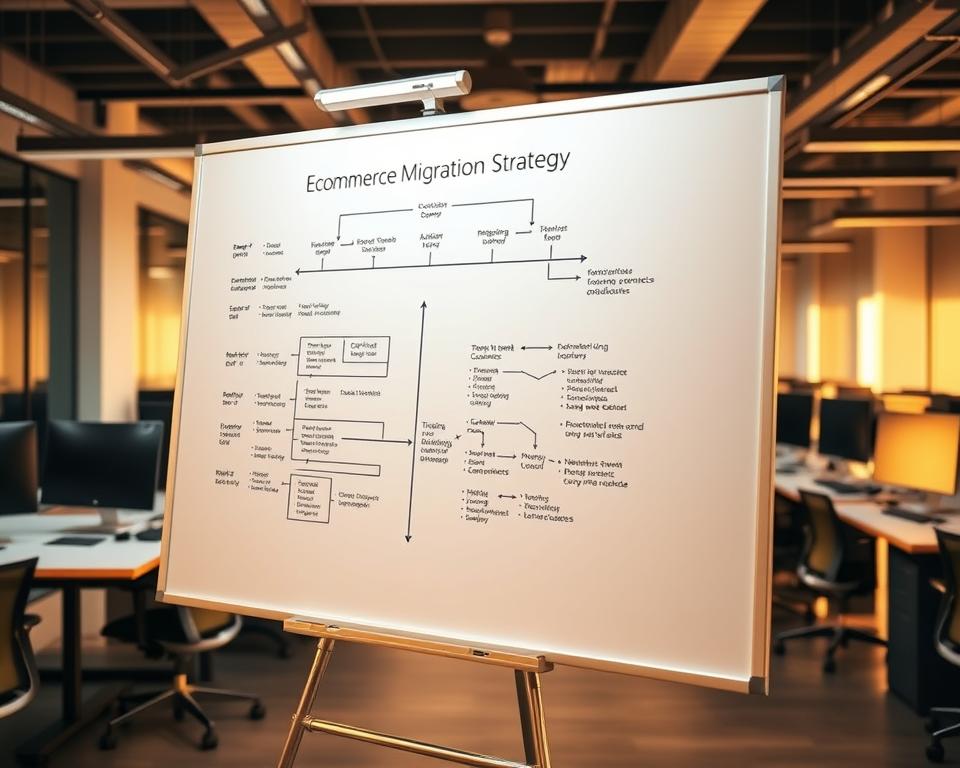
By focusing on these key areas, you can create a detailed migration strategy. This strategy supports your business goals and ensures a smooth transition to your new e-commerce platform.
Choosing the Right E-commerce Platform for Migration
Choosing the right e-commerce platform is key for a smooth migration. There are many options out there. It’s important to look at each one and see which fits your business best.
Comparing Top E-commerce Solutions
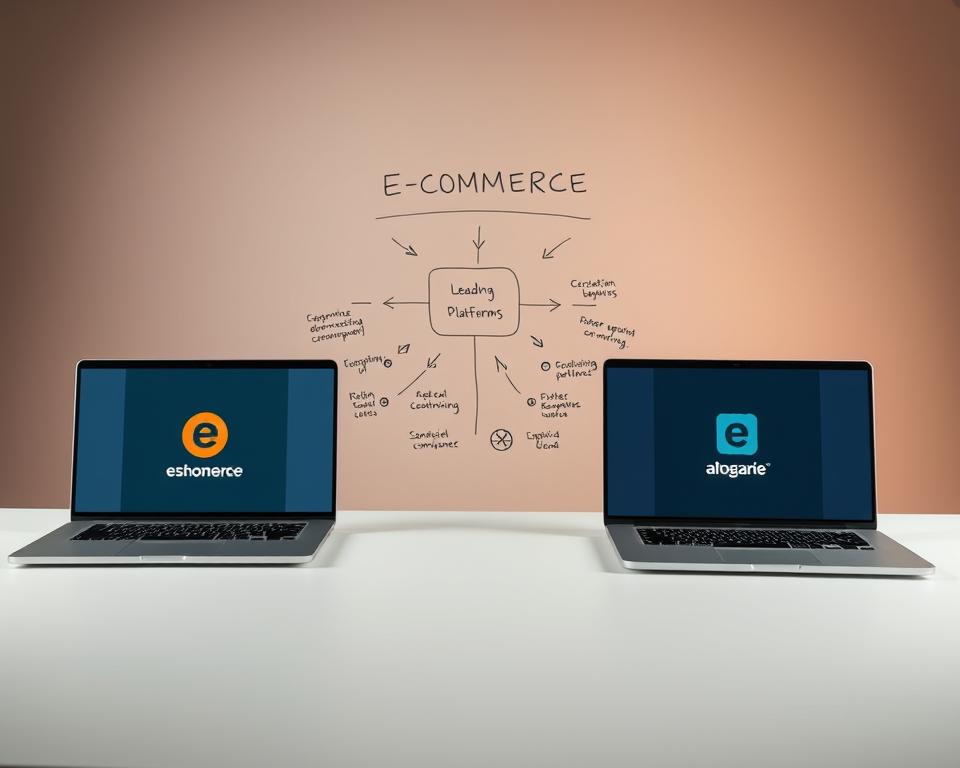
When looking at top e-commerce solutions, think about customization, payment options, and third-party tool integrations. For example, Shopify and Magento stand out. Shopify is easy to use, while Magento lets you customize a lot.
Scalability Considerations
Scalability is a big deal when picking an e-commerce platform. Your platform should handle more traffic and sales without slowing down. Look for ones with cloud hosting and auto-scaling to keep your site fast.
Total Cost of Ownership Analysis
Doing a total cost of ownership analysis means looking at more than just the start-up costs. You also need to think about ongoing costs like maintenance and updates. As experts say, “The total cost includes the platform, themes, apps, and integrations, plus the cost of keeping the site up to date.”
“Understanding the total cost of ownership is crucial for budgeting and ensuring the long-term viability of your e-commerce platform.”
By carefully looking at these points, you can choose the best platform for your business. This will help your online store succeed.
Creating a Comprehensive Migration Plan
A detailed migration plan is key for a smooth e-commerce platform switch. It acts as a guide for your team during the complex migration process.

Developing a Phased Approach
A phased approach makes migration easier to manage. It breaks down the process into smaller tasks. This way, each part is tested before moving on.
This method also helps in better using resources and lowers downtime risks.
Resource Allocation
Resource allocation is vital in migration planning. You need to know the human, tech, and financial resources needed. Make sure your team has the right skills and the necessary tools for the migration.
Contingency Planning
No plan is complete without a contingency plan. Even with good planning, unexpected problems can happen. A contingency plan outlines how to handle these issues quickly.
This way, you can minimize the impact on your business.
With a detailed migration plan that includes a phased approach, resource allocation, and contingency planning, you can ensure a smooth transition to your new e-commerce platform.
How to Migrate Your Online Store Without Losing Sales
Migrating your online store smoothly is all about using parallel operation and progressive migration. These methods help keep your business running while you switch to a new platform.
Parallel Operation Strategies
Running both old and new platforms at the same time is key. It helps avoid downtime and keeps your business going. Experts say, “Running parallel operations can significantly reduce the risk of data loss and system downtime during migration.” Parallel operation strategies let you test the new platform while still using the old one. This way, you can keep serving your customers without interruption.

Implementing Progressive Migration
Progressive migration means moving parts of your store step by step. You might start with products, then customer data, and lastly, order systems. This gradual approach helps avoid big disruptions. Experts say, “A phased migration approach allows for better risk management and quicker adaptation to any issues that arise during the migration process.”
Maintaining Business Continuity
Keeping your business running smoothly during migration is crucial. You need a solid backup plan and make sure all key systems have backups. Business continuity means more than just having backups. It’s about making the migration as smooth as possible. “Having a well-planned migration strategy is crucial for maintaining customer trust and ensuring ongoing sales during the migration process,” say e-commerce experts.
In short, moving your online store without losing sales is possible with the right planning. Use parallel operation, progressive migration, and keep your business running. By doing this, you can smoothly switch to a new e-commerce platform.
Database and Product Catalog Migration
Moving your e-commerce site to a new platform is a big task. It needs careful planning and execution. This ensures your store keeps running smoothly and customers have a great experience.
Data Mapping Strategies
Data mapping is a key part of moving your database. It matches the data from your old site to the new one. Good data mapping makes sure your products, customer info, and orders are all moved right.
To do this, you must find the right data fields in both platforms. Then, you need a plan for any differences.
Handling Product Variations
Products with different sizes or colors need extra care. You must make sure these variations are shown correctly on your new site. Getting it wrong can mess up product info, hurting sales and making customers unhappy.

Preserving Product Reviews and Ratings
Customer reviews and ratings are important for trust and sales. When moving, it’s key to keep this info safe. Make sure your plan includes moving these to the new site, keeping them intact.
By focusing on these areas, you can make your database and product catalog move smooth. This keeps your store running well and keeps customers happy.
Managing Customer Data and Order History
A successful e-commerce move depends on keeping customer data and order history safe. This is key to keeping customers’ trust and keeping the business running.
Secure Customer Information Transfer
It’s crucial to move customer info safely. Use secure data transfer protocols like SFTP or HTTPS. This keeps sensitive data safe during the move.
Order History Preservation
Keeping order history intact is vital. It means moving old order data to the new site without losing or messing it up.

Customer Account Transition
Smoothly moving customer accounts is important for happy customers. Make sure their login details and account info are moved right to the new site.
By focusing on these areas, businesses can make a smooth e-commerce move. This protects customer data and keeps order history safe.
Preserving SEO During E-commerce Migration
Keeping SEO strong during e-commerce migration is key. It’s not just about keeping your rankings. It’s about making sure your online store stays visible to your customers. A good SEO plan during migration can help a lot in keeping your search engine positions.
URL Structure Planning
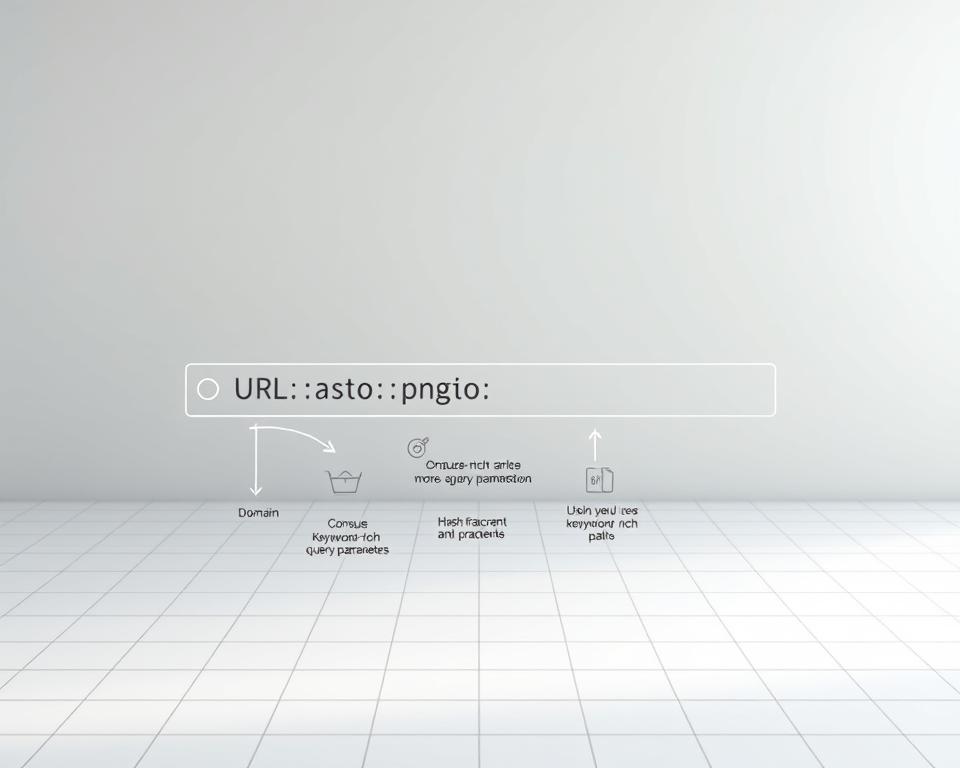
Planning your URL structure well is very important. You should keep your current URL structure or have a clear plan for redirecting old URLs to new ones. This means:
- Reviewing your current URL structure
- Deciding on a new URL structure if necessary
- Mapping old URLs to new URLs
Implementing 301 Redirects
Using 301 redirects is key when changing your URL structure. A 301 redirect tells search engines a page has moved permanently. This helps keep your SEO rankings. Here are some tips:
- Use 301 redirects for permanent changes
- Avoid redirect chains
- Test your redirects regularly
Updating Sitemaps and Metadata
Updating your sitemaps and metadata is crucial. It helps search engines understand your new site structure. This includes:
- Regenerating your sitemap to include new URLs
- Updating metadata such as title tags and descriptions
- Ensuring that your sitemap is easily discoverable by search engines
Monitoring Search Rankings Post-Migration
After moving your e-commerce store, watch your search rankings closely. This means:
| Monitoring Task | Description | Frequency |
|---|---|---|
| Track Keyword Rankings | Monitor the positions of your target keywords | Weekly |
| Analyze Organic Traffic | Review changes in organic traffic to your site | Monthly |
| Check for Crawl Errors | Identify and fix any crawl errors reported by search engines | Bi-Weekly |
By following these steps and watching your SEO closely after migration, you can reduce the impact on your rankings. This ensures your e-commerce store stays competitive.
Third-Party Integrations and App Transitions
When you move your online store, it’s key to keep business running smoothly. This means handling third-party integrations and app transitions well. These help with things like managing stock, keeping in touch with customers, and tracking sales.
Inventory Management Systems
Inventory systems are crucial for keeping track of stock and managing orders. When you move your store, these systems need to keep working right. You might need to change APIs or update settings to fit the new platform.
CRM and Marketing Tools
CRM and marketing tools help you stay connected with customers and run campaigns. Moving these tools needs careful planning to avoid losing data. You’ll need to update login info, change workflows, and test everything after the move.
Analytics and Reporting Solutions
Analytics tools give you insights into how your store is doing. To keep these insights during a move, you’ll need to adjust tracking codes and data feeds. Also, make sure reporting tools work on the new platform.
By handling third-party integrations and app transitions well, you can keep your business running smoothly. This ensures a smooth move to your new e-commerce platform.
Payment and Shipping Integration Changes
When moving to a new e-commerce site, updating payment and shipping systems is key. This process has several important steps. These steps help avoid problems and keep customers happy.
Payment Gateway Transitions
Switching to a new payment gateway needs careful planning. This is to avoid any payment processing issues. Businesses should:
- Test the new payment gateway well to make sure it works with their e-commerce site.
- Update payment gateway settings to fit the new site’s needs.
- Let customers know about any payment process changes to keep things clear.
By doing these things, businesses can smoothly move to their new payment gateway. This keeps customer trust and reduces possible losses.
Shipping Provider Updates
Updating shipping integrations is also vital to keep order fulfillment smooth. Important things to consider are:
- Setting up shipping rates and rules as the new platform requires.
- Connecting with shipping providers for real-time tracking and accurate delivery estimates.
- Testing shipping integrations to avoid errors during checkout.
Good shipping integration updates can make customers happier. They get accurate and timely delivery info.
Tax Configuration Adjustments
Tax configuration is another important thing to adjust during e-commerce migration. Businesses must:
- Update tax rates and rules to match the new platform’s tax calculation ways.
- Make sure tax exemptions and special tax rules are set up right.
- Test tax configurations to check for accuracy and tax law compliance.
Correct tax configuration changes are vital. They help avoid tax problems and ensure tax law following.
Mobile Optimization During Platform Migration
Most online shoppers use mobile devices. So, making your online store mobile-friendly is key. This way, customers can shop easily, no matter their device.
Responsive Design Implementation
Starting with a responsive design is crucial. It makes your website adjust to any screen size. This means your site looks good on both computers and phones.
Mobile Checkout Experience
The checkout process is very important for mobile shopping. Make it simple by reducing steps and autofilling info. Also, make sure the payment system works well on phones to boost sales.
Testing Across Multiple Devices
It’s important to test your site on various devices. Check how it works on different phones, tablets, and browsers. This ensures a smooth mobile experience.
| Device | Screen Size | Operating System |
|---|---|---|
| Smartphone | 5 inches | Android/iOS |
| Tablet | 10 inches | Android/iOS |
By focusing on responsive design, improving the mobile checkout, and testing on many devices, e-commerce sites can smoothly migrate. They’ll stay ahead in the mobile-first market.
Security Considerations for E-commerce Migration
Making your e-commerce platform secure during migration is key. It’s not just about moving data. You need a solid security plan.
SSL Certificate Transfer
It’s important to move your SSL certificate to keep connections safe. Make sure your new site can use your current SSL certificate or get a new one. This keeps your customers’ trust and protects their data.
PCI Compliance Verification
Check if your new site is PCI compliant to keep customer data safe. This means your payment system meets the needed standards. Not being compliant can lead to big fines and harm your reputation.
Customer Data Protection Measures
Use strong ways to protect customer data, like encryption and safe data transfer. Important steps include:
- Data encryption
- Secure data transfer protocols
- Regular security audits
Testing and Quality Assurance Protocols
For a successful e-commerce migration, thorough testing and quality checks are essential. It’s important to make sure your online store works well after moving. This keeps customers happy and your sales up.
Functional Testing Approaches
Functional testing checks if each part of your e-commerce site works right. This includes product lists, shopping carts, checkout, and payment options. Comprehensive functional testing finds and fixes problems before they bother customers.
Performance Testing Methods
Performance testing makes sure your site can handle lots of visitors without slowing down. It uses load and stress tests to find any problems. Optimizing performance is key for a good user experience.
User Acceptance Testing
User Acceptance Testing (UAT) checks how the site works from the user’s point of view. It’s important to make sure the site is easy to use and meets its goals. UAT helps confirm the site works as expected in real use.
Automated vs. Manual Testing Strategies
Automated testing is good for quick, repetitive tasks and checking changes. Manual testing is better for exploring and checking how users interact with the site. Using both methods ensures you test everything well.
| Testing Type | Description | Benefits |
|---|---|---|
| Functional Testing | Verifies each component works as expected | Identifies issues early, ensures functionality |
| Performance Testing | Ensures site handles traffic and load | Optimizes speed, prevents crashes |
| User Acceptance Testing | Tests site from end-user’s perspective | Validates user experience, ensures usability |
By using a strong testing and quality assurance plan, e-commerce sites can move smoothly and keep customer trust. It’s about finding the right mix of automated and manual testing to cover everything.
Conclusion
Moving your online store to a new ecommerce platform is a big task. It needs careful planning, execution, and testing. A successful move depends on several important factors.
First, you must assess your current setup and set clear goals for the migration. Choosing the right platform is also key. This ensures your business meets its objectives.
To have a successful migration, create a detailed plan. You should manage customer data and order history well. Also, keep SEO in mind during the move.
Testing and quality checks are vital for a smooth transition. They help avoid any issues that might arise.
By following the advice in this article, you can reduce migration risks. Make sure to focus on important features and keep your business running smoothly. Test your new platform well to give your customers a great experience.


