







Modern technology makes it easy to enhance your digital memories. Many want to clear up blurry photos with AI image enhancers. But, finding the right photo editing software depends on your creative needs.
Finding a balance between quality and cost is key for creators. You might need tools for restoration or better color. Exploring different Remini alternatives helps you find the right features for your work.
Every tool has its own pros and cons that affect your results. This guide looks at the top 15 options. They help you get professional results without a lot of learning. Choosing the right tool can save you a lot of time and effort.
Table of Contents
Key Takeaways
- Discover powerful tools for upscaling low-resolution images.
- Compare various pricing models to find the best value for your budget.
- Learn about specialized tools for portrait and landscape enhancements.
- Evaluate the speed and efficiency of automated AI processing.
- Understand the difference between mobile apps and professional desktop platforms.
- Find the most user-friendly interfaces for quick and effective edits.
1. Topaz Photo AI
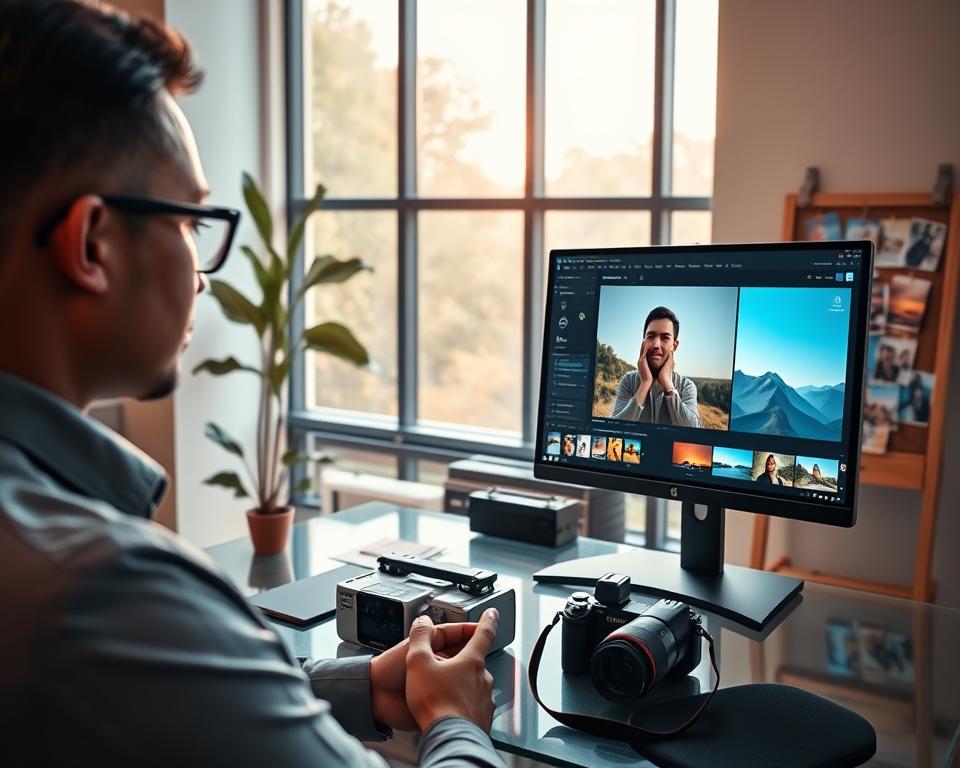
Topaz Photo AI stands out among many photo editing tools. It uses advanced AI to improve and edit photos with great accuracy. This makes it a top choice for professionals.
Overview
Topaz Photo AI makes editing photos easier while keeping quality high. It uses smart AI to enhance images. This is perfect for photographers and editors who want to refine their work quickly.
Key Features
The software has several key features that make it a great AI image enhancer and photo editing tool.
- AI-driven noise reduction
- Advanced sharpening capabilities
- Image upscaling with minimal loss of quality
- Intelligent detail enhancement
| Feature | Description | Benefit |
|---|---|---|
| AI-driven Noise Reduction | Reduces noise in images using AI algorithms | Results in cleaner, more professional-looking photos |
| Advanced Sharpening | Enhances image clarity and definition | Improves overall image quality and detail visibility |
| Image Upscaling | Upscales images with minimal quality loss | Allows for enlargement of images without significant degradation |
Pros
Topaz Photo AI has many benefits for both professionals and hobbyists.
- High-quality output: The software ensures that the edited images are of the highest quality.
- User-friendly interface: Despite its advanced features, the software is relatively easy to navigate.
- Time-saving: Automates many editing tasks, saving time for users.
Cons
While Topaz Photo AI is powerful, it has some drawbacks.
- Resource-intensive: Requires a robust computer system to run smoothly.
- Limited manual control: Some users may find the lack of manual control over AI processes limiting.
- Cost: As a professional-grade software, it comes with a significant price tag.
2. Adobe Photoshop
Adobe Photoshop is a top choice for photo editing. It has features like Generative Fill and Text to Image. It’s a powerful tool for graphic design, with AI tools that make it even better.
Overview
Adobe Photoshop is known for its advanced photo editing. It’s loved by both professionals and hobbyists. Its AI tools, like Generative Fill and Text to Image, make editing and creating images easy.
Key Features
Adobe Photoshop has many key features. These make it a strong photo editing software. Here are a few:
- Generative Fill: Fills areas with content that matches the image, using AI.
- Text to Image: Creates images from text prompts, thanks to AI.
- Advanced Editing Tools: Has many tools for detailed editing, like layers and masks.

Pros
Adobe Photoshop has many benefits. Here are a few:
| Feature | Benefit |
|---|---|
| AI-driven Tools | Improves image editing with advanced AI. |
| Comprehensive Editing Features | Offers many tools for detailed image manipulation. |
| User Community | Has a large community for learning and help. |
Cons
Adobe Photoshop also has some downsides:
- Steep Learning Curve: Can be hard for beginners to learn.
- Cost: Requires a subscription to Adobe Creative Cloud, which can be expensive.
- Resource-Intensive: Needs a powerful computer to run smoothly, especially with big files.
3. Luminar Neo
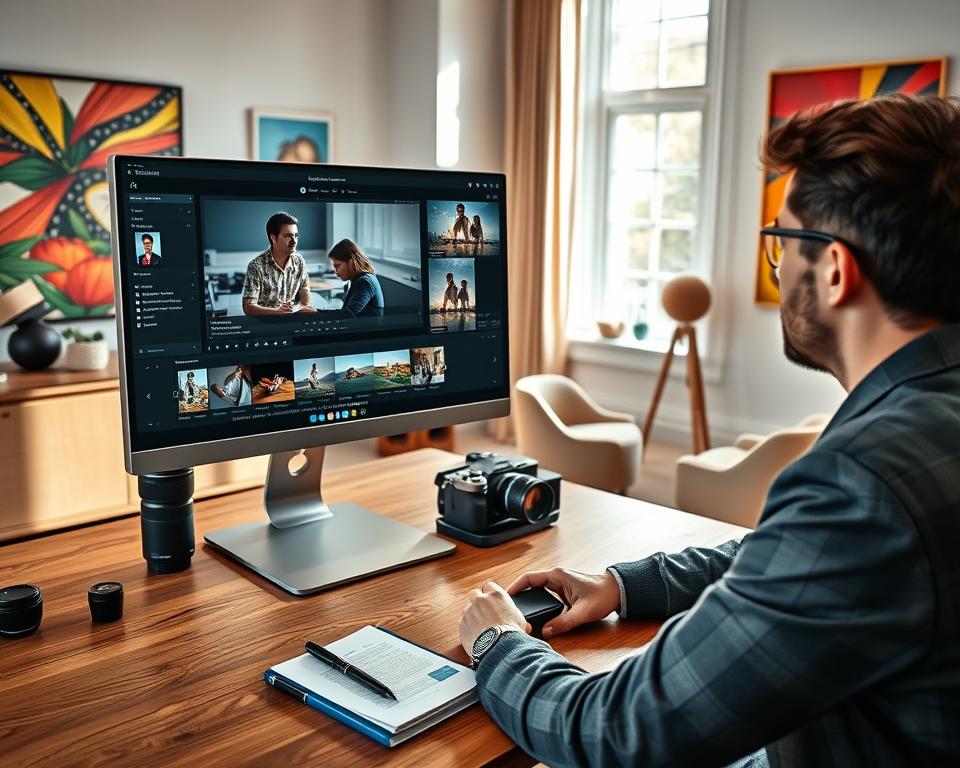
Luminar Neo uses advanced AI to make photo editing easy for everyone. It’s a powerful tool that simplifies complex tasks. It offers innovative tools to enhance and transform your images.
Overview
Luminar Neo is a photo editing software that uses AI. It has a wide range of tools for enhancing and editing images. It’s great for photographers of all levels, from beginners to pros.
The software uses AI to make tasks like portrait retouching and sky replacement easy. It’s a versatile tool for many editing needs.
Key Features
Luminar Neo has many impressive features, including:
- AI-driven editing tools: Tools like BodyAI, IrisAI, and SkyAI use artificial intelligence to automate complex editing tasks.
- Layer support: Allows for multi-layer editing, giving users greater flexibility and control over their compositions.
- Customizable filters and effects: Offers a range of filters and effects that can be tailored to suit individual styles.
- Raw image support: Compatible with a wide range of camera raw formats, ensuring that users can work with their images directly from the camera.
Pros
The advantages of using Luminar Neo include:
- User-friendly interface: Despite its powerful features, Luminar Neo is designed to be intuitive and easy to navigate.
- Advanced AI capabilities: The software’s AI-driven tools can significantly reduce the time and effort required for complex editing tasks.
- Constant updates and improvements: The developers of Luminar Neo continually update the software, adding new features and enhancing existing ones.
Cons
While Luminar Neo offers many benefits, there are some potential drawbacks to consider:
- Resource-intensive: As with many powerful editing software solutions, Luminar Neo can be demanding on computer resources, particularly for large files or complex edits.
- Learning curve for advanced features: While the basic functions are easy to grasp, mastering the more advanced features and tools may require some time and practice.
4. Let’s Enhance
Let’s Enhance is a top choice for those looking for a Remini alternative. It uses advanced AI to upscale and enhance images. This online platform is great for improving image quality.
Overview
Let’s Enhance is known for its AI image tools. It helps photographers and businesses enhance their images. It’s a go-to for anyone wanting to improve their visual content.
The platform makes images look better, helping both pros and hobbyists. It’s easy to use. Just upload your images and choose how you want to enhance them.
Key Features
Let’s Enhance has several key features. It uses AI for upscaling, enhancement, sharpening, and color correction. These features work together to make images look their best.
- AI Image Upscaling: Enhances image resolution without losing quality.
- Image Enhancement: Improves the overall quality and appearance of images.
- Sharpening: Refines image details to make them more defined.
- Color Correction: Adjusts the color palette to make images more vibrant and accurate.

Pros
Let’s Enhance has many benefits. It offers high-quality output and is user-friendly. The AI algorithms ensure images are enhanced and upscaled well.
“Let’s Enhance has revolutionized the way we work with images, providing a simple yet powerful tool for enhancement and upscaling.”
Cons
While Let’s Enhance is great, it has some downsides. It’s not good for batch processing or advanced editing features. Users needing complex editing might find it limited.
5. VanceAI Image Enhancer
VanceAI Image Enhancer is a top choice for photo editing. It uses AI to boost image quality. It has many features that make it a standout tool.
Overview
VanceAI Image Enhancer uses AI to make images better. It can upscale, denoise, and correct colors. It’s great for anyone who wants to improve their photos easily.
Key Features
The main features of VanceAI Image Enhancer are:
- AI-driven upscaling to enhance image resolution
- Denoising capabilities to remove unwanted noise from images
- Color correction to restore and improve the original colors of the image
- User-friendly interface for easy navigation and operation
If you’re interested in creating photo editing apps, Next Big Technology can help.
Pros
VanceAI Image Enhancer has many benefits:
- High-quality output: The AI ensures images are top-notch.
- Ease of use: It’s easy for both pros and beginners to use.
- Time-saving: It automates the enhancement process, saving time.

Cons
Despite its strengths, VanceAI Image Enhancer has some drawbacks:
- Dependence on AI: The quality depends on the AI, which might not always get it right.
- Limited manual control: Some users might miss the detailed editing options.
| Feature | VanceAI Image Enhancer | Remini |
|---|---|---|
| AI-powered Enhancement | Yes | Yes |
| Upscaling | Yes | Yes |
| Denoising | Yes | Limited |
| User Interface | User-friendly | User-friendly |
6. Fotor
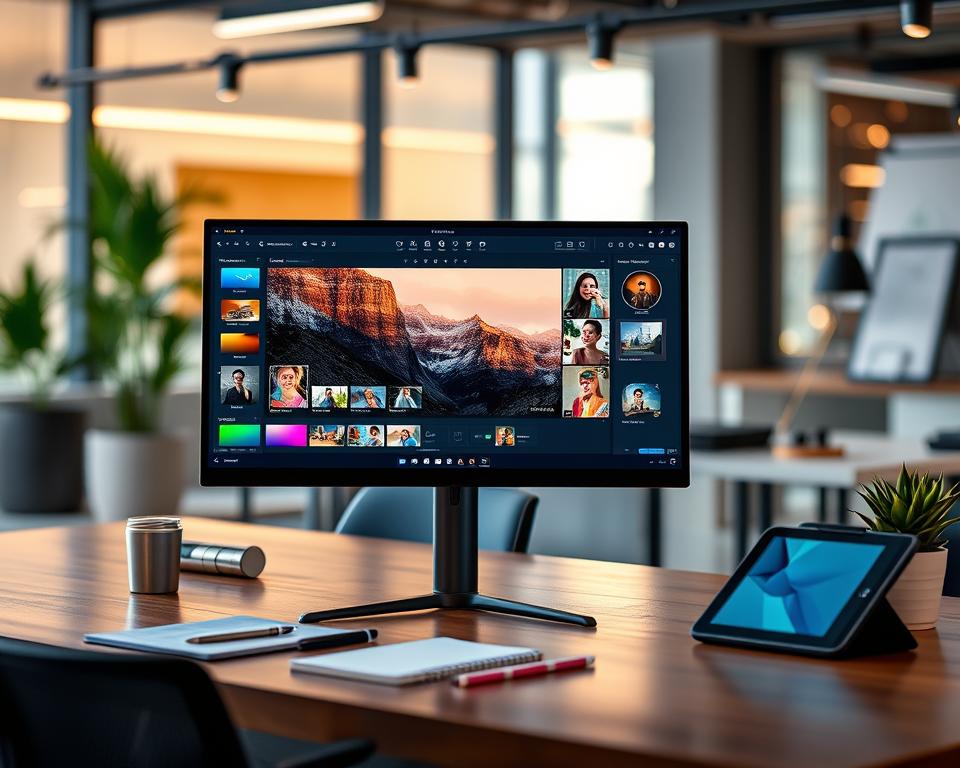
Fotor is a versatile online design platform with AI-driven photo editing tools. It meets various editing needs, from simple to complex tasks.
General Information
Fotor focuses on ease and efficiency. It offers a suite of tools for different photo editing tasks. It’s perfect for those who want a full editing solution without downloading big software.
Main Features
Fotor’s key features include:
- AI-driven photo editing tools for easy image enhancements.
- Background removal to isolate subjects from their backgrounds.
- Many image enhancement options like adjusting brightness and contrast.
- Collage maker and other design tools for more than just photo editing.
Advantages
The advantages of using Fotor are:
- Its user-friendly interface is easy for everyone to use.
- The AI-driven tools offer quick and efficient editing.
- Fotor is versatile in handling various editing tasks.
Disadvantages
Despite its benefits, Fotor has some drawbacks:
- Some users might find the limited advanced features compared to professional software.
- The dependence on internet connectivity could be a problem for some.
7. Pixlr
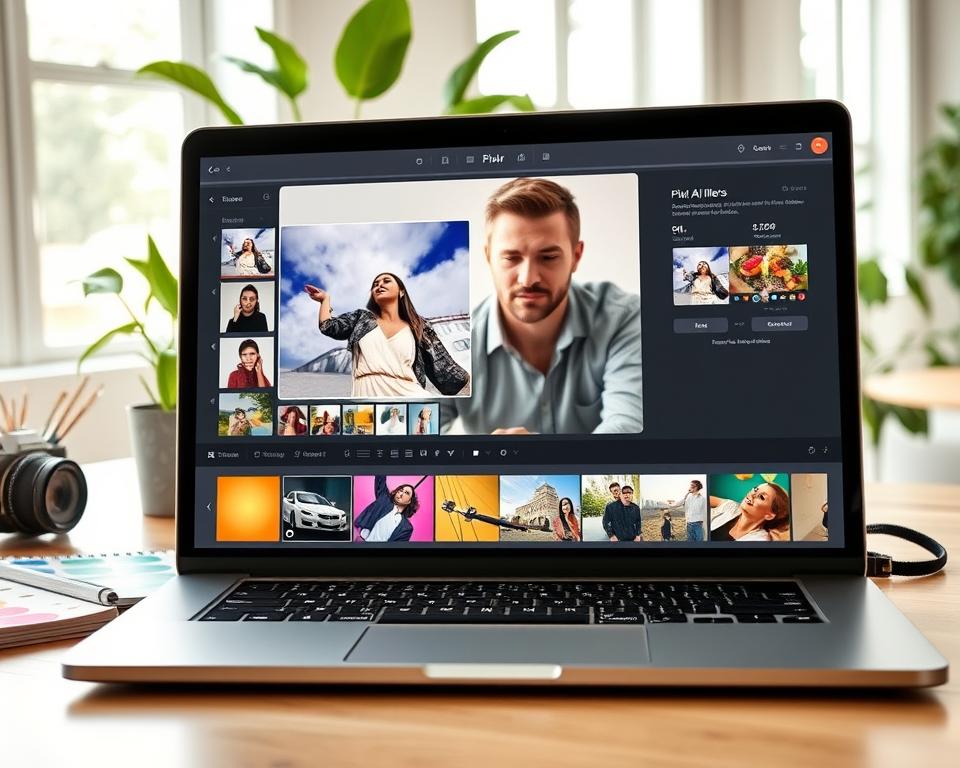
Pixlr is a top choice for photo editing and design, thanks to its AI tech. It’s great for simple tweaks or complex designs.
Overview
Pixlr is a suite of AI tools for photo and design editing. It meets the needs of both hobbyists and pros. It has features for all sorts of editing tasks.
Key Features
Pixlr’s main features include AI tools for easy image editing. It has:
- Advanced AI tools for detailed image enhancements.
- A simple interface for easy editing.
- Support for many file formats, fitting different image types.
- Tools for team work, letting many edit at once.
Pros
Pixlr’s benefits are clear:
- Versatility: It has many editing tools for different tasks.
- Ease of Use: Its interface is easy to use, making editing simple.
- AI-driven Enhancements: AI tech makes image enhancements precise and quick.
Cons
Despite its strengths, Pixlr has some downsides:
- Steep Learning Curve for Advanced Features: While easy for basics, advanced tools take time to learn.
- Resource Intensive: AI features can slow down older computers.
8. Gigapixel AI
Gigapixel AI is a top choice for AI image upscaling, rivaling Remini. It uses advanced AI to boost image quality.

Overview
Gigapixel AI is a software that enlarges images up to 600% without losing detail. It’s great for when you need high-resolution images.
Key Features
Gigapixel AI stands out for its accurate image upscaling and easy-to-use interface. It also handles many images at once, saving time.
- AI-driven image upscaling
- Batch processing capability
- High-quality output
Pros
Gigapixel AI is known for keeping image details sharp even when images are enlarged. It’s also easy to use, even for those new to photo editing.
Cons
While Gigapixel AI delivers great results, it might take some getting used to. The quality of the output also depends on the original image.
9. PicsArt
PicsArt is a versatile photo editing app with AI tools for enhancing images. It’s great for those who want advanced photo editing.
Overview
PicsArt is a strong photo editing software with AI. It has many editing tools. Users can improve their images, remove backgrounds, and add effects.
It’s good for both casual users and pros. It has a simple interface and advanced features.
Key Features
- AI-driven image enhancement and editing tools
- Background removal and image cutout capabilities
- A wide range of filters and effects
- Support for various image formats
Pros
PicsArt’s AI image editing is a big plus. It makes high-quality edits easy. It also has lots of creative tools and effects for customizing images.
The app’s interface is easy to use. It’s great for people of all skill levels.
Cons
PicsArt has a lot of features, which can be too much for beginners. It might take time to learn the advanced parts.

10. Photopea
Photopea is a top choice in photo editing software, known for its advanced tools. It’s a free online editor that stands out for its wide range of features and flexibility.
Overview
Photopea is a photo editing software that works with many file types, including PSD. This makes it a great option for those who use Adobe Photoshop. It has features like layers, masks, and effects, making it a strong alternative to other photo editing tools.
Key Features
Photopea has many features that help both new and experienced photographers. Some of its main features are:
- Support for layers, allowing for complex compositions.
- A variety of selection tools for precise editing.
- Advanced retouching capabilities.
- A range of filters and effects to enhance images.
To see how Photopea compares to other software like Remini, check out TechJockey. They have a detailed comparison of the two.
Pros
Using Photopea has many benefits:
- Free access to professional-level editing tools.
- User-friendly interface for all skill levels.
- Works with many file formats, making it very useful.
Cons
However, Photopea also has some downsides:
- Too many features can confuse beginners.
- Its wide range of tools can be hard to learn for some.
11. Snapseed
Snapseed is known for its easy-to-use interface and advanced tools. It’s a top choice for anyone wanting to improve their photos. It has features for both newbies and experts.
Overview
Snapseed is a top photo editing app made by Google. It gives users many tools to edit and enhance their photos. It’s loved by both photography fans and pros.
Key Features of Snapseed
- Advanced tools for adjusting exposure, contrast, and color balance
- Selective editing capabilities to target specific areas of a photo
- A wide range of filters and presets to achieve various styles
- Support for both JPEG and RAW image files
Key Features
Snapseed stands out for its selective editing. This lets users tweak specific parts of an image without changing the rest. It also has many filters and presets for unique looks.
The app works with both JPEG and RAW files. This makes it great for all kinds of photos. Whether it’s for fun snaps or serious photos, Snapseed helps you get top-notch results.
Pros
Snapseed has many benefits for photo editing:
- Comprehensive Toolset: It has a wide range of tools for detailed photo adjustments.
- User-Friendly Interface: The app is easy to use, even with its advanced features.
- High-Quality Output: Snapseed can produce professional-grade photos, perfect for any use.
Cons
However, Snapseed has some downsides:
- Steep Learning Curve: While easy to use, mastering all features takes time.
- Limited Batch Editing: Snapseed doesn’t support batch editing, which can be a problem for editing many photos at once.
A photography expert says, “Snapseed’s mix of powerful tools and easy interface makes it great for all photographers.”
“Snapseed has changed how I edit photos. It offers unmatched control.”
| Feature | Description | Benefit |
|---|---|---|
| Selective Editing | Allows for precise adjustments to specific areas of a photo | Enhanced control over the editing process |
| Filters and Presets | Offers a variety of styles to achieve different looks | Increased creativity and flexibility |
| RAW Image Support | Supports editing of RAW image files | Better quality and more detailed edits |
12. Adobe Lightroom
Adobe Lightroom is a top choice for photo editing thanks to its AI tools. It’s a photo editing software with features for all photographers, from beginners to pros.
Overview
Adobe Lightroom is a powerful tool for editing and managing photos. It lets users import, organize, and edit photos all in one place. Its AI image enhancement makes editing precise and quick.
For more info on photo editing apps, check out Digital Photography School. They list some of the best apps out there.
Key Features
- Advanced AI-driven editing tools
- Comprehensive photo management capabilities
- Support for various file formats
- Integration with other Adobe Creative Cloud apps
Pros
Adobe Lightroom’s AI feature is a big plus. It enhances images high-quality image enhancement without needing a lot of manual work.
It also works well with other Adobe Creative Cloud apps. This makes it a great choice for professionals who use Adobe products.
Cons
Adobe Lightroom might be too much for beginners. It has a lot of features. Also, it requires a subscription to Adobe Creative Cloud, which might not appeal to everyone.
13. Upscale.media
Upscale.media is a leader in AI image upscaling. It’s a powerful online tool with features to enhance and upscale images greatly.
Overview
Upscale.media uses advanced algorithms to improve image quality. It’s easy to use, making it great for both pros and hobbyists.
Key Features
The platform has several key features, including:
- AI Image Upscaling: Uses AI to upscale images significantly without losing quality.
- Image Enhancement: Boosts image quality by adjusting brightness, contrast, and saturation.
- Sharpening: Makes images clearer with its sharpening feature.
If you’re looking for more apps like this, check out 15 Best Apps Like Snapchat. It offers a wide range of image editing and enhancement tools.
Pros
Upscale.media has many advantages:
| Feature | Benefit |
|---|---|
| AI-driven upscaling | High-quality image enlargement without losing much quality |
| User-friendly interface | Easy to use for both beginners and pros |
| Multiple enhancement options | Comprehensive image editing and enhancement |
Cons
Upscale.media also has some drawbacks:
- Limited control over the upscaling process for advanced users.
- Dependent on internet connectivity.
14. AI Image Enlarger
AI Image Enlarger is a top-notch tool for making images bigger without losing quality. It uses advanced AI to upscale images. This makes it great for anyone who needs high-quality photo enhancements.
General Information
AI Image Enlarger keeps images clear and detailed even when they’re made bigger. It’s perfect for when you need high-resolution images. This includes professional photography, graphic design, and digital art.
Main Characteristics
AI Image Enlarger has some key features:
- It can make images bigger while keeping them clear.
- It keeps the original details and texture of the image.
- It supports many image formats for flexibility.
- It has a user-friendly interface for easy use.
Advantages
Using AI Image Enlarger has many benefits:
- High-Quality Output: The AI ensures enlarged images are top-notch, with little detail loss.
- Ease of Use: It’s easy to use, making it great for all skill levels.
- Versatility: It works with many image formats, fitting various needs.
A user said, “AI Image Enlarger has changed my photography business. I can give my clients high-resolution images without losing quality.”
“The AI Image Enlarger tool has greatly improved our workflow. We can now deliver high-quality images quickly and efficiently.”
Disadvantages
While AI Image Enlarger is great, there are some downsides:
| Limitation | Description |
|---|---|
| Limited Free Version | The free version might have limits on image size or quality. |
| Dependence on AI | The quality depends a lot on the AI algorithms. Sometimes, results might not be perfect. |
In summary, AI Image Enlarger is a powerful tool for enhancing images. It offers high-quality results and is easy to use. Though it has some limitations, its benefits make it valuable for both professionals and hobbyists.
15. Deep Image AI
Deep Image AI uses advanced AI to enhance images. It improves quality through upscaling, denoising, and color correction.
Overview
Deep Image AI uses AI to make images better. It’s easy to use, great for both pros and hobbyists. It’s perfect for making low-res images clearer, removing noise, and fixing color issues.
Key Features
Deep Image AI has many useful features. Some key ones are:
- AI-powered upscaling: Enhances image resolution without losing quality.
- Denoising: Removes noise for sharper images.
- Color correction: Fixes color imbalances for more natural images.
- User-friendly interface: Makes editing easy for everyone.
Pros
Deep Image AI has many benefits. Some are:
- High-quality output: Creates high-res images with little quality loss.
- Easy to use: Its simple interface makes editing straightforward.
- Versatile: Works well for personal photos and professional designs.
Cons
Deep Image AI also has some downsides. Some are:
- Dependence on AI: Results can vary based on AI algorithms.
- Limited manual control: Users can’t adjust settings much.
If you’re looking for more AI image editing tools, check out 18 top image recognition apps to watch in 2024. It offers insights into new image recognition tech.
Conclusion
Looking into the top 15 Remini alternatives shows us many AI image enhancers and photo editing tools. Each one has its own special features, good points, and things to watch out for. They meet different needs for users.
Topaz Photo AI has advanced AI editing, while Adobe Photoshop offers top-notch editing tools. Luminar Neo, Let’s Enhance, and VanceAI Image Enhancer also shine with their new features and easy-to-use designs.
When picking a Remini alternative, think about what you need for your project. Do you want to improve images, edit them, or make them bigger? By looking at the good and bad of each, you can pick the best tool for your work.
These Remini alternatives don’t just make images better. They also make editing easier, helping you get professional-looking results. Using these tools, you can improve your visual content and reach your creative goals.


