







The world of education is rapidly evolving. Many creators aim to create a top-notch online learning platform like the industry leaders. These platforms offer exclusive video content from famous experts, helping people learn new skills from home.
Creating a successful educational app means focusing on quality and keeping users engaged. By offering a subscription, users get unlimited access to a wide range of lessons. This keeps learners coming back for more.
Today’s e-learning must provide a smooth experience for all. It needs to understand how to deliver content well and stream it reliably on different devices. Building a MasterClass-like app requires combining advanced technology with top-notch video production.
High-quality visuals and easy-to-use interfaces are key to success. When a platform offers expert-led insights, it gains trust and authority. This mix of technology and talent is shaping the future of digital learning in the U.S.
Table of Contents
Key Takeaways
- Focus on cinematic video production quality.
- Implement subscription-based revenue models.
- Partner with recognized celebrity or industry instructors.
- Prioritize a seamless mobile and web user interface.
- Use robust streaming technology for global access.
- Organize content into clear, specialized categories.
Understanding the MasterClass Business Model and Market Opportunity
To make an app like MasterClass, knowing its business model is key. MasterClass changed online learning with its unique course creation and delivery.
MasterClass uses a subscription model. Users get unlimited access to courses for $120 to $240 a year. This learning management system offers top-notch, engaging online courses from industry stars.

What Makes MasterClass Stand Out in Online Learning
Several things make MasterClass a hit in online learning. Its focus on quality production values is one. It works with famous experts and celebrities to make content that’s both fun and informative.
Co-founder David Rogier said, “We’re not just building a platform, we’re building a community of learners.” This focus on community and quality has made MasterClass a big name in e-learning.
Target Audience Demographics and User Expectations
MasterClass appeals to many learners. It’s for those wanting personal growth and professionals wanting to improve. Users want top-notch, engaging educational content.
To meet these needs, MasterClass has a user-friendly site. It offers personalized learning and a detailed course creation process. This ensures content is relevant and accurate.
Revenue Model and Subscription Economics
MasterClass makes most of its money from annual subscriptions. This model gives it a steady income stream.
This approach lets MasterClass invest in quality content and attract top talent. As it grows, it can increase revenue without raising content costs too much.
“The subscription model has been a game-changer for our business, allowing us to focus on creating exceptional content and delivering value to our users.”
Essential Features for MasterClass Like App Development
Creating a MasterClass-like app requires key features for a great learning experience. It’s important to keep users engaged and offer a full learning environment.
Features like celebrity and expert instructor profiles make MasterClass special. They attract users and give insights into the instructors’ backgrounds and expertise.
Celebrity and Expert Instructor Profiles
Detailed instructor profiles are key to building trust and credibility. They should include the instructors’ achievements, experience, and teaching philosophy.
- Instructor bios with professional background
- Testimonials from previous students
- List of courses taught by the instructor
Cinematic Quality Video Lessons
MasterClass is known for its high-production-value video lessons. Quality video content is crucial for an engaging learning experience.
The video lessons should be:
- High-definition with clear audio
- Edited for optimal pacing and engagement
- Available in various formats for different devices
Course Catalog with Multiple Categories
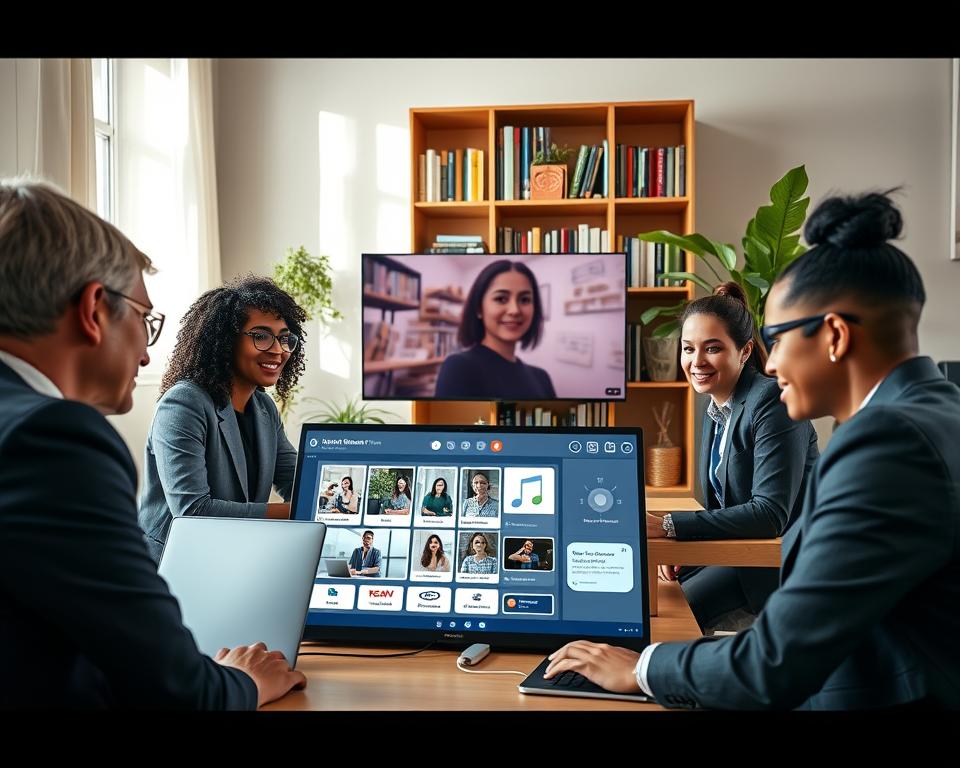
A well-organized course catalog is essential for finding relevant courses. It should be categorized by subject, skill level, and other criteria.
Key aspects include:
- Intuitive categorization for easy navigation
- Course descriptions and outlines
- User reviews and ratings
Personalized Learning Recommendations
Personalized learning recommendations make the user experience better. They suggest courses based on interests and learning history.
This feature can be achieved through:
- Algorithms that analyze user behavior
- User input on preferences and goals
- Integration with user profiles and learning paths
User Authentication and Profile Management Systems
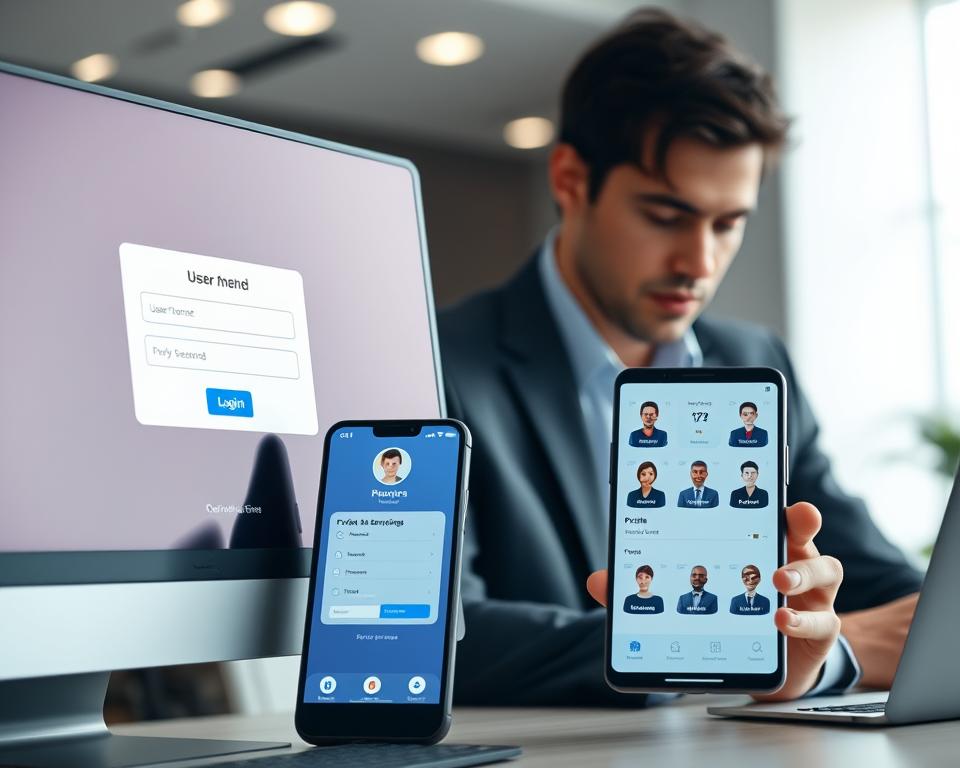
To make learning personal, a MasterClass-like app needs to focus on user authentication and profile management. These systems are key for a personalized learning experience. They let users access their learning materials securely and easily.
Multi-Channel Registration Options
It’s important to offer multi-channel registration options for better user convenience and accessibility. Users should be able to sign up through email, social media, or other OAuth providers. This makes signing up easier and encourages more people to join.
Comprehensive User Dashboard Design
A well-designed user dashboard is crucial for easy access to course materials and tracking progress. It should be intuitive, showing course completion status, upcoming lessons, and recommended courses based on user preferences and history.
The dashboard can also include features like:
- Course catalog with search and filter options
- Learning paths tailored to user interests
- Notifications for new course releases or updates
Progress Tracking and Learning Analytics
Progress tracking and learning analytics are key for understanding user engagement and learning outcomes. They help track how users interact with content, identify challenges, and suggest additional resources.
Some key features of progress tracking and learning analytics include:
- Course completion percentages
- Time spent on individual lessons or courses
- Quiz or assessment results
Smart Notification System
A smart notification system keeps users engaged by informing them about new courses, updates, and milestones. Notifications can be personalized based on user preferences and learning history, ensuring users get relevant and timely updates.
Examples of smart notifications include:
- New course releases from favorite instructors
- Reminders for upcoming live sessions or deadlines
- Recommendations for next courses based on learning history
Building a Robust Video Streaming Infrastructure
A strong video streaming infrastructure is key for any online learning platform. It makes sure videos play smoothly and look great. MasterClass is a top example, offering high-quality videos that can be watched offline.
Adaptive Bitrate Streaming Technology
Adaptive bitrate streaming keeps videos playing smoothly, no matter the internet speed. It changes the video quality based on the user’s connection. This makes sure everyone has a great viewing experience.
Key benefits of adaptive bitrate streaming include:
- Smooth video playback across varying internet speeds
- Reduced buffering and lag
- Enhanced user experience
A streaming tech expert says, “Adaptive bitrate streaming is vital for delivering top-notch video content to all users, no matter their internet.”
“The key to a successful streaming service is not just the content, but also the technology that delivers it. Adaptive bitrate streaming is a game-changer in this regard.”
Content Delivery Network Architecture
A Content Delivery Network (CDN) is crucial for fast video playback. It caches content at servers near users, cutting down on loading times.
| CDN Benefits | Description |
|---|---|
| Reduced Latency | CDNs cache content closer to users, reducing video loading times. |
| Improved Performance | By minimizing the distance between users and content, CDNs enhance video playback. |
| Scalability | CDNs can handle large volumes of traffic, ensuring consistent performance. |
Offline Download and Viewing Functionality
Offline viewing is a must for online learning platforms. It lets users watch content without the internet. This is super helpful for those with poor or no internet.

Multi-Device Synchronization
Multi-device syncing lets users switch devices easily without losing their place. It makes learning flexible and easy.
By adding these features, online learning platforms can offer a top-notch, flexible, and easy-to-use experience. This sets them apart in a crowded market.
Interactive Learning Features and Student Engagement
MasterClass has changed online learning with interactive features that boost student engagement. It’s key to use various tools for interaction among students, instructors, and course material.
Workbooks and Supplementary Materials
Downloadable workbooks and materials add to the learning experience. MasterClass offers downloadable workbooks to go with their video lessons. This lets students practice and apply what they’ve learned.
These materials include exercises, quizzes, and projects for different learning styles. They keep students engaged and motivated.
Community Forums and Peer Interaction
Community forums are crucial for online learning. They allow peer interaction and discussion among students. This creates a community and a supportive learning environment.
- Discussion boards for course-related topics
- Peer review and feedback mechanisms
- Live sessions or webinars for real-time interaction
Assignment Uploads and Instructor Feedback
Being able to upload assignments and get instructor feedback is key for student progress. This lets instructors assess understanding, provide guidance, and help improve skills.
A good assignment upload system ensures timely and helpful feedback. This is vital for student growth and development.
Note-Taking and Bookmarking Capabilities
Allowing students to take notes and bookmark important sections enhances their learning. These features help students organize their learning, review key concepts, and access important information easily.
Note-taking and bookmarking make learning more personalized and effective.

Content Management System for Instructors and Administrators
Instructors and administrators need a content management system to manage course materials. A good CMS helps with creating, publishing, and analyzing content. It’s key for online learning platforms like MasterClass.
The CMS is the main place for content activities. It lets instructors teach while administrators keep the platform running smoothly. It has tools for making courses, moderating content, and tracking performance.
Instructor Dashboard and Analytics
The instructor dashboard shows how courses are doing. Instructors can see how students are doing and adjust their teaching. This dashboard is vital for understanding students and improving teaching.
Key features of the dashboard include:
- Course performance metrics
- Student engagement analytics
- Tools for managing course content
Course Creation and Video Upload Tools
Course creation is easy with the tools provided. Instructors can upload videos and create materials. These tools are simple to use, so instructors can focus on making great content.
The video tools support many formats. They help make sure videos play well on all devices and connections.

Content Moderation and Approval Workflow
A strong content moderation and approval process is in place. It checks if content is accurate and meets standards before it’s published.
This workflow keeps content quality high. It makes sure students get a great learning experience.
Performance Metrics and Student Insights
Performance metrics and insights on students are important. The CMS gives detailed analytics on how students are doing. This helps instructors improve their teaching.
These insights help instructors make their courses better. This improves the learning experience for students.
UI/UX Design Principles for Premium Educational Platforms
Creating an educational platform like MasterClass needs careful UI/UX design. This design is key to making learning fun and effective. It shapes how users feel and interact with the platform.
Creating a Luxurious and Minimalist Interface
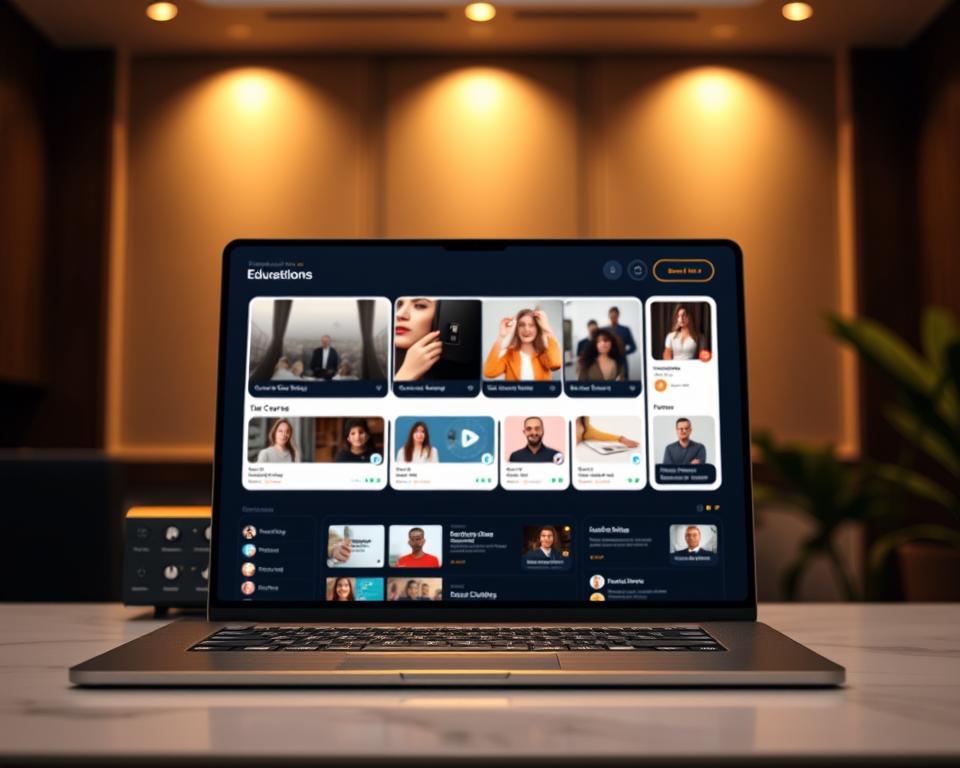
A top-notch learning experience starts with a clean and simple design. MasterClass excels in this, letting learners dive into courses without distractions. Designers should aim for simplicity, using lots of white space and clear fonts.
Navigation Architecture for Seamless Discovery
Good navigation is vital for finding new courses easily. It means organizing courses well and offering personalized recommendations. For more tips, see seamless user experience tips in mobile apps.
Mobile-First Responsive Design Strategy
Mobile devices are now key for learning online. A mobile-first design ensures the platform works well on all devices. It starts with small screens and scales up, keeping everything smooth and adaptable.
Accessibility Standards and Inclusive Design
Following accessibility standards is crucial for reaching all learners. This includes following WCAG 2.1 and making sure the platform works with assistive tech. It’s about making learning accessible to everyone.
| Design Principle | Description | Benefits |
|---|---|---|
| Luxurious and Minimalist Interface | Clean and intuitive design focusing on simplicity and clarity | Enhances user experience, reduces distractions |
| Navigation Architecture | Clear categorization and intuitive menus for easy course discovery | Improves user engagement, facilitates learning |
| Mobile-First Responsive Design | Designing for smaller screens first to ensure adaptability | Ensures accessibility across devices, enhances user experience |
| Accessibility Standards | Following guidelines like WCAG 2.1 for inclusive design | Makes the platform usable by a diverse range of learners |
Selecting the Right Technology Stack
Building a scalable online learning platform needs a well-chosen technology stack. This stack includes frontend frameworks, backend tech, databases, and cloud providers. Each part is key to the platform’s success, performance, and user experience.
Frontend Development Framework Choices
Choosing the right frontend framework is vital for a smooth user interface. Popular choices are React Native, native iOS and Android, and Flutter.
React Native for Cross-Platform Development
React Native lets developers make apps for both iOS and Android using JavaScript and React. It’s cost-effective and has a big community and lots of libraries.
Native iOS and Android Development
Native development gives the best performance and user experience. But, it requires separate code for iOS and Android, which increases costs and time.
Flutter as an Alternative Solution
Flutter is an open-source UI kit by Google. It lets developers make apps for mobile, web, and desktop from one codebase.
| Framework | Cross-Platform | Performance | Development Time |
|---|---|---|---|
| React Native | Yes | Good | Medium |
| Native iOS/Android | No | Excellent | Long |
| Flutter | Yes | Excellent | Medium |
Backend Technology and API Architecture
The backend manages data, handles requests, and provides APIs for the frontend. Popular choices are Node.js with Express and Python with Django or FastAPI.
Node.js with Express Framework
Node.js is built on Chrome’s V8 engine. Express is a web framework for Node.js that offers many features for web and mobile apps.
Python with Django or FastAPI
Python has frameworks like Django and FastAPI for high performance and scalability. Django is a web framework for rapid development and clean design.
Database Solutions for Scalability
Choosing the right database is key for handling big data and scalability. Relational databases like PostgreSQL and NoSQL databases like MongoDB are popular.
PostgreSQL for Relational Data
PostgreSQL is a powerful, open-source database system. It’s highly scalable and supports advanced data types.
MongoDB for Flexible Content Storage
MongoDB is a NoSQL database for flexible schema design and high scalability. It’s great for large volumes of unstructured data.
Cloud Infrastructure Providers
Cloud providers offer scalable and reliable hosting. Popular ones are Amazon Web Services (AWS), Microsoft Azure, and Google Cloud Platform (GCP).

These providers offer services like compute power, storage, and database management. They let businesses scale their infrastructure as needed.
Monetization Strategies and Payment Processing
An online learning platform’s financial health relies on its money-making plans. It’s key to cover costs, invest in content, and stay viable long-term.
A good subscription tier architecture is vital. It meets different user needs and boosts earnings. MasterClass, for example, has various tiers for different features and content levels.
Subscription Tier Architecture
Having several subscription tiers lets platforms cater to various users. This includes basic, premium, and elite tiers. Each offers unique benefits like exclusive content or priority support.
| Tier | Features | Price |
|---|---|---|
| Basic | Limited course access, standard support | $10/month |
| Premium | Full course catalog, priority support, offline viewing | $20/month |
| Elite | All premium features, exclusive content, personalized coaching | $30/month |
Payment Gateway Integration and PCI Compliance
Choosing a secure payment gateway is crucial for smooth transactions and user trust. PCI compliance is also essential to safeguard user data and avoid legal issues.
Gateways like Stripe and PayPal offer strong solutions. They make payments easy for users.
Free Trial and Conversion Optimization
A free trial can boost user sign-ups. It lets people try the platform before paying. The key is to turn trial users into paid subscribers through smart marketing and engagement.
Corporate Licenses and Gift Memberships
Corporate licenses and gift memberships add to revenue. They’re great for businesses wanting to improve their team’s skills and for users to share the platform with others.

Security Measures and Content Protection
Online learning platforms must protect their content and user data with advanced security. Keeping digital content safe is key to their reputation and user trust.
Strong security measures are vital to stop unauthorized access and sharing of copyrighted materials. This requires a mix of strategies.
Digital Rights Management Implementation
Digital Rights Management (DRM) plays a big role in protecting digital content. DRM encrypts content and controls who can access it. This ensures only authorized users can view or download it.
DRM helps prevent piracy and unauthorized sharing. It protects the platform’s intellectual property and keeps offering high-quality content to users.
Video Watermarking and Piracy Prevention
Video watermarking is a powerful tool for content protection. It embeds a unique identifier in the video, making it traceable. This discourages pirates and helps find and fix security issues.
Watermarks can be seen or hidden. Visible watermarks warn off pirates, while hidden ones track leaks more effectively.
Data Encryption and Privacy Compliance
Keeping user data safe is as important as protecting content. Data encryption keeps user info secure and private. Following privacy laws like GDPR and CCPA is essential for user trust.
Online learning platforms need strong encryption for data at rest and in transit. Regular security checks and compliance audits are crucial to stay secure.
Secure Authentication with Two-Factor Verification
Two-factor verification adds extra security to user accounts. It requires a second identity check, like a code or biometric scan. This greatly reduces unauthorized access risk.
This method not only secures user accounts but also fights fraud. It’s a key part of a solid security plan for online learning platforms.
Development Timeline and Project Phases
Creating a MasterClass-like app is a complex journey. It needs careful planning and execution in different stages. The process involves several key phases to ensure the app meets user needs and is ready on time.
Discovery Phase and Requirements Gathering
The first step is the discovery phase. Here, we gather and analyze the project’s needs. It’s essential as it sets the project’s foundation. We identify the target audience, understand their needs, and define the project’s scope and goals.
A detailed analysis in this phase helps create a clear project roadmap. It ensures everyone involved is on the same page with the project’s objectives.
UI/UX Design and Prototyping Stage
After the discovery phase, we move to UI/UX design and prototyping. This stage focuses on creating an attractive and user-friendly interface. The design should be intuitive, making it easy for users to use the platform.
Prototyping lets us test and refine the design. It ensures the design meets the desired user experience standards. A well-designed UI/UX is key for keeping users engaged and satisfied.
Agile Development Sprints and Milestones
The development process is divided into agile sprints. This approach allows for iterative development and flexibility. It lets the team adapt to changes and incorporate feedback during the development cycle.
Breaking the development into manageable sprints and milestones helps track progress. It ensures the project stays on schedule. For more insights on managing development schedules, you can refer to project schedule development processes.
Quality Assurance and Beta Testing
The last phase before launch is quality assurance and beta testing. This stage is crucial to ensure the platform is stable and performs well. Quality assurance involves thorough testing to find and fix bugs.
Beta testing provides feedback from a small audience. This feedback is invaluable for making necessary adjustments before the official launch.
The key to a successful development timeline is flexibility and continuous improvement. By using an agile development methodology and focusing on quality assurance, developers can ensure a functional and user-friendly product.
- Discovery phase for requirements gathering
- UI/UX design and prototyping for a seamless user experience
- Agile development sprints for iterative progress
- Quality assurance and beta testing for a stable launch
Budget Planning and Cost Analysis
Creating a scalable online education platform starts with financial planning. It’s key to understand all costs and plan a budget well. MasterClass is a great example of this.
Budget planning has several important parts. You need to figure out the team’s structure and rates. Also, consider costs for third-party services, infrastructure, and updates after launch.
Development Team Structure and Hourly Rates
The cost of building an online platform depends on the development team and their rates. A team might include project managers, designers, developers, and more.
Hourly rates vary by location, experience, and tech skills. Hiring from places with lower costs can save money. But, make sure the skills match the job.
Third-Party Services and Licensing Costs
When building a platform, think about third-party services and licensing. This includes video streaming, payment gateways, and software licenses.
Licensing high-quality videos or using premium streaming services can be expensive. Secure payment gateways also come with fees and compliance costs.
Infrastructure and Hosting Expenses
Infrastructure and hosting costs are big parts of the budget. Choosing cloud hosting affects costs a lot. Storage, bandwidth, and scalability needs play a role.
CDNs are important for video streaming quality and reducing latency. They add to costs but are necessary.
Post-Launch Maintenance and Updates
After launching, post-launch maintenance and updates are vital. This includes bug fixes, updates, new features, and security checks.
It’s important to budget for ongoing maintenance. It usually costs a yearly percentage of the initial development cost.
Marketing Strategy and User Acquisition
In today’s digital world, online learning platforms need smart marketing to draw in and keep users. A good marketing plan is key for a MasterClass-like app. It includes many tactics to boost visibility, engagement, and growth.
Pre-Launch Buzz and Waitlist Building
Building excitement before launch is crucial. This can be done through:
- Social media teasers and countdowns
- Influencer partnerships to spark curiosity
- Exclusive content or early access for waitlist members
Having a waitlist shows interest and gives a launch-ready audience.
App Store Optimization Tactics
App Store Optimization (ASO) is vital for visibility. Key ASO tactics are:
- Using the right keywords in the app title and description
- Creating a high-quality icon and screenshots
- Getting positive reviews and ratings
Good ASO boosts the app’s findability and organic downloads.
Instructor Marketing and Influencer Partnerships
Using instructors’ and thought leaders’ influence is powerful. This includes:
- Working with instructors for promotional content
- Partnering with influencers to reach more people
- Sharing instructor success stories and testimonials
For more on digital marketing, check out digital growth marketing courses.
Paid Advertising and Organic Growth Channels
Marketing should mix paid ads and organic growth. Paid ads offer quick visibility, while organic channels last longer. Key strategies are:
- Targeted social media ads and Google Ads
- Content marketing and SEO
- Email marketing and referral programs
By combining these strategies, a MasterClass-like app can attract and keep users. This drives growth and success in the online learning market.
Conclusion
Creating an app like MasterClass needs careful planning and ongoing improvement. It involves understanding the MasterClass business model. You also need to add essential features, design a user-friendly interface, and ensure security and monetization.
By following this guide, developers can make an engaging educational app. This app will meet the needs of many users. For those interested in creating an Uber-like app for tutors, it’s key to understand the online education landscape.
A well-thought-out strategy for educational app development can lead to success. This success comes from being part of the competitive online learning market, inspired by platforms like MasterClass.


