







The rise of online learning has made e-learning platforms more popular. Kajabi is a top choice with its wide range of features. Creating a similar online course platform needs careful planning. This includes picking the right tech stack and knowing the cost.
This article will cover the key parts of making a Kajabi-like app development project. We’ll look at important features, estimated cost, the best tech stack, and a realistic timeline. Knowing these details helps developers and entrepreneurs build a successful e-learning platform.
Table of Contents
Key Takeaways
- Understanding the importance of e-learning platforms in today’s digital landscape.
- Key features to include in a Kajabi-like online course platform.
- Factors influencing the cost of developing an e-learning app.
- Choosing the right tech stack for your e-learning platform.
- Establishing a realistic timeline for your app development project.
1. Understanding Kajabi and Its Market Position
Kajabi is a top pick for those wanting to sell online courses. It offers a full set of tools to make creating, marketing, and selling courses easy.
What Makes Kajabi a Leading Online Course Platform
Kajabi stands out because it’s an all-in-one platform. It lets you create courses, build websites, and automate marketing. This means you can manage everything in one place, without needing lots of different tools.
- Course creation tools with multimedia support
- Customizable website templates for professional-looking sites
- Marketing automation features to streamline sales processes

Key Market Statistics and User Base
Kajabi has made a big splash in the online education world. Here are some important stats:
| Statistic | Value |
|---|---|
| User Base | Over 100,000 businesses |
| Courses Created | Millions of courses |
| Revenue Generated | Billions of dollars in course sales |
Why Businesses Choose Kajabi
Businesses love Kajabi for its ease of use and comprehensive feature set. It lets you focus on making great content. Meanwhile, it handles the technical stuff of getting your course out there.
The main reasons are:
- Simplified course creation and management
- Integrated marketing and sales tools
- Scalable solutions for growing businesses
2. Why Build a Kajabi-Like App for Your Business
The e-learning industry is growing fast. Creating a Kajabi alternative can open up big business chances. More people want flexible and easy-to-access learning options.

Market Opportunities in Online Education
The online education market is booming. It’s expected to hit $240 billion by 2028. This growth comes from more internet use, mobile devices, and the need for specific skills.
Key trends shaping the online education market include:
- Increased demand for professional and skill-based courses
- Growing adoption of mobile learning
- Rise of personalized learning experiences
- Expansion of online degree programs
Revenue Potential and Business Models
Creating a Kajabi-like app can bring in a lot of money. There are several ways to make money, like subscriptions, freemium, and transactional models.
| Business Model | Description | Revenue Potential |
|---|---|---|
| Subscription-Based | Users pay a recurring fee for access to premium content | High |
| Freemium | Basic content is free, while premium content requires a subscription | Medium to High |
| Transactional | Users pay for individual courses or products | Medium |
“The future of education is online, and the potential for creating engaging, accessible learning experiences is vast.”
Target Audience for Kajabi Alternatives
Knowing who to target is key for your Kajabi-like app’s success. The main audience includes teachers, entrepreneurs, and businesses wanting to sell online courses.
Key characteristics of the target audience:
- Educators and trainers seeking to monetize their knowledge
- Entrepreneurs and businesses looking to upskill their employees
- Individuals interested in creating and selling online courses
By understanding your audience’s needs, you can make your platform better. This will help it get more users and succeed.
3. Core Features of Kajabi Like App Development – Features, Cost, Tech Stack & Timeline
Creating a Kajabi-like app means adding tools for easy course creation, marketing, and handling payments. It’s key to include these main features for a top-notch online learning site.
Course Creation and Management Tools
Good course tools are essential for any online learning site. They should let teachers make, change, and sort their content easily. This includes text, images, videos, and quizzes.
- Drag-and-drop editors for easy content arrangement
- Support for various media formats, including video and audio files
- Quizzes and assessments to evaluate student progress
- Course templating to maintain consistency across different courses

Website Builder and Landing Pages
A website builder lets users make professional sites without coding. It should have customizable templates, drag-and-drop tools, and tie in with course content.
| Feature | Description | Benefit |
|---|---|---|
| Customizable Templates | Pre-designed templates for quick website setup | Professional appearance without design expertise |
| Drag-and-Drop Editor | Easy page building without coding | Flexibility in designing website layout |
| Landing Page Builder | Targeted pages for marketing campaigns | Increased conversion rates through focused messaging |
Marketing Automation Features
Marketing automation tools make promoting easier, letting businesses grow more. They include email marketing, lead scoring, and segmenting.
- Email automation sequences to nurture leads
- Lead scoring to identify high-value prospects
- Segmentation to target specific audience groups
Payment Processing and Subscription Management
Secure payment processing and managing subscriptions are key for making money from online courses. It should handle different payment methods, recurring subscriptions, and coupon codes.
| Payment Feature | Description | Benefit |
|---|---|---|
| Multiple Payment Gateways | Support for various payment processors | Flexibility for users in choosing payment methods |
| Recurring Subscriptions | Automated subscription billing | Predictable revenue stream |
| Coupon Codes | Discounts for promotional campaigns | Increased sales through targeted promotions |
4. Essential User Features for Your Platform
A well-designed platform with the right features can boost user engagement and learning outcomes. It’s key to include features that meet the diverse needs of your users.
Student Dashboard and Learning Interface
The student dashboard is the main hub for learners. It gives them easy access to their courses, progress, and more. A clean and intuitive design is vital for a good user experience.
- Course catalog with clear categorization
- Personalized recommendations based on user behavior
- Easy navigation to course materials and resources
An effective learning interface should be clutter-free. This lets students focus on their studies without distractions.

Progress Tracking and Certificates
Progress tracking is key for learners to see how far they’ve come. It motivates students and helps instructors see where students need extra help.
- Visual progress indicators
- Completion badges and certificates
- Detailed analytics for instructors
Certificates upon course completion motivate learners. They provide a real reward for their hard work.
Community and Engagement Tools
Community tools are vital for learner engagement. Features like discussion forums, live chats, and social media integration build a sense of community. This enhances the learning experience.
- Discussion forums for Q&A and resource sharing
- Live chat support for immediate assistance
- Social media integration for broader community building
Mobile Learning Experience
With more demand for mobile learning, making your platform mobile-friendly is essential. A responsive design that works on all devices is crucial for a smooth learning experience.
Key considerations include:
- Responsive design for various devices
- Mobile-specific features and optimizations
- Offline access to course materials
By adding these essential user features, you can build a robust and engaging learning platform. It will meet the needs of your users and stand out in the online education market.
5. Admin Panel and Backend Requirements
The heart of a successful online education platform is its admin panel and backend. A good admin panel helps administrators manage and improve the platform. This ensures a smooth experience for both teachers and students.
Content Management System
A strong content management system (CMS) is key for organizing and sharing educational content. It lets admins create, edit, and manage course materials like text, images, videos, and quizzes. A good CMS makes sure content is easy to find and can be customized for different learning paths.
What makes a CMS great includes:
- Drag-and-drop content upload
- Version control for content updates
- Content tagging and categorization
- Support for multiple content formats

Analytics and Reporting Dashboard
An analytics and reporting dashboard gives insights into how the platform is doing and how users are engaging. It helps admins see things like course completion rates, how many users are signing up, and how much money is being made.
| Metric | Description | Importance |
|---|---|---|
| Course Completion Rate | Percentage of users finishing courses | High |
| User Enrollment Numbers | Total number of users in courses | High |
| Revenue Generated | Total money made from course sales and subscriptions | High |
User Management and Access Control
User management is crucial for keeping the platform safe and making sure users have the right access. Admins can handle user roles, permissions, and access rights. This keeps sensitive info safe and stops unauthorized actions.
Good user management means:
- Role-based access control
- User activity monitoring
- Secure login processes
With a solid admin panel and backend features, online education platforms can work better, make users happier, and grow their business.
6. Technology Stack for Building a Kajabi-Like Platform
To make a platform like Kajabi, picking the right tech stack is key. It should handle both frontend and backend needs. The tech stack is the core of your platform, making it easy to use, manage course content, and run business operations smoothly.

Frontend Technologies
The frontend of your platform is all about the user interface. You have many options for frontend tech, based on what you need and prefer.
React or Vue.js for Web Interface
For a web interface that’s both responsive and interactive, consider React or Vue.js. Both are JavaScript frameworks known for their component-based design. This design makes it easy to reuse UI components and manage state efficiently.
- React is widely used and has a big community, making it easier to find resources and libraries.
- Vue.js is simpler and easier to integrate, perfect for projects needing a gentle learning curve.
React Native or Flutter for Mobile Apps
For mobile app development, you can choose React Native or Flutter. Both allow you to build apps for both iOS and Android from a single codebase.
- React Native uses React and JavaScript, ideal if you’re already familiar with React.
- Flutter uses Dart and is known for fast development and high-performance apps.
Backend Technologies
The backend manages data, processes requests, and integrates services. Picking the right backend tech is crucial for your platform’s performance and scalability.
Node.js, Python Django, or Ruby on Rails
You have several backend framework options, including Node.js, Python Django, and Ruby on Rails. Each is suited for different projects based on their strengths.
- Node.js is great for real-time apps and is built on JavaScript, making it perfect for full-stack development.
- Python Django is ideal for complex, data-driven projects due to its high-level abstractions.
- Ruby on Rails is known for rapid development thanks to its convention-over-configuration principle.
Database Solutions: PostgreSQL, MongoDB
For database management, you can choose between relational databases like PostgreSQL and NoSQL databases like MongoDB.
- PostgreSQL is a powerful, open-source relational database that supports advanced data types and complex queries.
- MongoDB is a popular NoSQL database that stores data in flexible, JSON-like documents, making it suitable for handling large amounts of unstructured data.
Cloud Infrastructure and Hosting
Cloud infrastructure provides the necessary resources for hosting your platform, ensuring scalability, reliability, and security.
AWS, Google Cloud, or Azure
You can choose from major cloud providers like AWS, Google Cloud, or Azure. Each offers a range of services, including computing power, storage, and database management.
- AWS is one of the most widely used cloud platforms, offering a broad set of services and a large community.
- Google Cloud is known for its strong data analytics and machine learning capabilities.
- Azure integrates well with Microsoft products and is a good choice if you’re already invested in the Microsoft ecosystem.
Third-Party Integrations
Third-party integrations enhance your platform by connecting it with external services for payment processing, email marketing, and video hosting.
Payment Gateways: Stripe, PayPal
For payment processing, you can integrate Stripe or PayPal, both of which are widely used and trusted payment gateways.
- Stripe offers a range of payment solutions and is known for its ease of integration.
- PayPal is a well-established payment service that provides a secure checkout experience.
Email Marketing: SendGrid, Mailchimp
For email marketing, you can use services like SendGrid or Mailchimp, which offer tools for creating and managing email campaigns.
- SendGrid is known for its transactional email capabilities and scalability.
- Mailchimp is a popular choice for marketing automation and email newsletters.
Video Hosting: Vimeo, Wistia
For video hosting, you can choose between Vimeo and Wistia, both of which offer high-quality video hosting solutions.
- Vimeo is known for its high-quality video playback and creative tools.
- Wistia offers advanced video analytics and customization options.
7. Development Process and Methodology
To make a Kajabi-like app, you need a solid plan. This plan includes discovery, design, development, and testing. This way, the app will be strong, easy to use, and meet what people want.
Discovery and Planning Phase
The discovery phase is key. It’s about knowing what the project needs, who it’s for, and what features it should have. Important tasks include:
- Doing market research to see what others are doing and what users want
- Figuring out what makes your platform special
- Creating a detailed plan and schedule for the project
This phase is the base for a successful project.
Design and Prototyping
After knowing what the project needs, it’s time to design and make a prototype. This means:
- Making wireframes to show how the platform will look and work
- Designing something that looks good and fits the brand
- Building interactive prototypes to check how easy it is to use
Design and prototyping are ongoing. They help make the platform better for users.
Development Sprints
The development phase is split into sprints. These are short, focused work periods. Each sprint includes:
- Deciding which features to work on first
- Building and testing specific parts of the platform
- Checking how things are going and making changes if needed
Using agile methods, sprints keep the project moving and flexible.
Testing and Quality Assurance
Testing is vital to make sure the platform works well and is safe. This includes:
- Testing individual parts to make sure they work
- Checking how different parts work together
- Testing with users to see if it meets their needs
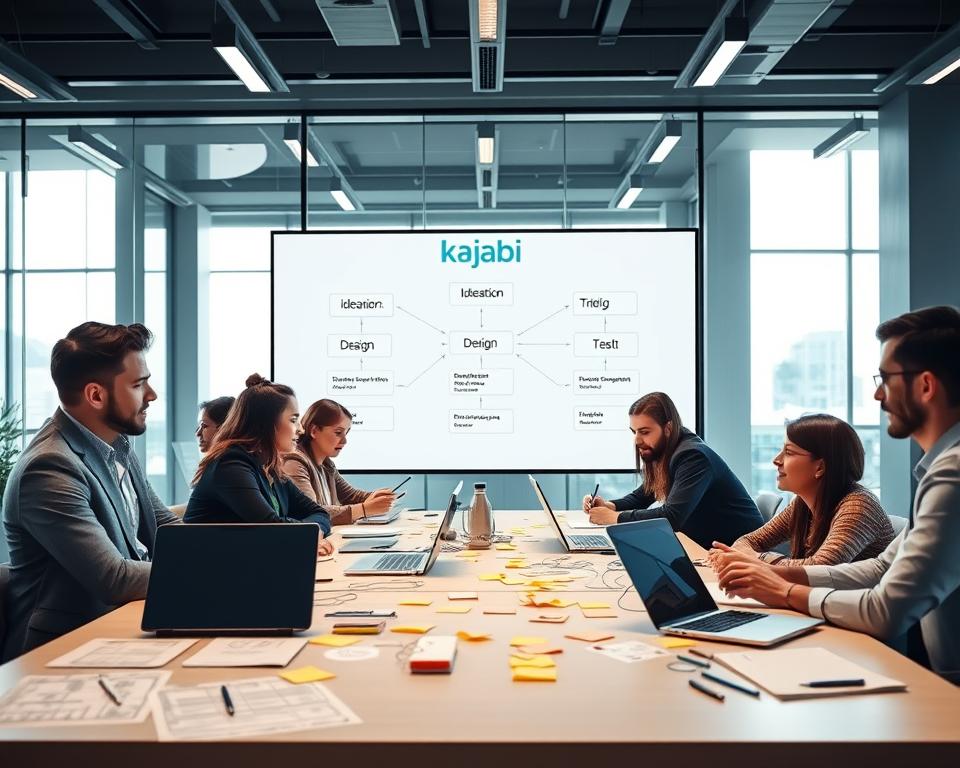
By sticking to a clear plan that covers discovery, design, sprints, and testing, developers can build a Kajabi-like app. This app will be useful and attractive to users.
8. MVP vs Full-Featured Platform Approach
When you’re making a Kajabi-like platform, you have to decide between an MVP or a full-featured platform. This choice affects your timeline, budget, and how you enter the market.

Defining Your Minimum Viable Product
A Minimum Viable Product (MVP) is the basic version of your platform. It has the key features to meet early customers’ needs and get feedback. The MVP lets you test your product with little resources.
To make your MVP, find the main features your audience needs. This means:
- Doing market research to know what users want
- Choosing features that are most valuable to users and your business
- Creating a simple version of your platform that still offers value
Features to Include in MVP
For your MVP, pick the features that are most important for your platform’s main value. For a Kajabi-like platform, this could be:
- Tools for creating courses
- A basic website builder
- Payment processing
- Features for user registration and login
Launching with these key features lets you start getting feedback and improving your product.
Scaling to Full Platform
After your MVP is out and you’ve got feedback, you can start adding more features. This means:
- Looking at feedback to see what users want
- Choosing new features based on what users need and your business goals
- Adding and integrating new features step by step
Scaling your platform makes it better for users, helps you reach more people, and keeps you competitive. It’s a never-ending process that needs ongoing analysis and improvement.
In short, whether to start with an MVP or a full platform depends on your goals, the market, and what resources you have. Knowing the pros and cons of each helps you make a choice that fits your strategy.
9. Cost Breakdown for Kajabi-Like App Development
Understanding the costs for a Kajabi-like platform is key for budgeting and success. The total cost includes development team, technology, third-party services, and maintenance costs.
Development Team Costs
The development team’s cost is a big part of the budget. It covers hiring developers, designers, project managers, and quality assurance specialists.
In-House vs Outsourced Development
Choosing between an in-house team or outsourcing is a big decision. In-house gives more control but costs more in hiring and infrastructure. Outsourcing is cheaper but managing external teams can be tricky.
Freelancers vs Development Agency
Deciding between freelancers or a development agency is also important. Freelancers are good for specific tasks and save money. Agencies offer a wide range of services and expertise.
Technology and Infrastructure Costs
Technology and infrastructure costs include servers, cloud services, software licenses, and tools for development and deployment.
Third-Party Service Subscriptions
Third-party services like payment gateways, email marketing tools, and analytics platforms are vital. They come with subscription fees that add to the overall cost.
Maintenance and Support Costs
Maintenance and support are essential for the platform’s smooth operation. This includes updates, bug fixes, security, and customer support costs.
Total Investment by Region
The cost to develop a Kajabi-like app varies by region. It depends on where the development team is based.
North America Development Costs
North America has high development costs due to labor costs. But, it offers access to skilled professionals.
Eastern Europe Development Costs
Eastern Europe is a popular choice for outsourcing. It has lower costs and a high-quality talent pool.
Asia Development Costs
Asia, especially India and the Philippines, offers competitive costs. However, language and cultural differences are important to consider.
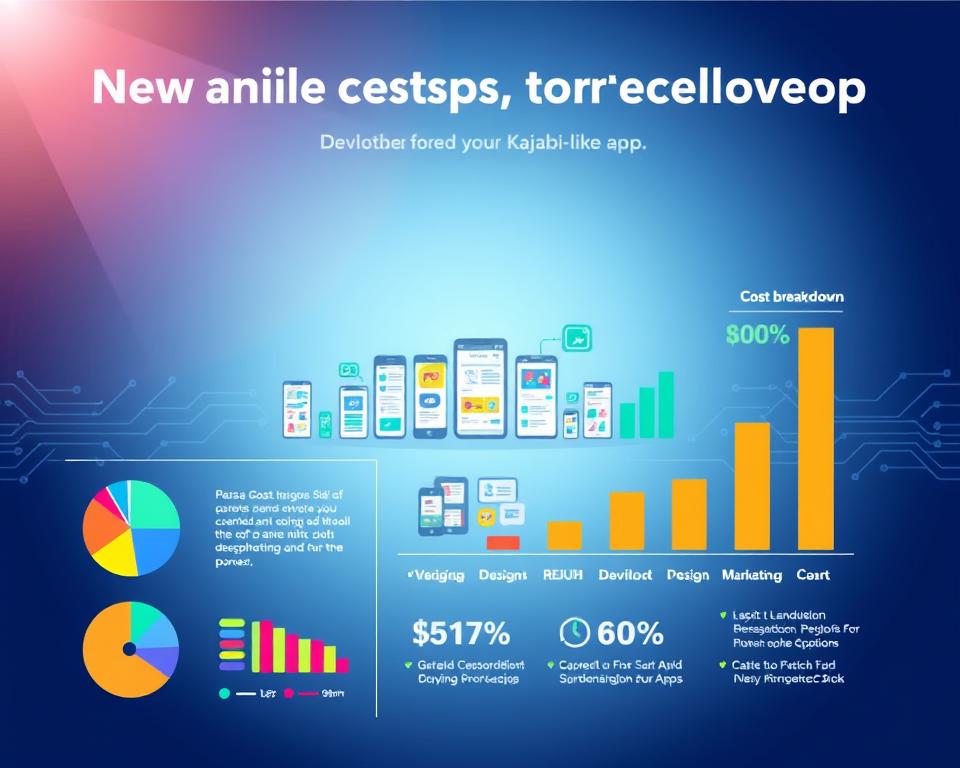
The following table summarizes the estimated costs for developing a Kajabi-like app in different regions:
| Region | Development Cost Range | Timeline |
|---|---|---|
| North America | $150,000 – $300,000 | 6-12 months |
| Eastern Europe | $80,000 – $200,000 | 6-12 months |
| Asia | $50,000 – $150,000 | 6-12 months |
10. Development Timeline and Milestones
Creating a Kajabi-like platform needs careful planning. A key part is setting a realistic development timeline. This timeline affects the launch date, cost, and how many resources you need.
MVP Development Timeline (3-4 months)
The Minimum Viable Product (MVP) has the basic features to please early users and get feedback. The MVP development timeline is usually 3 to 4 months. This depends on the feature complexity and the team size.
In this phase, you focus on the core features. These include course tools, basic marketing, and payment systems. The aim is to launch a product that can be tested by early users.
Full Platform Development Timeline (6-9 months)
Building a full-featured Kajabi-like platform takes 6-9 months. This longer time lets you add advanced features. These include detailed marketing tools, analytics, and better user engagement.
A full-featured platform meets more user needs and allows for complex monetization. It’s a more robust solution.
Factors Affecting Timeline
Several things can change your platform’s development timeline. These include:
- The complexity of the features you want to include
- The size and experience of your development team
- The technology stack you choose
- The need for third-party integrations
Knowing these factors helps set a realistic timeline. It also helps avoid delays.
Post-Launch Development and Iterations
After launching, development doesn’t end. Post-launch development means improving the platform based on user feedback. You fix bugs and add new features to stay competitive.
This phase is key for your platform’s long-term success. It ensures you keep meeting your users’ changing needs.
11. Monetization Strategies for Your Platform
Monetizing your online course platform needs a smart plan. A good monetization strategy can make your platform profitable and lasting.
Subscription-Based Models
Subscription-based models are a top choice for making money. They let users get premium content or services for a regular fee. This can be monthly or yearly. The perks are:
- Predictable income
- More loyal customers
- Room for different pricing levels
But, it’s key to make sure the subscription price matches the value given. This keeps users coming back.
Transaction Fees and Commission Structure
Charging transaction fees or using a commission structure on sales is another smart move. This works well for platforms that help creators sell to learners.
The main benefits are:
- Income without initial costs
- Aligns with user value
- Flexible fee options
It’s important to keep fees fair and clear. This builds trust with users.
Freemium and Premium Tiers
Using a freemium model with premium tiers is a hit with users and revenue. The free version offers basic services, while the premium adds more for a price.
The good parts are:
- Easy start for new users
- Chance to sell more
- Stays competitive with flexible pricing
To win, balance the free and paid parts well. Make sure premium features are worth the extra cost.
In summary, a winning monetization strategy for your online course platform needs careful thought. Look at models like subscriptions, transaction fees, and freemium/premium tiers. Know your audience and what your platform offers. This way, you can pick the best way to make money and keep your platform going strong.
12. Challenges and Solutions in Development
Creating a Kajabi-like platform is tough. It involves smooth video streaming and strong security. With more online learning, platforms must handle lots of users, deliver content well, and keep data safe.
Video Streaming and Content Delivery
Ensuring smooth video streaming is a big challenge. Video content delivery needs a solid setup to handle high-bandwidth without losing quality.
To solve this, using Content Delivery Networks (CDNs) helps. They spread video content on servers worldwide, cutting down on latency and boosting quality. Also, adaptive bitrate streaming adjusts video quality based on internet speed.
Scalability and Performance Optimization
As more users join, platforms need to grow. If they can’t, they might slow down or go offline, hurting the user experience.
To grow, developers can use cloud-based infrastructure. It makes scaling resources easy. Also, improving database queries, using caches, and load balancing can make the platform faster.
Security and Data Protection
Security is key for any online platform, especially those with sensitive data. Keeping this data safe and private is essential.
SSL/TLS encryption keeps data safe during transfer. Strong authentication and regular security checks also help. Following data protection laws like GDPR is vital.
Payment Processing Compliance
For platforms that take payments, payment processing compliance is crucial. This means following rules like PCI-DSS to keep payments secure.
Using trusted payment gateways that follow these rules makes things easier. It’s also important to check and watch payment systems often to stay compliant and avoid security issues.
13. Conclusion
Creating a Kajabi-like app needs careful planning and a deep understanding of the e-learning world. It should have key features like course tools, marketing automation, and payment options. This way, you can build a complete online course platform that meets your audience’s needs.
A well-made Kajabi-like app can tap into the growing need for online learning. It offers a strong place for creators to share their knowledge and connect with students. Think about making your platform scalable, secure, and easy to use for long-term success.
Knowing how to develop a Kajabi-like app and the e-learning field can help you make a standout platform. With the right tech, development steps, and ways to make money, your online course platform can reach its full potential.


