







Today, many firms handle huge amounts of data. It’s hard to manage complex workflows with basic tools. Teams now seek smart ways to organize their work through custom database applications.
The need for custom database applications is growing fast in the United States. This is because of a need to manage big sets of facts with no-code solutions. Businesses want Airtable style tools to keep their work moving smoothly.
Strategic app development helps every team stay on track. This software ensures that all facts stay easy to find and use. These tools help modern firms handle big tasks and improve daily performance.
Table of Contents
Key Takeaways
- High demand for flexible and scalable data tools.
- Role of no-code platforms in modern business growth.
- Efficiency in managing complex team workflows.
- Importance of building custom software solutions.
- Benefits of keeping large datasets organized.
- Enhanced accessibility of data for all employees.
1. Understanding Airtable-Style Applications and Their Growing Demand
Businesses are looking for better ways to manage data. Airtable-style apps have become a top choice. They mix the ease of spreadsheets with the power of databases, making complex workflows easier to handle.
What Makes Airtable Unique in the Database Management Space
Airtable stands out because it offers a user-friendly relational database. It’s simple to set up and manage. Its automation features help teams work more efficiently. Key features include:
- Flexible database schema
- Multiple view options (Grid, Calendar, Kanban, Gallery)
- Real-time collaboration and data synchronization
The Rise of No-Code and Low-Code Solutions in Modern Business
No-code and low-code solutions are changing how businesses develop apps. Airtable leads this trend, letting users build apps without coding. For more on no-code platforms, check out Top 10 No-Code Platforms.
Market Opportunities for Custom Database Applications
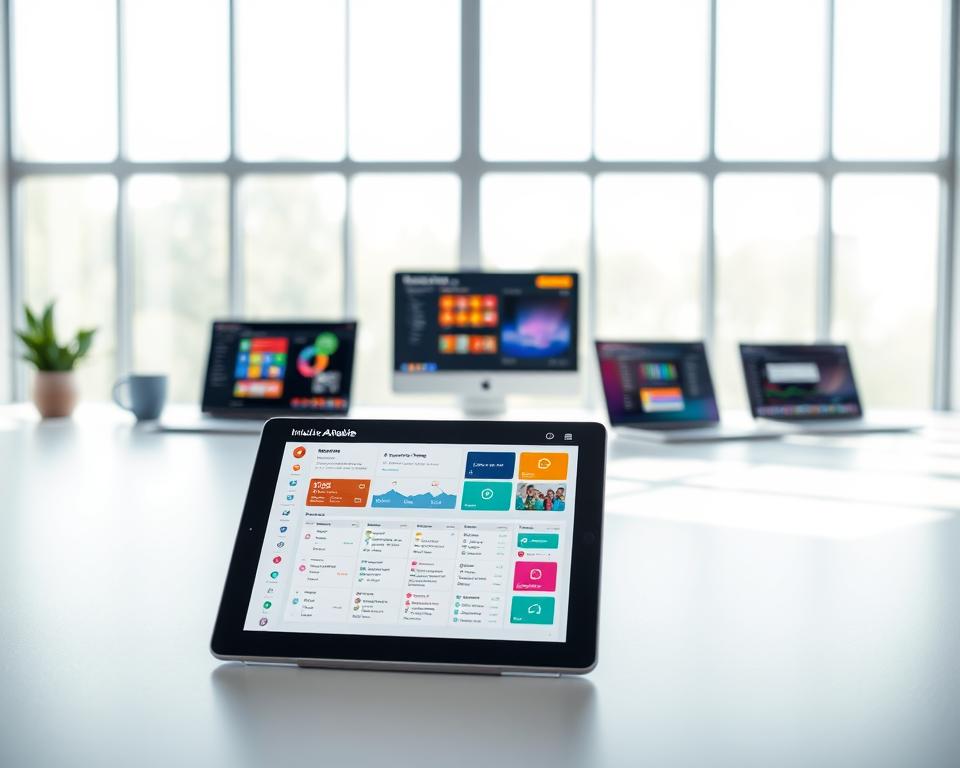
The need for Airtable-like apps is growing, offering big market opportunities for custom database applications. Companies want solutions that fit their exact needs. This demand is driving the need for custom development. Key areas include:
- Project management and team collaboration
- Customer relationship management (CRM)
- Inventory management and supply chain operations
Understanding these trends and opportunities helps businesses create successful Airtable-like apps. These apps meet the changing needs of their customers.
2. Core Features That Define Airtable-Like Applications
Airtable-like applications have changed how businesses handle data. They mix the ease of spreadsheets with the power of databases. These apps have key features that make them essential for today’s businesses.
Spreadsheet-Database Hybrid Interface
The spreadsheet-database hybrid interface is key to Airtable-like apps. It lets users work with data in a spreadsheet style but with database power. This mix makes managing data both easy and effective.
Multiple View Options: Grid, Calendar, Kanban, and Gallery
Airtable-like apps offer multiple view options like grid, calendar, Kanban, and gallery. These views help users see and work with data in the best way for their tasks. For example, a marketing team might use Kanban to track campaigns, while sales teams might use grid to manage leads.
These views meet different user needs and tasks, boosting productivity and user satisfaction. A productivity expert notes, “Switching views helps teams adjust to tasks, making them more efficient.”
The ability to switch between different views allows teams to adapt their workflow to the task at hand, significantly improving efficiency.
Real-Time Collaboration and Data Synchronization
Real-time collaboration is a big deal in Airtable-like apps. It lets many users work on a database together, keeping everyone updated. This feature means no manual updates and less chance of data errors.
Relational Database Capabilities
The relational database capabilities of Airtable-like apps let users link different data sets. This is key for handling complex workflows and data. By linking tables, users can do detailed data analysis and reporting.
To see how different Airtable-like apps compare, look at this table:
| Feature | Airtable | NocoDB | Baserow |
|---|---|---|---|
| Spreadsheet-Database Hybrid | Yes | Yes | Yes |
| Multiple View Options | Yes | Limited | Yes |
| Real-Time Collaboration | Yes | Yes | Yes |
| Relational Database Capabilities | Yes | Yes | Yes |
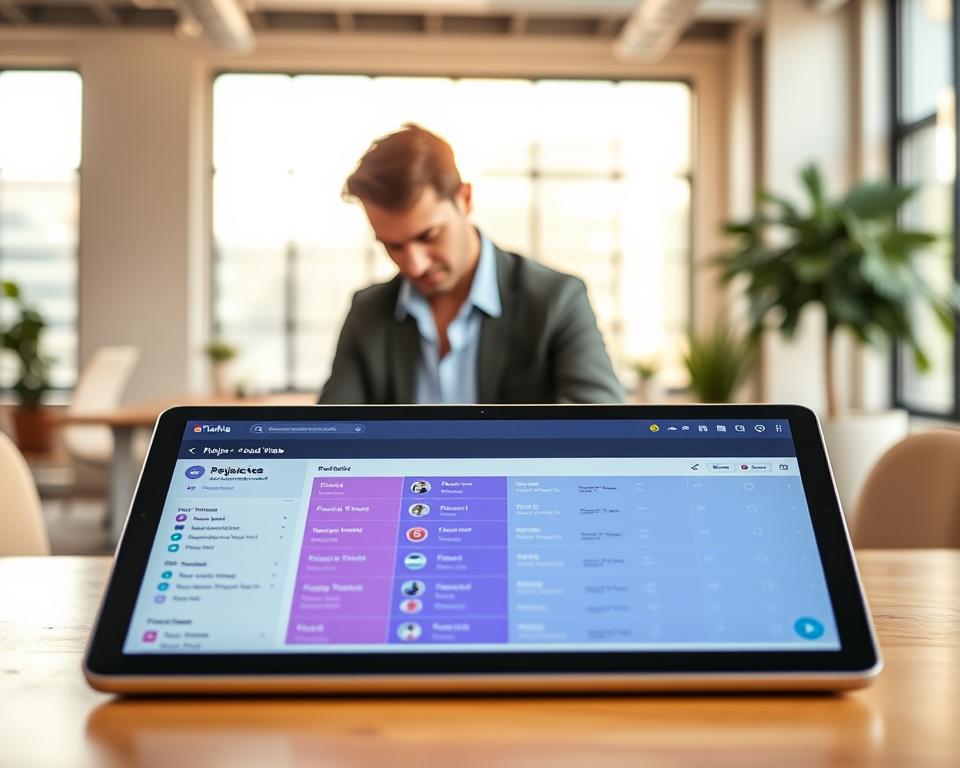
Airtable-like apps offer businesses strong tools for managing complex data and workflows. Their flexibility, collaboration features, and database capabilities make them great for streamlining data management.
3. Why Businesses Invest in Custom Airtable Like App Development
Custom Airtable-like app development lets businesses improve their data management. It meets their specific needs better than generic products.
Complete Ownership and Data Control
Businesses choose custom app development for full data control. They avoid being tied to a third-party platform. This way, they keep their data safe and in their hands.
Data security and compliance are key for businesses. Custom apps can be built with these needs in mind. This lowers the risk of data breaches and legal issues.
Unlimited Customization Beyond Platform Constraints
Custom apps offer unlimited customization options. This lets businesses fit the app to their exact needs. It’s great for those with unique workflows or data management needs.
Custom apps work well with existing systems. This boosts efficiency and productivity.
Long-Term Cost-Effectiveness and Scalability
Though custom apps cost more upfront, they save money in the long run. They grow with the business, avoiding expensive upgrades.
| Cost Factor | Custom Application | Off-the-Shelf Solution |
|---|---|---|
| Initial Investment | Higher | Lower |
| Customization Costs | Lower (built-in) | Higher (additional) |
| Scalability Costs | Lower (designed for growth) | Higher (potential for costly upgrades) |
Brand Integration and White-Label Opportunities
Custom apps can match a company’s brand perfectly. This creates a smooth user experience. It’s great for businesses wanting a unified image.
White-label options let companies rebrand the app. They can sell it to customers or partners, making more money.

4. Essential Features to Include in Your Custom Application
To make a strong Airtable alternative, developers need to add key features. These features should make users happy and keep them coming back. A good app meets the needs of its users, offering better security and ease of use.
Flexible Database Schema and Field Types
A flexible database is key for meeting different business needs. It lets users create fields and tables that match their needs.
Multiple field types, like text, numbers, dates, and attachments, help manage various data types well.
Advanced User Authentication and Role-Based Permissions
Strong user authentication is crucial for keeping data safe. Role-based permissions help admins control who sees what.
Third-Party API Integration Capabilities
The power to link with third-party APIs boosts the app’s features. This is key for a smooth workflow.

Workflow Automation and Trigger Systems
Workflow automation makes tasks easier and cuts down on mistakes. It makes work more efficient.
File Attachments and Rich Media Support
Support for file attachments and rich media lets the app handle many data types. This makes it more versatile.
5. Technology Stack Options for Building Airtable Alternatives
To make a successful Airtable alternative, picking the right technology stack is key. This stack is the foundation of your app, affecting its performance and ease of use.
When building Airtable-like apps, the tech stack falls into four parts: frontend tech, backend frameworks, databases, and cloud services. Each part is vital for your app’s functionality and user experience.
Frontend Technologies: React, Vue.js, and Angular
The frontend is where users interact. Popular choices include:
- React: Great for complex apps with its component-based design and virtual DOM.
- Vue.js: Offers a flexible framework that’s easy to use with other projects.
- Angular: Ideal for big apps with its strong structure and organization.
Choosing the right frontend tech depends on your team’s skills, app complexity, and desired user experience.
Backend Frameworks: Node.js, Django, and Ruby on Rails
The backend handles server logic, database, and APIs. Some top picks are:
- Node.js: Perfect for real-time apps since it uses JavaScript on the server.
- Django: A Python framework for fast development and clean code.
- Ruby on Rails: Great for startups and big companies with its easy setup.
Each backend framework has its own strengths. Choose based on your project’s needs and your team’s skills.
Database Solutions: PostgreSQL, MongoDB, and MySQL
The database stores your app’s data. You’ll need to decide between relational and NoSQL databases:
- PostgreSQL: A reliable, open-source relational database for large data.
- MongoDB: A flexible NoSQL database for unstructured data.
- MySQL: A popular relational database for ease of use and performance.
Choosing the right database is crucial for data integrity and scalability.
Cloud Infrastructure: AWS, Google Cloud, and Azure
Cloud infrastructure hosts your app. Major providers include:
- AWS (Amazon Web Services): Offers a wide range of services and is widely used.
- Google Cloud: Excels in data analytics and machine learning.
- Azure: Provides a wide range of services and works well with Microsoft products.
Choose cloud infrastructure based on scalability, cost, and services offered.

In conclusion, creating an Airtable alternative needs careful tech stack selection. Understanding the pros and cons of different tech options helps make the right choices for your project’s success.
6. Development Approaches: Custom Build vs. White Label Solutions
Businesses face a big decision when making Airtable-like apps. They must pick the right way to develop them. The method chosen affects the app’s features, growth, and cost.
There are three main ways to develop apps: building from scratch, using frameworks, or open-source options.
Fully Custom Development from Scratch
Starting from scratch lets you fully customize the app. This means:
- You can design and function it exactly as you want
- You can make the user experience unique
- It might run faster and better
But, this method takes longer and costs more. It needs a skilled team and lots of resources.
Leveraging Existing Frameworks and Component Libraries
Using frameworks and libraries speeds up development. This method includes:
- Using pre-made parts and tools
- It saves time and money
- You get help from the community and good documentation
This way balances customization with efficiency. But, it still needs work to fit your exact needs.
Open-Source Alternatives: NocoDB, Baserow, and APITable
Open-source options like NocoDB, Baserow, and APITable are good for Airtable-like apps. They offer:
- Ready-to-use apps with customizable features
- Support from the community
- They are cheaper upfront

When looking at open-source options, think about community support, how customizable they are, and how they scale. Make sure they fit your business needs.
The right development approach depends on your budget, time, needed features, and your team’s skills. By weighing the pros and cons, you can choose the best option for your goals.
7. The Complete Development Process for Airtable-Like Apps
Creating an Airtable-like app needs a detailed plan. This plan covers many important steps. It makes sure the app works well and is easy to use.
Discovery Phase: Requirements Gathering and Analysis
The discovery phase is key. It’s where we figure out what the app needs to do. We talk to people involved to know what features are important.
We also look at what others are doing. This helps make sure our app stands out and meets current needs. This phase helps us make a product roadmap for the project.
Design and User Experience Planning
After we know what the app needs, we start designing. We make sketches, prototypes, and detailed designs. These help us see how the app will look and work.
Good design is crucial. It makes the app easy to use and nice to look at. A well-thought-out design helps users enjoy using the app.

Iterative Development and Quality Assurance
Next, we start building the app. We do this in steps, adding more features each time. This is called iterative development.
Quality assurance (QA) is also important. It checks for bugs and makes sure the app works well. QA helps ensure the app is reliable and meets standards.
| Development Stage | Description | Key Activities |
|---|---|---|
| Discovery Phase | Gathering and analyzing requirements | Stakeholder interviews, market analysis |
| Design and UX Planning | Creating detailed design and UX plans | Wireframing, prototyping, high-fidelity design |
| Iterative Development | Building the application in increments | Coding, testing, iteration |
| Deployment and Launch | Releasing the application to users | Deployment, user onboarding, support |
Deployment, Launch, and User Onboarding
The last step is getting the app ready for users. We set up the app and make sure it’s ready for everyone to use.
A good launch needs a solid user onboarding process. This helps users get started and use the app right away. For more on making complex apps, check out cooking apps development.
After the app is out, we keep working on it. We fix problems and make it better based on what users say.
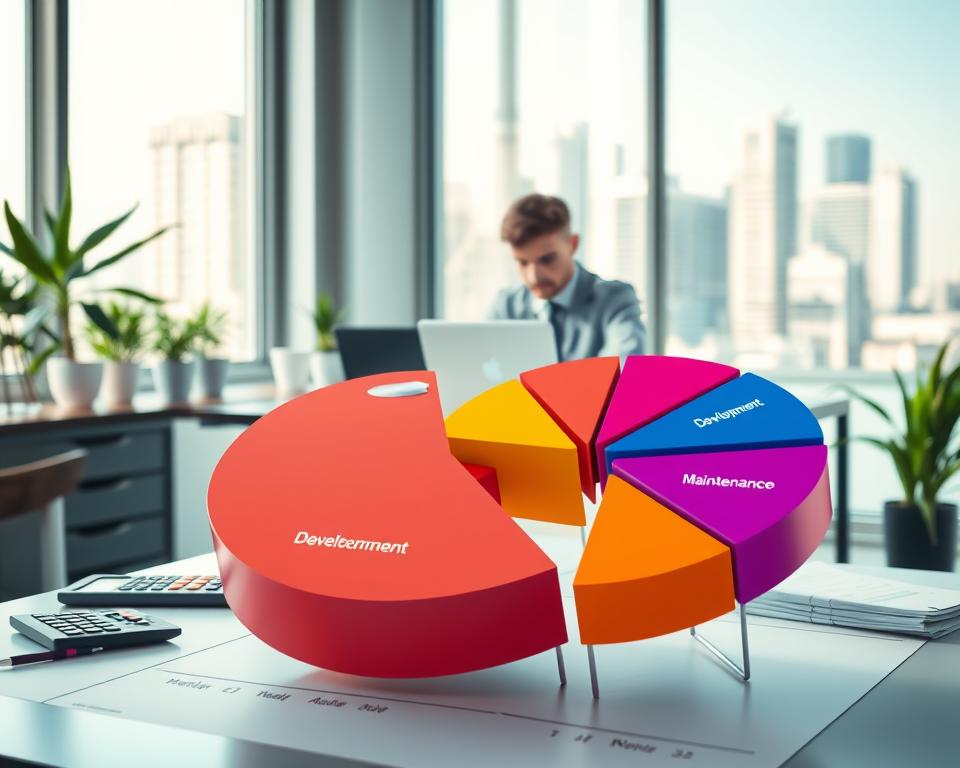
8. Cost Breakdown and Budget Planning
To budget for an Airtable alternative, businesses need to look at different costs. It’s important to understand these costs to make a realistic budget. This ensures the project stays financially sound.
Development Team Composition and Hourly Rates
The cost of making an Airtable-like app depends on the team and their rates. A team usually has project managers, designers, developers, and more.
Hourly rates vary by location, experience, and technology. For example, rates in the U.S. or Western Europe are often higher than in Eastern Europe or Asia.
| Role | Average Hourly Rate (USD) |
|---|---|
| Project Manager | $50 – $100 |
| UI/UX Designer | $40 – $80 |
| Frontend Developer | $50 – $150 |
| Backend Developer | $60 – $180 |
| Quality Assurance Engineer | $30 – $70 |
| DevOps Specialist | $70 – $200 |
Feature Complexity and Its Impact on Pricing
Feature complexity greatly affects the cost. Simple features cost less than complex ones. For example, basic data storage is cheaper than AI-driven analysis.
Feature complexity can be categorized into three levels:
- Basic: Simple features that require minimal development effort.
- Intermediate: Features that require moderate development effort and some complexity.
- Advanced: Complex features that demand significant development time and expertise.
Infrastructure and Hosting Expenses
Infrastructure and hosting costs are ongoing. They include cloud services, server maintenance, and more.
Cloud providers like AWS and Google Cloud offer different pricing models. Businesses should pick one that fits their needs and growth plans.
Ongoing Maintenance and Support Costs
After development, maintenance and support are key. These costs are usually 15% to 20% of the initial cost each year.
Maintenance covers updates and bug fixes. Support handles user questions and issues.
9. Development Timeline Expectations for Different Project Scopes
The time it takes to make an Airtable-like app varies a lot. It depends on the project’s size and how complex it is. Knowing these timelines helps businesses plan their money and how to use the app well.
Minimum Viable Product: 3-4 Months
Creating a minimum viable product (MVP) is a smart way to test the market. An MVP has the most important features that show what the app does and why it’s useful. For apps like Airtable, making an MVP takes 3 to 4 months.
This time lets you make a basic app that works. It can be released to early users or tested internally.
The MVP phase focuses on key features like:
- Basic database functions
- A simple user interface
- Important integrations
Full-Featured Application: 6-12 Months
Building a full-featured Airtable-like app takes longer, usually 6 to 12 months. This time lets you add more features, test them well, and make changes based on feedback.
A full-featured app has:
- Advanced database features
- Many view options (grid, calendar, Kanban, gallery)
- Real-time collaboration and data sync
- Strong security and access controls
- Many third-party integrations
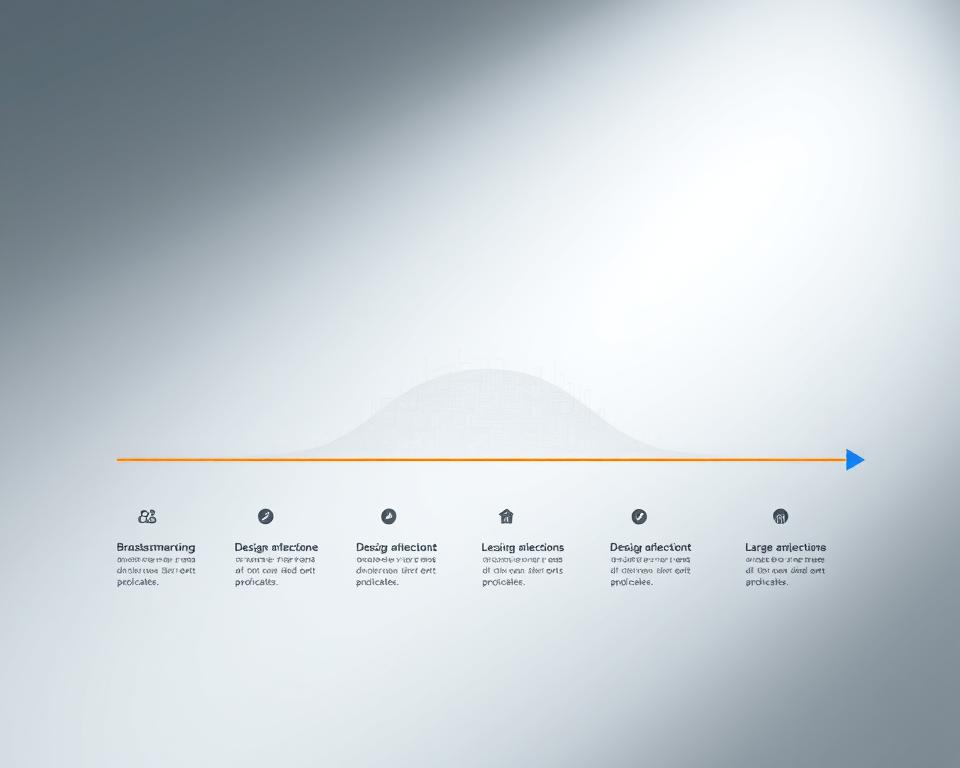
Key Factors That Influence Development Speed
Several things can change how fast an Airtable-like app is made. Knowing these helps plan and do the project better.
1. Complexity of Features: More complex features take longer. Features that need a lot of backend work, like advanced automation or data analysis, can slow things down.
2. Technology Stack: The tech used can also affect speed. Knowing the tech well can speed things up, but using new tech can slow it down.
3. Team Size and Experience: A bigger team with the right skills can work faster. But, managing the team and keeping everyone talking becomes harder as the team grows.
4. Design Requirements: Special design needs can also add time. It’s important to find a balance between looks and function to keep the project on track.
10. Selecting the Right Development Team and Partner
The success of your Airtable-like app depends on choosing the right development team. This team should match your project’s needs and goals. The right team impacts your project’s quality, timeline, and success.
In-House Development vs. Outsourcing Considerations
First, decide between in-house development or outsourcing. In-house gives you control but requires hiring and training. Outsourcing offers a wide range of skills without long-term commitment.
When looking at outsourcing, check the partner’s technical skills and past projects. Look for teams with experience in apps like yours. Check their portfolio, ask for case studies, or read reviews to see their abilities.
Evaluating Technical Expertise and Past Projects
The technical skills of your development team are key. Make sure they know the technologies you need, like React or PostgreSQL. Past projects show their problem-solving and quality delivery skills.
| Technical Skill | Importance | What to Look For |
|---|---|---|
| Frontend Development | High | Experience with frameworks like React or Angular |
| Backend Development | High | Proficiency in Node.js, Django, or Ruby on Rails |
| Database Management | Critical | Experience with PostgreSQL, MongoDB, or MySQL |
Communication Protocols and Project Management Approach
Good communication is vital for project success. Your team should have clear communication and a project management style that fits you, like Agile.
For more on choosing a development partner, check out Choosing the Right App Development Company.
Post-Launch Support and Maintenance Agreements
Post-launch support is essential for fixing issues. Look for a team with maintenance agreements for bug fixes and updates. This keeps your app running smoothly for users.
11. Real-World Use Cases Across Industries
Airtable-style solutions are very useful in many business areas. They help different industries work better and manage their data well.
Project Management and Agile Team Collaboration
These apps are great for Agile team collaboration in project management. They have customizable templates and views. This makes it easy for teams to track their work and manage time.
The Kanban view is especially liked by Agile teams. It helps them see their work flow and control how much they do at once.
Customer Relationship Management and Sales Tracking
Businesses use Airtable-like apps for Customer Relationship Management (CRM) and tracking sales. They can store customer info, track interactions, and analyze sales data in one place. This makes it easy to customize their CRM to fit their needs.
Inventory Management and Supply Chain Operations
Airtable-like solutions are also used in inventory management and supply chain operations. They help track stock, manage orders, and improve supply chain processes. They can also connect with other tools and services.
Content Calendar and Marketing Campaign Management
Marketing teams use Airtable-like apps for content calendars and marketing campaigns. These tools help plan, schedule, and track content. This ensures a consistent and timely marketing plan.
Event Planning and Resource Allocation
Finally, Airtable-like apps are used in event planning and resource allocation. They help manage event details, track RSVPs, and allocate resources. The calendar view is great for seeing event timelines and deadlines.
In conclusion, Airtable-like applications have many real-world use cases across industries. They show their ability to make business processes smoother and more efficient.
12. Common Development Challenges and Proven Solutions
Creating a strong Airtable-like app faces many challenges. Developers must plan and execute carefully. They often deal with scalability, permission control, data migration, and compatibility issues.
Handling Scalability and Performance Bottlenecks
Ensuring apps can grow with user demand is key. Developers use microservices architecture to scale components separately. They also rely on cloud infrastructure like AWS or Google Cloud for flexibility.
Improving database queries and indexing is vital for performance. Regular load testing and performance monitoring help spot and fix issues early.
Implementing Complex Permission and Access Control
Managing complex permissions is a big challenge. A role-based access control (RBAC) system simplifies this. It lets admins assign permissions based on user roles, ensuring access to only needed data.
- Define clear roles and responsibilities within the organization.
- Implement granular permission controls that can be adjusted as needed.
- Regularly review and update permission settings to reflect changes in user roles or organizational structure.
Managing Data Migration from Existing Systems
Transitioning from old systems or databases is crucial. First, conduct a data audit to understand the data’s structure and quality.
Use ETL (Extract, Transform, Load) tools to automate data migration. They extract data, transform it, and load it into the new app.
Ensuring Cross-Browser and Mobile Compatibility
Ensuring app compatibility across devices and browsers is tough. Adopt a responsive design approach for flexible grids and CSS media queries. This ensures the app works well on various screens and devices.
Testing on multiple browsers and devices is crucial. Tools like Selenium for automated testing help keep the app compatible in different environments.
By tackling these challenges with proven solutions, developers can build robust, scalable, and user-friendly apps. These apps meet the needs of their users.
13. Best Practices for Successful Implementation and Adoption
## 13. Best Practices for Successful Implementation and Adoption
For Airtable-like apps to work well, following best practices is key. These practices help get the most out of these tools in any organization.
### Prioritizing User-Centric Design Principles
Designing with the user in mind is crucial for high adoption rates. A user-friendly interface that fits into users’ daily tasks is essential. Important points include:
- Understanding your audience through thorough research.
- Creating a simple UI that’s easy to use.
- Designing for all devices to ensure everyone can access it.
### Implementing Robust Security and Compliance Standards
Security and following rules are vital for Airtable-like apps. To do this:
- Use strong login methods, like multi-factor authentication.
- Limit data access based on user roles.
- Follow data protection laws like GDPR or HIPAA.
### Performance Optimization and Load Testing
Keeping your app fast is key for user happiness. This means:
- Testing how it handles lots of users to find and fix slow spots.
- Improving how data is stored and accessed.
- Using caching to make your app quicker.
Creating detailed guides and training is crucial for easy use. This includes:
- Step-by-step guides for main features.
- FAQs and help for common problems.
- Keeping a knowledge base up to date with new info.
By sticking to these best practices, organizations can make their Airtable-like apps more effective. This leads to better work flow and happier users.
14. Conclusion
Airtable-like apps are changing how businesses handle complex tasks and data. They help companies work better together and make smart choices based on data.
Building Airtable-like apps has many advantages. Businesses get full control over their data and can customize everything. Plus, it’s cost-effective in the long run. The rise of no-code solutions has made these apps more popular in different fields.
To use Airtable-like apps well, companies need to think about a few things. They should look at how to develop the apps, the technology needed, and possible problems. By understanding these and following good practices, businesses can get the most out of these apps and grow.
As more companies want Airtable-like apps, those that invest in them will be ready for changes in the market. They’ll stay ahead of their rivals.


