







Finding a reliable way to capture your desktop activity is easy with the right software. Loom is popular, but it’s not perfect for everyone. Some users find its free version’s limits or pricing don’t fit their needs.
Exploring different screen recording tools can reveal unique features that fit your daily tasks better. Whether you need advanced editing or easy cloud sharing, trying new tools can make you more efficient. These video messaging apps also offer ways to connect with your team without long meetings.
Choosing the best Loom alternatives means looking at quality exports and ease of use. If you want to avoid technical issues or time limits, exploring other options is key. This guide helps you find the most effective software for your needs.
Table of Contents
Key Takeaways
- Identify specific workflow needs before choosing new software.
- Look for tools with generous free versions and minimal time limits.
- Prioritize apps that offer easy cloud storage and instant sharing.
- Check for built-in editing capabilities to save extra production time.
- Ensure full compatibility with your current computer operating system.
- Evaluate security options to protect sensitive or private company data.
1. Vidyard
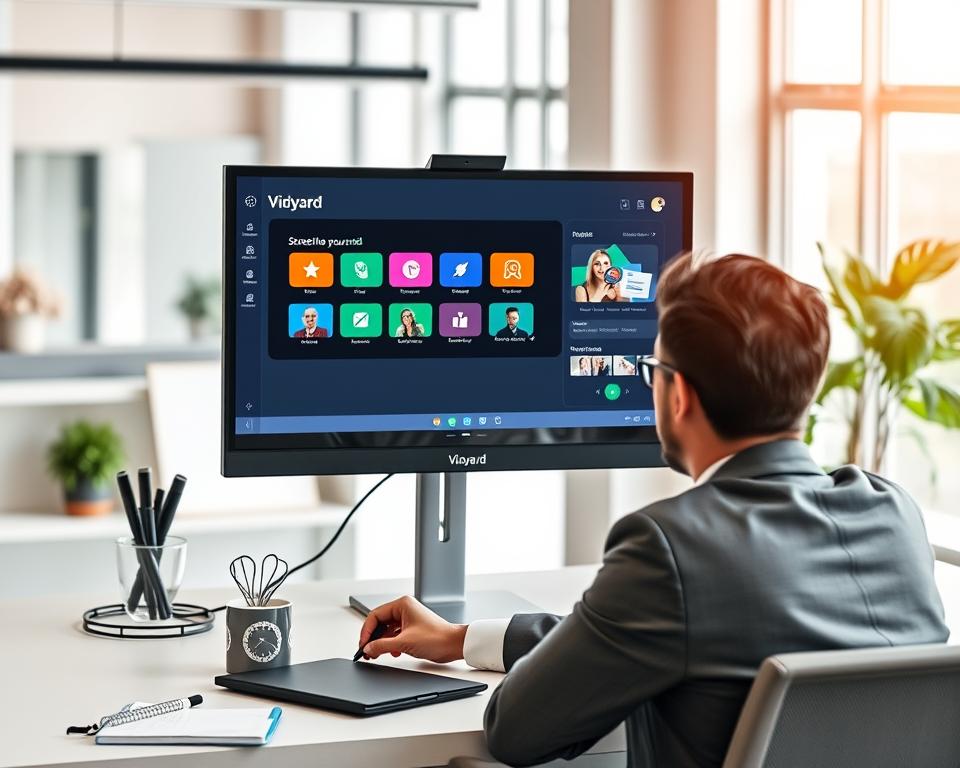
Vidyard is a top choice for those looking for Loom alternatives. It offers advanced features for screen recording and capturing internal audio. It’s also a versatile tool for businesses, meeting many needs beyond just recording screens.
Vidyard
Overview
Vidyard is a full-featured screen recording software that lets users record internal audio. This makes it perfect for creating professional videos. It works on Windows, Mac, and some mobile devices, offering flexibility.
Key Features
Some key features of Vidyard include:
- High-quality screen recording with internal audio
- Works with many operating systems
- Smooth integrations with tools like LinkedIn, Marketo, and Salesforce
- Advanced video marketing tools
- It has a strong feature set for screen recording and video marketing
- It works on different platforms
- It connects well with CRM and marketing automation tools
Cons
However, Vidyard has some downsides:
- Its pricing might be too high for small businesses or individuals
- Some might find the interface too complex because of all the features
Overall, Vidyard is a strong video marketing tool. It can greatly improve a company’s video content strategy.
2. Screencast-O-Matic (ScreenPal)
In the world of screen recording and video making, ScreenPal stands out as a strong choice against Loom.
Screencast-O-Matic (ScreenPal)
Overview
ScreenPal, once Screencast-O-Matic, is a screen capture tool for making and sharing top-notch videos. It’s easy to use, perfect for those who want to make professional videos without needing to know a lot about tech.
Key Features
ScreenPal has many features that make it great for creators. It has advanced video analytics and heatmaps to help understand how people watch videos. It also supports many video formats and lets you customize your recordings.
Pros
ScreenPal is known for its intuitive interface, making it easy for everyone to use. It also has robust editing capabilities for making videos look professional. Plus, its analytics help you see how viewers interact with your content.
Cons
Some might find that ScreenPal’s best features are in the premium version, which could be pricey. Also, the name change from Screencast-O-Matic to ScreenPal might confuse some users.
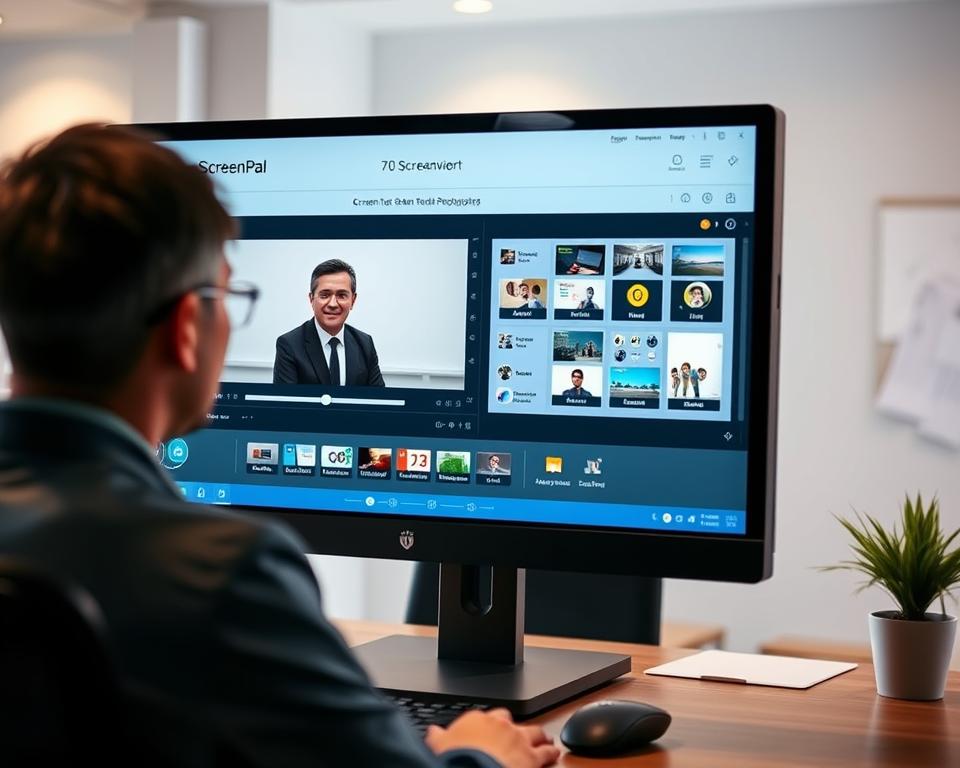
Knowing what ScreenPal can and can’t do helps users decide if it’s right for their video needs.
3. Camtasia
Camtasia is a top choice for screen recording and video editing. It’s a complete tool that lets users record their screen and edit videos easily.
Camtasia
Overview
Camtasia is a strong video editing software with screen recording tools. It helps users make engaging tutorials and instructional content easily.
Key Features
Camtasia has many features for content creators. It offers ready-to-use templates for quick starts and lets you create custom themes for your brand.
- Screen recording and video editing in one tool
- Ready-to-use templates for quick starts
- Custom theme creation for brand consistency

Camtasia’s strengths include its wide range of features and easy-to-use interface. It makes creating high-quality video content simple, even for those new to video editing.
Cons
Some might find Camtasia’s many features overwhelming. It’s also a paid tool, which could be a problem for those watching their budget.
| Feature | Description | Benefit |
|---|---|---|
| Screen Recording | Record your screen with ease | Create tutorials and demos |
| Video Editing | Edit your videos with advanced tools | Enhance your video content |
| Templates | Use ready-to-use templates | Save time and get started quickly |
4. Snagit
Snagit is a top choice for content creators. It has advanced screenshot and image editing tools. These tools help users make their visual content better.
Snagit
Overview
Snagit is a powerful tool for capturing, editing, and sharing images and videos. It makes creating visual content easy. This helps users share their ideas clearly.
Key Features
Snagit has many features, including:
- Advanced image editing tools
- Screen capture capabilities
- Video recording and editing
- Sharing options to various platforms
Pros
Enhanced Productivity: Snagit makes creating content easier.
Versatility: It works for both images and videos, making it useful for many needs.
Cons
Snagit might be hard for new users to learn. It has a lot of features.
According to TechSmith, Snagit’s creators, “Snagit is more than just a screen capture tool; it’s a visual communication platform.”
“Visual content is crucial for effective communication, and Snagit empowers users to create high-quality visuals with ease.”

5. CloudApp
CloudApp, now known as Zight, is a strong choice instead of Loom. It has many tools for making and sharing videos.
Overview of CloudApp’s Capabilities
Zight is a powerful tool for recording screens and webcams. It’s great for making videos, screenshots, and GIFs for work. This makes it a key tool for professionals.
Overview
Zight makes it easy to make and share visual content. Its simple design lets users record screens, take images, and make GIFs without trouble.
Key Features
Zight has some important features:
- Screen Recording: High-quality screen recording with webcam options.
- Screenshot Capture: Taking screenshots with notes.
- GIF Creation: Making GIFs from videos or screenshots easily.
- Video Sharing: Easy sharing of videos on different platforms.
Pros
Benefits of Using Zight:
- It’s easy to use with a simple interface.
- It has many features for different content needs.
- It captures high-quality videos and images.
Cons
Some drawbacks of Zight include:
- It might take time to learn the advanced features.
- The free version has limited customization options.

Comparative Analysis
| Feature | Zight (CloudApp) | Loom |
|---|---|---|
| Screen Recording | High-quality recording | High-quality recording |
| Webcam Integration | Yes | Yes |
| GIF Creation | Yes | Yes |
| Sharing Options | Multiple platforms | Multiple platforms |
| Ease of Use | User-friendly | User-friendly |
6. Vimeo Record
Vimeo Record is a top-notch screen recording tool that works great with Vimeo. It’s perfect for those who already use Vimeo for their videos.
A Comprehensive Screen Recording Solution
Overview
Vimeo Record makes it easy to create high-quality screen recordings. It’s easy to use, so both newbies and pros can enjoy it.
Key Features
Key features of Vimeo Record include:
- High-quality screen recording
- Easy integration with Vimeo
- Customizable recording settings
- Simple, intuitive interface
Pros
Vimeo Record is easy to use and integrates well with Vimeo. It’s also known for its top-notch recordings.
Cons
Some might find it has fewer features than other tools. Also, you need a Vimeo account to use it fully.
| Feature | Description |
|---|---|
| High-Quality Recording | Records screen activity in high definition |
| Vimeo Integration | Directly uploads recordings to Vimeo |
| Customizable Settings | Allows users to adjust recording quality and other settings |
7. Berrycast
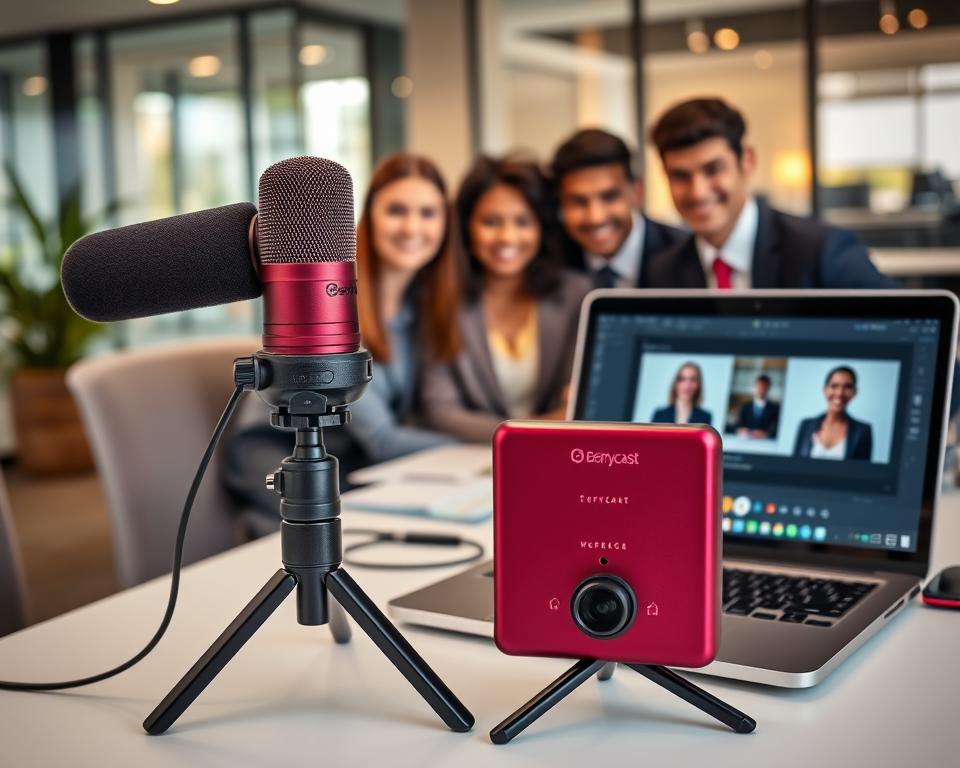
Berrycast is becoming a strong choice compared to Loom. It has many features for recording and sharing videos. It’s good for simple screen captures and more detailed video recordings.
Exploring Berrycast
Overview
Berrycast makes it easy to create and share videos. It has a simple interface. This makes it easy to record screens, cameras, or both at the same time.
Key Features
Berrycast has many features that make it great for video recording. These include:
- High-quality video recording: It lets users record videos easily and in high quality.
- Screen capture capabilities: It’s perfect for tutorials and demonstrations because of its strong screen capture features.
- Seamless sharing options: Users can share their videos directly to different platforms. This makes it easy to work together and get feedback.
Pros
Using Berrycast has many benefits. These include:
| Feature | Benefit |
|---|---|
| Easy-to-use interface | Makes recording easy for everyone, no matter their skill level. |
| High-quality recordings | Guarantees videos are clear and professional. |
| Versatile sharing options | Helps with teamwork by making it easy to share videos on many platforms. |
Cons
Even though Berrycast has many good points, there are some downsides:
- Limited advanced editing features: It might not have the advanced editing tools some users need.
- Dependence on internet connectivity: A stable internet connection is needed for it to work well.
8. Jumpshare
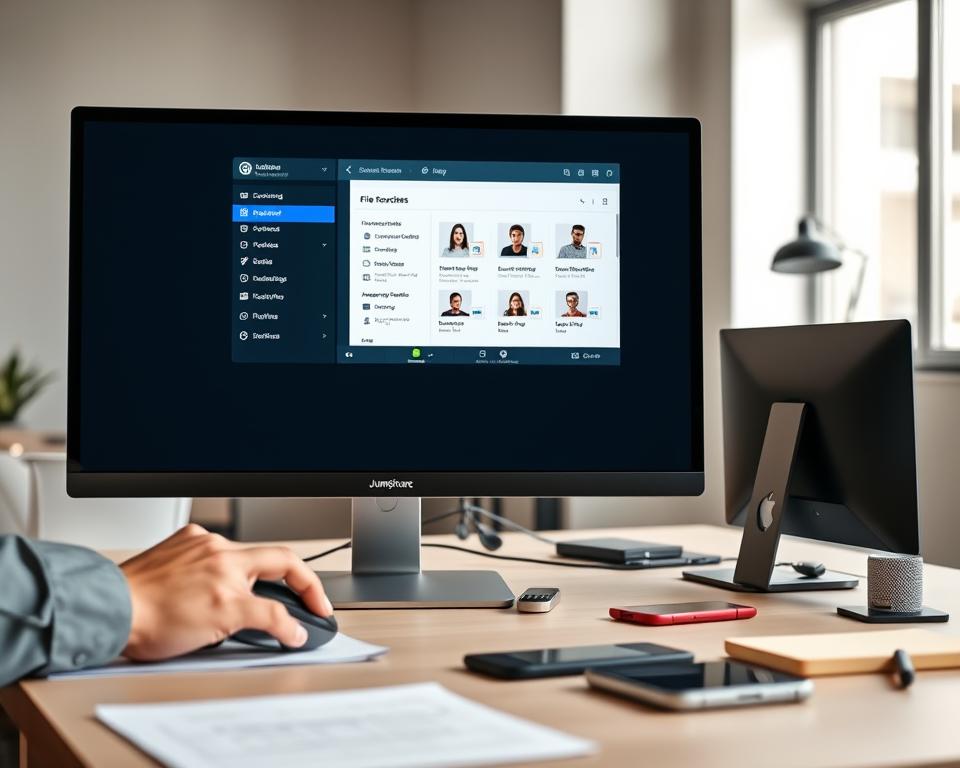
Jumpshare is a great choice for easy file sharing and screen recording. It has a simple design and lots of useful features. This makes it easy to share content and record screens.
Jumpshare
Overview
Jumpshare is a platform that helps with file sharing and screen recording. It lets users share files and record screens easily. You don’t need to know a lot of tech stuff to use it.
Key Features
Jumpshare has cool features like screen recording and file sharing. Screen recording is easy, letting users capture their screens quickly. It also makes sharing files simple, across many platforms.
- Easy to use, with an intuitive interface
- Supports both screen recording and file sharing
- Simplifies content sharing across different platforms
Cons
- Limited advanced features compared to some other tools
- May not be suitable for complex screen recording needs
In conclusion, Jumpshare is a solid choice for those needing simple file sharing and screen recording. It’s easy to use and reliable.
9. Tango
Tango is a top pick for making complex tasks simple. It turns hard processes into easy-to-follow guides.
Tango
Overview
Tango is a screen recording tool that makes creating step-by-step guides easy. It’s great for making documents and training, helping both businesses and individuals.
Key Features
Tango can automatically make written guides from user actions. It’s a strong tutorial creation software. Plus, it lets you customize guides to match your needs.
Pros
- It’s easy to use, even for those who aren’t tech-savvy.
- It automatically creates step-by-step guides.
- Customizable guides meet different needs.
Cons
- It has fewer advanced features than some tools.
- It might not be best for complex video tutorials.
Tango is perfect for making simple, interactive guides. Its ease and automated guide making set it apart in screen recording tools.

10. ScreenRec
ScreenRec is a top choice for screen recording tools. It’s known for being flexible and affordable. It’s perfect for those who need a simple way to record their screen.
Exploring ScreenRec
Overview
ScreenRec is a free screen recording tool. It lets users record their screens without limits or watermarks. This makes it great for long recordings or professional use.
Key Features
ScreenRec can record screens in high quality. It supports many output formats and has an easy-to-use interface. A user said, “ScreenRec is my top pick for making tutorial videos. It’s easy to use and the quality is top-notch.”
“The simplicity and functionality of ScreenRec make it a valuable asset for anyone looking to create professional-looking videos without the hassle.”
Pros
- No time limits on recordings
- No watermarks on recorded videos
- High-quality video output
- User-friendly interface
Cons
Some users might find ScreenRec’s features a bit basic compared to paid tools. If you need more advanced options, you might want to look elsewhere.
To learn more about ScreenRec and its role as a Loom alternative, check out their official page.
11. OBS Studio
OBS Studio is a top choice for content creators and streamers. It’s known for its advanced screen recording and live streaming. This open-source software is packed with features.
OBS Studio
Overview
OBS Studio is a free, open-source tool for screen recording and live streaming. It has features for all levels, from beginners to pros. It’s great for making tutorial videos or live events.
Key Features
OBS Studio has many key features:
- Multi-platform support
- High-performance real-time video and audio processing
- Customizable scenes and transitions
- Support for multiple audio sources
- Advanced video encoding options
Pros
OBS Studio has many benefits:
- Free and open-source: It’s free to use, thanks to a community-driven development.
- Highly customizable: Users can customize it to fit their needs.
- Advanced features: It supports complex video and audio processing.
Cons
However, OBS Studio has some downsides:
- Steep learning curve: It can be overwhelming for new users.
- Limited customer support: As open-source, official support is scarce.
Comparing OBS Studio with other screen recording software is key. The table below highlights some important points:
| Feature | OBS Studio | Loom | Other Software |
|---|---|---|---|
| Screen Recording | Yes | Yes | Yes |
| Live Streaming | Yes | No | Variable |
| Customization | High | Medium | Variable |
12. Movavi Screen Recorder
Movavi Screen Recorder makes it easy to capture and edit screen recordings. It’s perfect for both content creators and professionals. This tool offers high-quality recordings and powerful editing tools.
Professional Screen Recording and Editing
Overview
Movavi Screen Recorder is great for many users. It’s perfect for gamers, podcasters, content creators, and webinar attendees. It makes it simple to record high-quality videos from your screen.
Key Features
This software has many standout features. These include:
- High-definition screen recording
- Built-in video editor with trimming, cutting, and merging capabilities
- Support for multiple audio sources
- Scheduling recordings
Pros
Advantages of Using Movavi Screen Recorder:
| Feature | Benefit |
|---|---|
| Easy-to-use interface | Simplifies the recording and editing process |
| High-quality recordings | Ensures professional-looking videos |
| Built-in editing tools | Reduces the need for additional software |
Cons
While Movavi Screen Recorder is great, its free version has some limits. Some users might not like the watermark on recorded videos.
13. Droplr
Droplr is a great alternative to Loom. It’s good for sharing files and recording screens. This makes it perfect for quick communication and sharing info.
Droplr
Overview
Droplr is a platform that does screen recording software and file sharing. It lets users record their screens, make videos, and share files. It’s great for business, education, and more.
Key Features
Droplr’s main features are screen recording, high-quality video capture, and easy file sharing. As a file sharing tool, it makes sending files simple. Its screen recording is perfect for tutorials and demos.
- Easy to use interface for screen recording and file sharing
- High-quality video capture and sharing capabilities
- Efficient file transfer process
Droplr is a handy choice for a simple file sharing tool and screen recording.
Cons
- Limited advanced features compared to some other screen recording software
- May not be suitable for complex video editing tasks
While Droplr has many useful features, it’s not ideal for advanced video editing.
14. Top 15 Loom Alternatives – Features, Pros & Cons: Final Options
We’re looking at two new tools: Sendspark and Hippo Video. They’re changing the game in video messaging and screen recording. They offer a wide range of features and capabilities.
Sendspark
Overview
Sendspark is a video messaging tool that makes communication better with personalized videos. It lets users create and share videos right from their browser. This makes it easy to add a personal touch to messages.
Key Features
- Personalized video messaging
- Screen recording capabilities
- Easy video sharing
- Integration with various platforms
Pros
Sendspark is easy to use and packed with features. It’s great for both individuals and businesses. It helps make communication more personal and engaging.
Cons
Some might find Sendspark’s features a bit limited. For more advanced tools, check out Atlassian’s blog on AI video tools.
Hippo Video
Overview
Hippo Video is a powerful tool for video messaging and screen recording. It helps businesses and individuals communicate better with high-quality videos.
Key Features
- High-definition screen recording
- Video personalization
- Seamless integration with CRM and other tools
- Analytics for video engagement
Pros
Hippo Video’s advanced features stand out. Its high-definition recording and analytics are great for a detailed video solution.
Cons
Some might find Hippo Video’s interface a bit tricky. It takes some time to get used to its full potential.
In summary, Sendspark and Hippo Video bring unique strengths to video communication and screen recording. Knowing their features and pros and cons helps users choose the best tool for their needs.
15. Conclusion
The world of screen recording tools has changed a lot. Now, Loom alternatives offer many features, good and bad. Businesses need tools that are easy to use and do a lot.
Looking at Loom alternatives, we see each tool has its own strengths. Vidyard has great video analytics, and Snagit is good for editing. Think about what your business needs and what features are most important to you.
This review shows there are many screen recording tools out there. From simple tools like Tango to more complex ones like Camtasia. Knowing the good and bad of each tool helps you make a smart choice.
Choosing the right Loom alternative depends on what you need and like. Look at the features, pros, and cons of each tool. This way, you can pick the best one for your video and screen recording needs.


