







Many creators love using mobile tools to make media content. One app has become very popular, but users often look for other video editing apps. They want desktop tools or special visual effects not in the usual package.
Finding the right video editing software can change how you work and make your projects better. Some want advanced color grading, while others seek simple templates. Looking at different CapCut alternatives helps you find powerful tools that match your device and style.
Whether you’re a pro or just for fun, having many options is exciting. This guide looks at the best tools for different operating systems. You’ll find apps that offer seamless performance and intuitive controls for all skill levels.
Table of Contents
Key Takeaways
- Diversity in editing tools greatly improves your creative output.
- Many options provide desktop-class power for your mobile device.
- Platform compatibility remains a major reason for switching tools.
- Professional visual effects are accessible through various software choices.
- User-friendly interfaces help beginners start their projects immediately.
- Advanced color correction tools are often found in specialized editors.
1. Adobe Premiere Rush
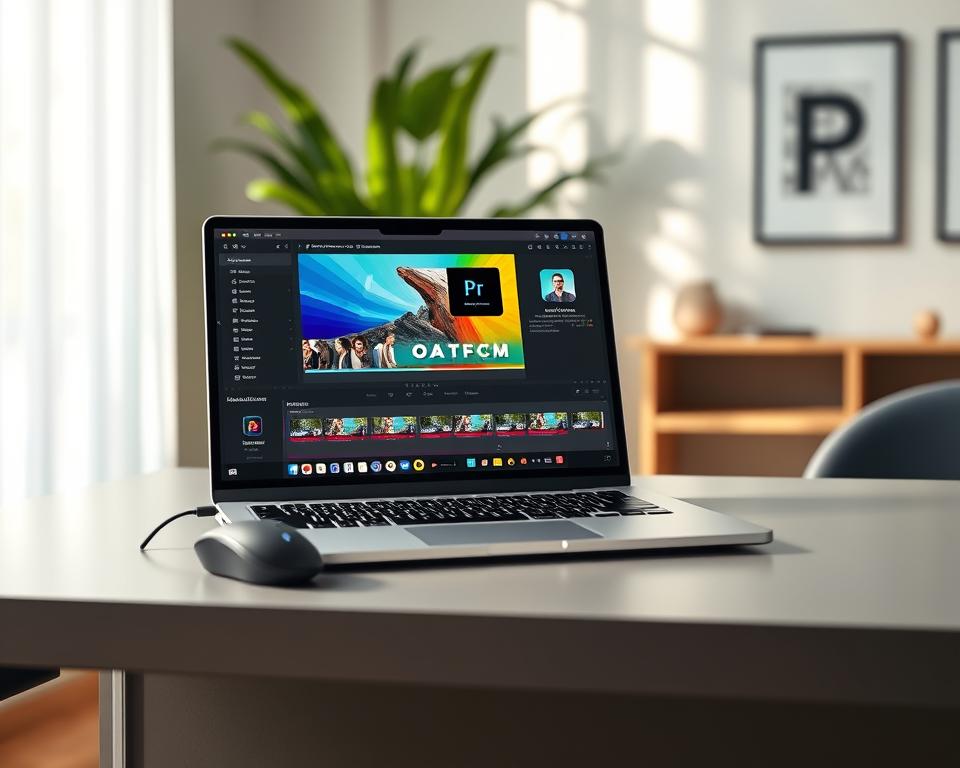
Adobe Premiere Rush is great for editing social media videos. It’s easy to use and has lots of features. It’s good for both new and experienced editors.
Overview
Adobe Premiere Rush is a video editing app. It has powerful tools but is easy to use. It’s perfect for quick video edits, especially for social media.
Features
Adobe Premiere Rush has many key features:
- Multi-track timeline: You can edit with multiple video and audio tracks.
- Motion graphics templates: There are customizable templates to make your videos better.
- Color grading tools: You can change the color and look of your footage.
- Audio editing capabilities: It has tools for adjusting audio and adding music or voiceovers.
It also works well with other Adobe Creative Cloud apps. This is great for those already using Adobe.
Pros
Using Adobe Premiere Rush has many benefits:
| Feature | Benefit |
|---|---|
| Easy to use | It makes video editing simple for everyone. |
| Cross-platform compatibility | You can edit on desktop or mobile devices. |
| Integration with Adobe Creative Cloud | It makes your workflow better if you’re already using Adobe. |
Cons
Adobe Premiere Rush has some downsides:
- Limited advanced features: It’s not for complex, high-end video projects.
- Subscription-based model: You need a subscription to Adobe Creative Cloud, which might not be good for everyone.
2. InShot
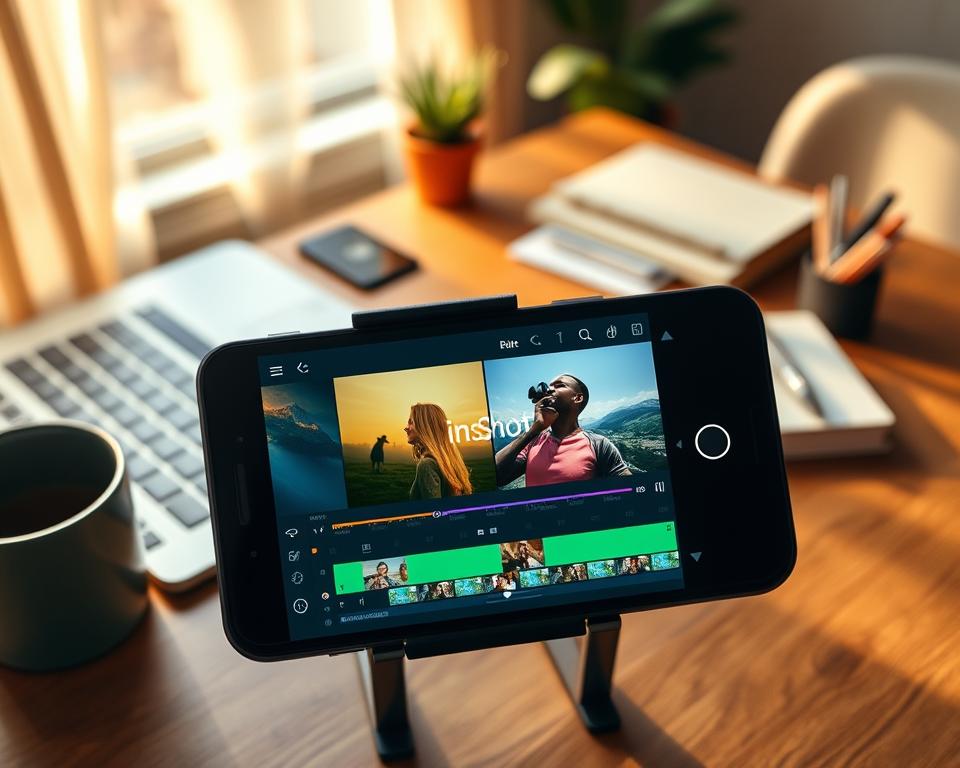
For Android users, InShot is a top choice for video editing. It offers many features like multi-layered video tracks and advanced effects. This makes it great for both new and experienced video makers.
Overview
InShot is a well-liked video editing app for Android. It’s known for its easy-to-use interface and powerful editing tools. Users can make professional videos easily with its design and features.
Features
InShot has many features for different video editing needs. Some key features include:
- Multi-layered video tracks for complex editing
- Advanced effects and transitions to enhance visual appeal
- Support for various video formats for flexibility
- Chromakey and background removal for creative editing
- User-friendly interface for easy navigation
Pros
InShot has many benefits that make it popular among Android users. These include:
- Versatility: InShot offers a wide range of editing tools and features.
- Ease of use: Its intuitive interface makes it accessible to users of all skill levels.
- Advanced features: InShot includes advanced features like chromakey and multi-layered video tracks.
Cons
While InShot is a powerful video editing app, it has some drawbacks. These include:
- Watermark: The free version includes a watermark on exported videos.
- Resource-intensive: InShot can be demanding on device resources, potentially affecting performance.
3. KineMaster
KineMaster is a top choice for those who want a detailed video editing experience. It has many video tracks and cool effects. It’s great for both newbies and pros.
Overview
KineMaster is a video editing app with lots of tools. It’s easy to use, making it perfect for all skill levels.
Features
KineMaster has amazing features like multi-layered video tracks and color adjustments. It also supports layers of video, images, and text for precise editing.
It’s great for complex projects too. You can use chroma keying, audio ducking, and color LUTs, among other advanced tools.
Pros
KineMaster’s big plus is its powerful features and easy-to-use design. Key benefits include:
- Advanced video editing tools
- Support for multi-layered video tracks
- Many effects and color options
- Accurate editing controls
Cons
However, KineMaster has some downsides. These include:
| Cons | Description |
|---|---|
| Steep Learning Curve | Beginners might find it too much to handle. |
| Cost | The full version costs money, which might scare some off. |
| Export Limitations | The free version has lower export quality and resolution. |
4. FilmoraGo
FilmoraGo is a powerful video editing app. It lets users make high-quality videos easily. It’s great for all kinds of editing, from simple cuts to complex color adjustments.
Overview
FilmoraGo is a top-notch video editing app for mobile devices. It has lots of tools for making amazing videos anywhere. Its easy-to-use interface helps users find their way around.
Features
FilmoraGo has many cool features, including:
- Multi-track editing: Users can work with multiple video and audio tracks.
- Color correction and grading: Users can improve their video’s look.
- Audio ducking: It makes audio levels sound better.
- Chroma keying: It’s easy to change backgrounds.
- Export options: It supports many export settings for different places.
Pros
Using FilmoraGo has many benefits, such as:
- Professional-grade features: It has advanced tools like desktop apps.
- User-friendly interface: It’s easy to use, even for newbies.
- Cross-platform compatibility: It works on both iOS and Android.
- High-quality export: Videos can be exported in high definition.
Cons
However, FilmoraGo also has some downsides:
- Steep learning curve: Too many features can confuse beginners.
- In-app purchases: Some features and assets cost extra.
- Resource-intensive: It might slow down your device.
5. PowerDirector
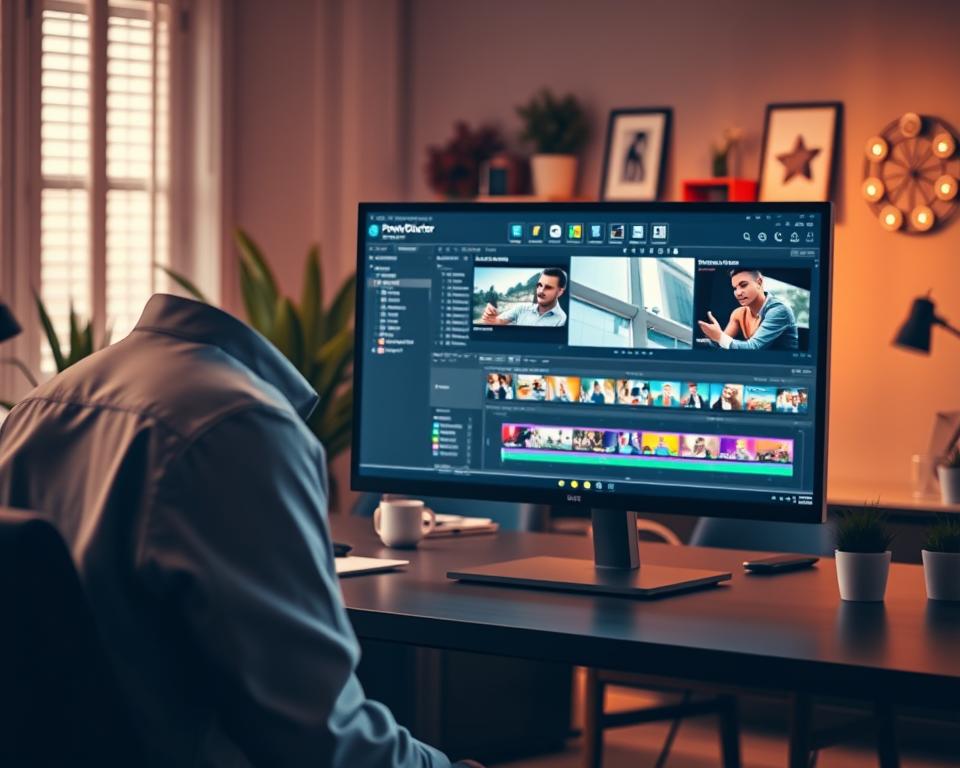
CyberLink PowerDirector 365 is changing video editing with its mix of top-notch AI tools and easy design.
Overview
PowerDirector is a full-featured video editing software for all levels. It has many tools and features for a smooth editing experience.
Features
PowerDirector has cool features like 360-degree video editing, motion tracking, and AI-powered effects. These help users make complex and interesting videos easily.
It also supports many file formats. This makes it work well with different devices and editing software.
Pros
PowerDirector’s big plus is its easy-to-use interface. It’s great for all skill levels. Plus, its advanced features and fast rendering are loved by pros.
Cons
PowerDirector can be too much for beginners with its many features. Some might find the learning curve too steep.
| Feature | Description | Benefit |
|---|---|---|
| 360-degree Video Editing | Edit 360-degree videos with ease | Enhance immersive video experiences |
| Motion Tracking | Track objects and apply effects | Add dynamic effects to videos |
| AI-powered Effects | Apply AI-driven effects to videos | Simplify the editing process |
6. iMovie
Mac users have a powerful video editing tool at their fingertips with iMovie. It’s free and easy to use. iMovie is a pre-installed app on Macs, making video editing accessible to all.
Overview
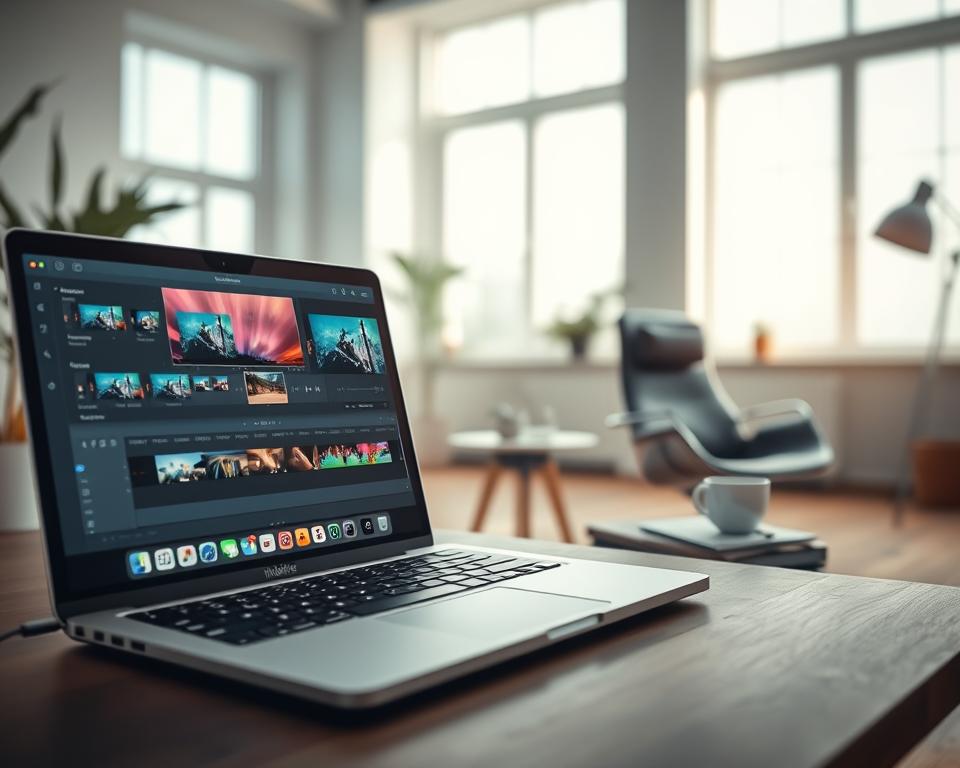
iMovie makes video editing easy and fun. Its drag-and-drop interface lets users create high-quality videos without needing to be an expert. It’s perfect for editing and enhancing videos right on your Mac.
Features
iMovie has many features that make editing simple. Some key features include:
- Drag-and-drop interface for easy editing
- Access to a range of themes and templates
- Ability to add music and sound effects
- Support for 4K video editing
- Integration with other Apple apps
Pros
iMovie has many advantages. These include:
- It’s free to use, with no additional costs
- User-friendly interface that’s easy to navigate
- High-quality video output
- Seamless integration with other Apple devices and apps
Cons
While iMovie is great, it has some limitations. These include:
- Only available for Mac users
- Limited advanced features compared to professional editing software
- No support for multi-track audio editing
| Feature | iMovie | Adobe Premiere Rush |
|---|---|---|
| Price | Free | Free/Paid |
| Platform | Mac | Mac, Windows, Mobile |
| Video Quality | Up to 4K | Up to 4K |
7. VN Video Editor
VN Video Editor is a top choice for mobile video editing. It has a wide range of tools for all types of video creators.
Overview
VN Video Editor is a powerful app for mobile devices. It has many editing tools and effects to make your videos better.
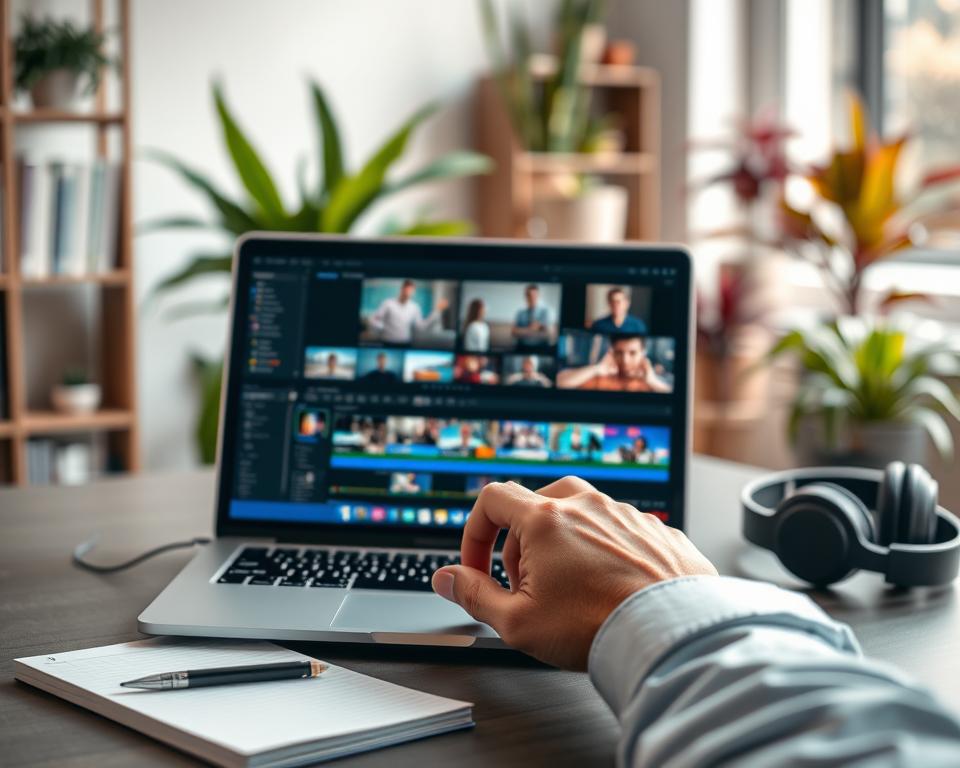
Key Features Overview: The app has a multi-track timeline for complex projects. It also supports keyframe animation and chroma keying, among other advanced features.
Features
VN Video Editor has many features that make it a great tool for editing videos.
- Multi-track timeline for intricate video editing
- Keyframe animation for precise control over video elements
- Chroma keying (green screen effect) for advanced compositing
- Support for various video formats and resolutions
- Built-in filters and effects to enhance video quality
Pros
VN Video Editor has many benefits that make it popular among editors.
| Pros | Description |
|---|---|
| User-friendly interface | Easy to navigate, even for beginners |
| Advanced features | Supports multi-track timeline and keyframe animation |
| High-quality output | Supports export in various resolutions, including 4K |
Cons
Despite its benefits, VN Video Editor has some drawbacks.
“While VN Video Editor is powerful, it can be overwhelming for beginners due to its extensive feature set.”
Some of the cons include:
- Steep learning curve for new users
- Limited customer support
- Occasional bugs and performance issues
8. VivaVideo
VivaVideo stands out in the world of video editing apps. It offers a user-friendly and feature-rich platform. It’s perfect for both beginners and professionals.
General Information
VivaVideo is a video editing app with many tools and features. Its easy-to-use interface makes it simple to explore and use its functions.
Key Features
VivaVideo has many features that make it a great choice for video editors. Some of its key features include:
- Advanced video editing tools
- Multiple transition effects
- Color adjustment and correction
- Audio ducking and keyframe animation
- Support for 4K video editing
For those seeking an easy video editing app, VivaVideo is a top pick. Its user-friendly interface and powerful features make it stand out.
Advantages
VivaVideo has several advantages that make it popular. These include:
- User-friendly interface
- Comprehensive feature set
- High-quality output
- Regular updates with new features
Disadvantages
While VivaVideo is powerful, it has some drawbacks. Some users have noted:
- Occasional lag or performance issues
- Limited advanced features compared to professional software
- In-app purchases can be costly
Overall, VivaVideo is a good balance of functionality and usability. It’s a solid choice for those looking for a capable video editing app.
9. Splice
Splice lets mobile creators edit videos easily on iOS devices. It offers a full video editing experience, making it a good choice instead of CapCut.
Overview
Splice is a video editing app for iOS users. It has many tools and features for making top-quality videos.
Features
Splice has many features like multi-track video editing, color correction, and audio adjustments. It also supports 4K video editing. This is great for creators who want high-resolution content.
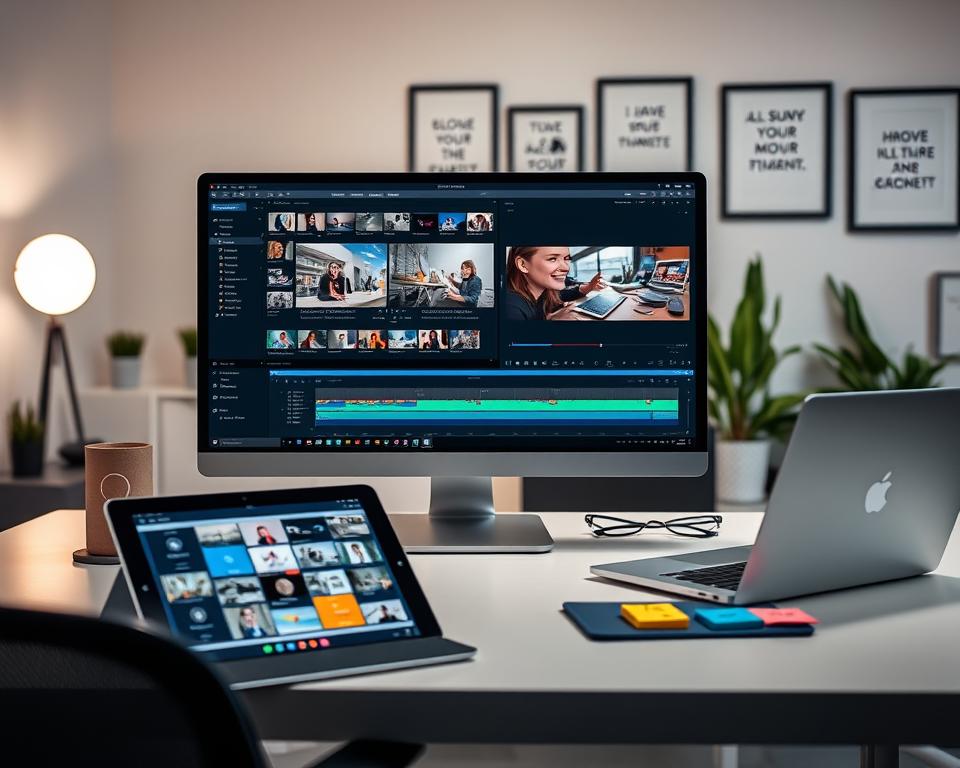
For more info on mobile video editing apps, check out PCMag’s article on the best mobile video editing.
Pros
- Intuitive interface
- Advanced color correction tools
- Supports 4K video editing
Cons
- Limited export options
- Some features require subscription
| Feature | Description |
|---|---|
| Multi-track video editing | Allows users to edit multiple video tracks |
| Color correction | Provides advanced tools for color adjustment |
| 4K video support | Supports high-resolution video editing |
10. LumaFusion
LumaFusion is a top-notch video editing app for creators who want the best. It’s loved by pros and serious hobbyists for its top features and easy use.
Overview
LumaFusion is a powerful video editor for iOS devices. It’s known for its flexibility and performance. Users can edit up to six video layers, add lots of effects, and tweak their projects with ease.
Features
The app has many cool features, including:
- Multi-track timeline with up to six video layers
- Support for various media formats
- Advanced color grading tools
- Keyframing capabilities for dynamic effects
- Audio editing with waveform display and keyframe control
- Export options in multiple formats and resolutions
Pros
LumaFusion shines with its professional-grade editing and intuitive interface. It’s great for both pros and beginners. Other pluses include:
- High-quality video and audio processing
- Robust organizational features
- Seamless integration with other iOS apps and devices
Cons
However, LumaFusion has some downsides. These include:
- A steep learning curve for beginners
- Limited compatibility (iOS only)
- A one-time purchase cost, with no free version available
| Feature | Description | Benefit |
|---|---|---|
| Multi-track Timeline | Allows for up to six layers of video | Enhances creativity and complexity in video projects |
| Color Grading Tools | Offers advanced color correction and grading | Improves the aesthetic quality of videos |
| Keyframing | Enables dynamic effects through keyframe control | Adds depth and engagement to video content |
11. VideoShow
VideoShow is a top-notch video editing app with an easy-to-use interface. It’s perfect for both beginners and pros. It comes with a variety of tools that make editing videos simple.
Overview
VideoShow is a video editing app loved for its simplicity and powerful editing tools. It lets users make stunning videos with cool effects, transitions, and music. This makes it a great tool for anyone creating content.
Features
The app has lots of features to improve your video editing. Some key ones are:
- Advanced video editing tools with multi-track timeline support
- A wide range of filters and effects to customize videos
- Chromakey and pip features for advanced editing
- Support for various video formats and resolutions
- User-friendly interface that simplifies the editing process
Pros
VideoShow has many benefits that make it a favorite among editors. Some of the pros are:
- Easy to use: Its simple interface is great for all skill levels.
- Feature-rich: It has lots of editing tools and effects.
- High-quality output: You can export videos in high resolution.
Cons
Even with its many advantages, VideoShow has some downsides. Some of the cons are:
- Presence of ads in the free version, which can be intrusive.
- Some users may find the many features too much at first.
- In-app purchases are needed to get premium features.
12. Quik by GoPro
Quik by GoPro makes video editing easy for everyone. It’s perfect for both newbies and pros. This app simplifies editing while offering strong features.
Overview
Quik by GoPro is from GoPro, famous for action cameras. It’s easy to use, helping you edit and improve your videos fast.
It works on Android and iOS, reaching more users. With Quik, you can make amazing videos by mixing photos and videos from your library or GoPro.
Features
Quik by GoPro has many features to make editing fun and simple. Some key ones are:
- Automatic video editing: Quik can make a video from your photos and videos, set to music.
- Customizable templates: You can pick from many templates and make them your own.
- Music library: The app has a music library for your videos.
- Editing tools: Quik has basic tools like trimming, splitting, and rearranging clips.
- Effects and transitions: You can add effects and transitions to make your videos better.
Pros
Quik by GoPro has many good points:
- User-friendly interface: It’s easy to use, making editing simple.
- Automatic editing: This feature saves time, especially for beginners.
- Seamless integration with GoPro cameras: It’s great for GoPro users, making editing easy.
Cons
Quik by GoPro also has some downsides:
- Limited advanced features: It’s good for basic editing but lacks advanced features for pros.
- Music limitations: The music library is small, which might limit your choices.
13. Canva Video Editor
Canva Video Editor is easy to use and packed with features. It’s a top choice for editing videos.
Overview
Canva Video Editor is part of the Canva graphic design tools. It’s known for being easy and versatile. Users can make professional videos without needing to be experts.
Features
It has a drag-and-drop interface and a huge library of templates. There are many customization options. Users can also find fonts, graphics, and music to make their videos better.
The drag-and-drop feature makes editing simple for everyone. The template library helps with different video projects. This includes social media clips and marketing videos.
Pros
It’s easy to use, has lots of templates, and allows real-time collaboration. It’s also available on the web and mobile.
Real-time collaboration is a big plus. It lets teams work together easily. The web and mobile versions mean you can edit videos anywhere.
Cons
Canva Video Editor is great but lacks some advanced features. Some users might find the export options limited compared to professional tools.
If you need advanced video editing, Canva might not be the best. But for a simple editing experience, it’s perfect.
| Feature | Canva Video Editor | Adobe Premiere Rush | InShot |
|---|---|---|---|
| User Interface | User-friendly | User-friendly | Advanced |
| Template Library | Extensive | Limited | Limited |
| Collaboration | Real-time collaboration | Limited collaboration | No collaboration |
| Export Options | Standard | Advanced | Advanced |
14. Filmmaker Pro
For those looking for a top-notch video editing app on their mobile, Filmmaker Pro is a great choice. It’s made for creators who need advanced tools and features.
Overview
Filmmaker Pro is a powerful video editing app. It has many tools and features for making high-quality videos. It’s perfect for editors who are always on the move.
Features
Filmmaker Pro has many cool features. You can do multi-track editing, color grading, and audio ducking. These tools help you make professional videos easily.
| Feature | Description |
|---|---|
| Multi-track editing | Allows for the addition of multiple video and audio tracks |
| Color grading | Offers advanced color correction tools |
| Audio ducking | Automatically adjusts audio levels for a more professional mix |
Pros
Here are some key benefits of using Filmmaker Pro:
- Advanced editing tools: It has many advanced features found in professional software.
- User-friendly interface: The app is easy to use, even with its advanced features.
- High-quality output: You can export videos in high quality, perfect for professionals.
Cons
Filmmaker Pro also has some downsides:
- Steep learning curve: Its advanced features can be hard for beginners to learn.
- Cost: It’s a premium app, which might be too expensive for some.
If you want to make a video editing app like Filmmaker Pro, it’s important to understand the challenges. You can learn more in our ultimate guide to creating a video editing app.
Conclusion
Choosing the right video editing app can be tough with so many options. The top 15 CapCut alternatives offer different features and pros and cons. It’s key to think about what you need and want to find the best app for you.
Whether you’re a pro videographer or just love making videos for social media, the right app can make a big difference. Look at things like how easy it is to use, what features it has, and if it works with your device. This way, you can pick the best CapCut alternative for your needs.
In the end, the best app is one that’s easy to use, works well, and fits your device. By checking out these CapCut alternatives, you can find new ways to make videos that grab people’s attention and stand out.


