






In today’s fast-moving digital ecosystem, APIs power almost every modern application—from banking apps to eCommerce platforms and even OTT services. As businesses increasingly depend on APIs, ensuring their reliability, performance, and behavior has become crucial. That’s where API testing tools play an essential role. These tools help teams validate API functionality, check performance, maintain security, and deliver smooth user experiences.
This article explains what APIs are, why API testing matters, the benefits of using API testing tools, and the top open-source API testing tools developers often rely on. It also covers factors to consider before selecting a tool, challenges in API testing, and some of the best practices teams should follow.
Table of Contents
What is an API?
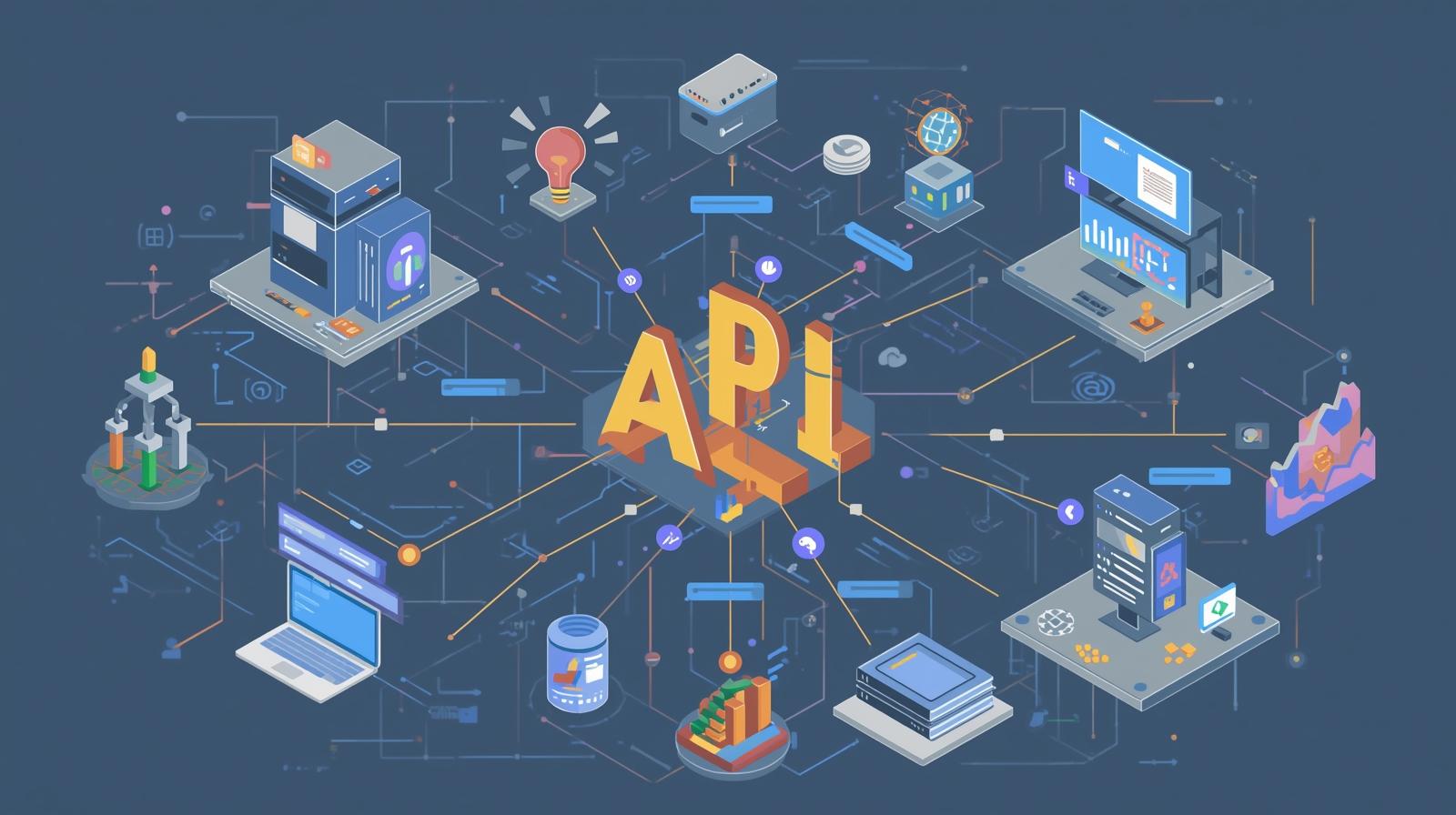
An API (Application Programming Interface) is a set of rules that enables two different software systems to communicate with each other. It acts as a bridge—allowing applications to share data or request services without needing to understand each other’s internal code structure.
For example:
When a user searches for flights on a travel website, it uses APIs to connect with different airline servers to fetch real-time flight data. Similarly, mobile apps like food delivery platforms rely on APIs to fetch menus, track orders, and process payments.
In simple terms, APIs help applications “talk” to each other.
What are API Testing Tools?

API Testing Tools are specialized software solutions designed to test the functionality, reliability, performance, and security of APIs. Instead of checking the user interface, these tools evaluate the core logic and behavior of API endpoints to ensure they deliver accurate responses.
Such tools automate activities like sending requests, validating responses, checking error codes, creating test suites, mocking servers, and running regression tests.
They are widely used by QA teams, developers, and DevOps engineers to ensure APIs behave exactly as expected under different conditions.
Benefits of API Testing Tools
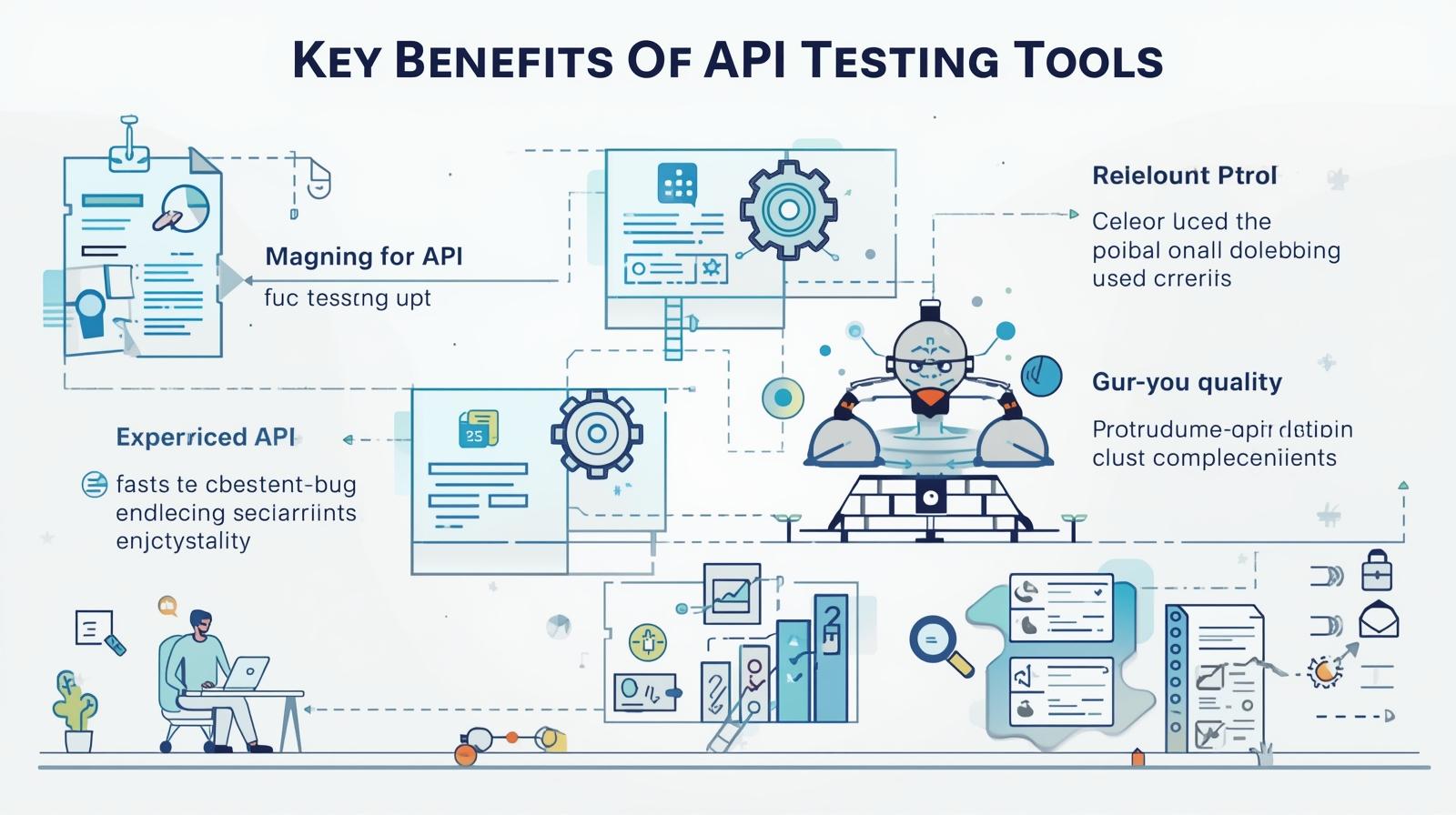
API testing tools offer several advantages that streamline testing workflows and improve software quality.
1. Faster Testing Than UI Testing
Since APIs don’t rely on user interfaces, testing is significantly faster and can run early in the development cycle, allowing quicker feedback.
2. Better Test Coverage
API tests validate core logic, business rules, edge cases, and integration scenarios—resulting in higher test accuracy.
3. Improved Reliability
Continuous API testing ensures consistency across versions, platforms, and devices.
4. Automation-Friendly
Most tools support automation, enabling large test suites to run repeatedly without manual effort.
5. Early Detection of Defects
Bugs identified at the API layer are easier and cheaper to fix than those caught at the UI level.
6. Seamless Integration with CI/CD
Modern API testing tools integrate smoothly with DevOps pipelines, enabling continuous testing.
Top 10 Open-Source API Testing Tools
Below are some of the most popular, feature-rich, and widely adopted open-source API testing tools:
1. Postman (Free Version Available)
One of the most widely used API testing tools, Postman allows users to test REST, SOAP, and GraphQL APIs with ease. Its user-friendly interface, request builder, and automated collection runs make it ideal for beginners and professionals.
2. SoapUI (Open-Source)
SoapUI is a powerful tool designed for testing SOAP and REST APIs. Its open-source edition supports functional testing, security testing, and basic performance testing—making it a top choice for enterprise-grade API validation.
3. JMeter (Apache Open-Source)
JMeter is often known for performance testing, but it’s equally capable of API functional testing. It can simulate loads on REST and SOAP endpoints, making it perfect for stress and scalability testing.
4. Karate DSL (Open-Source)
Karate is a test automation framework that fuses API testing, UI automation, and performance testing. It allows users to write tests using a simple, readable syntax without needing Java code.
5. Insomnia (Free & Open-Source)
Insomnia is a sleek, developer-friendly API testing tool with robust features like environment variables, collections, and powerful debugging capabilities.
6. Rest-Assured (Java-Based Open-Source)
Rest-Assured is extremely popular among backend developers for automating REST API tests using Java. It provides a straightforward DSL for validating API status codes, JSON paths, and headers.
7. Katalon Studio (Free Tier Available)
Although not fully open-source, Katalon offers a generous free version. Its built-in templates, easy interface, and automation options make it ideal for teams transitioning from manual to automated API testing.
8. Taurus (Open-Source)
Developed by BlazeMeter, Taurus helps simplify complex performance tests by turning them into YAML-based test scenarios. It supports JMeter, Gatling, and Selenium integrations.
9. Dredd (Open-Source)
Dredd validates API documentation against the actual API behavior. It is especially useful for API-first development workflows, ensuring the API behaves exactly as documented.
10. Hoppscotch (Open-Source)
Hoppscotch is a lightweight, web-based API testing tool that offers an intuitive UI, environment support, and the ability to test REST and GraphQL APIs without installing software.
What Factors Should Be Considered When Choosing an API Testing Tool?
Selecting the right API testing tool requires careful evaluation of project needs and team capabilities.
1. Protocol Support
Does the tool support REST, SOAP, GraphQL, gRPC, or WebSockets?
2. Ease of Use
Beginners prefer GUI-based tools, while advanced teams choose code-based frameworks.
3. Automation Capability
Look for tools that support scripting, CI/CD pipelines, and scheduling.
4. Integration Support
Seamless integration with Jenkins, GitHub Actions, GitLab CI, or Azure DevOps enhances workflow efficiency.
5. Reporting Features
Detailed reports help understand test coverage, failures, and trends.
6. Community & Documentation
Active community support ensures faster troubleshooting and better learning.
7. Performance Testing Options
For high-traffic APIs, performance and load testing support is crucial.
When Should You Choose Open-Source API Testing Tools?
Open-source tools are ideal when:
1. Budget Is Limited
Startups, students, or small teams often prefer free tools to reduce costs.
2. Customization Is Needed
Open-source tools provide flexibility to modify frameworks and extend features.
3. You Want Transparency
Source code availability ensures better trust and reliability.
4. You Prefer Community-Driven Tools
Open-source tools evolve faster with community contributions.
5. High Licensing Costs of Enterprise Tools
When commercial tools like ReadyAPI or TestComplete exceed the budget, open-source tools become practical alternatives.
Challenges in API Testing
Even with advanced tools, API testing comes with its own challenges.
1. Handling Complex Data Structures
APIs often return nested JSON or XML responses that require careful validation.
2. Test Data Management
Creating dynamic test data or maintaining environment-specific data can be tricky.
3. Authentication Issues
Modern APIs use OAuth, JWT, or API keys that must be managed securely.
4. Dependency on External Systems
If another service fails, your tests may fail—even if your API is working fine.
5. Versioning Problems
API updates or new versions may break existing tests.
6. Lack of Proper Documentation
Poorly documented APIs make testing difficult and time-consuming.
Best Practices for API Testing
To ensure thorough coverage and reliable results, teams should follow these best practices:
1. Start Testing Early
Begin API testing early in development to catch issues before they reach production.
2. Test all HTTP Methods
GET, POST, PUT, DELETE, PATCH — each method must be validated separately.
3. Validate All Possible Responses
Check success, error codes, boundary values, and unexpected inputs.
4. Use Automation for Repetitive Tasks
Automated test suites save time and reduce human error.
5. Mock External Dependencies
Mocking servers help simulate unavailable systems and maintain stable tests.
6. Implement Security Testing
Validate authentication, authorization, and data encryption.
7. Include Performance & Load Tests
Ensure APIs can handle peak traffic.
8. Maintain Version Control
Keep test scripts updated with API version changes.
Conclusion
API testing is essential for delivering reliable, high-performing applications. With the right tools, teams can accelerate development, enhance test coverage, and ensure API stability across environments. Open-source API testing tools offer cost-effective, flexible, and powerful alternatives that work well for both small teams and large enterprises. By selecting the right tool, understanding key challenges, and following best practices, organizations can achieve strong API quality and smoother digital experiences for users.


