







In the modern digital age, booking websites have revolutionized the way services are scheduled, appointments are made, and reservations are secured. Whether it’s booking a hotel room, scheduling a spa treatment, or reserving a table at a restaurant, these websites offer convenience and efficiency to both customers and businesses. This comprehensive guide explores the essential features, cost considerations, and step-by-step process involved in developing a robust booking website.
Table of Contents
Introduction to Booking Website Development
- Understanding Booking Websites: Defining the role and significance of online platforms for scheduling services and reservations.
- Importance of Booking Websites: Streamlining processes, enhancing customer experience, and optimizing resource management.
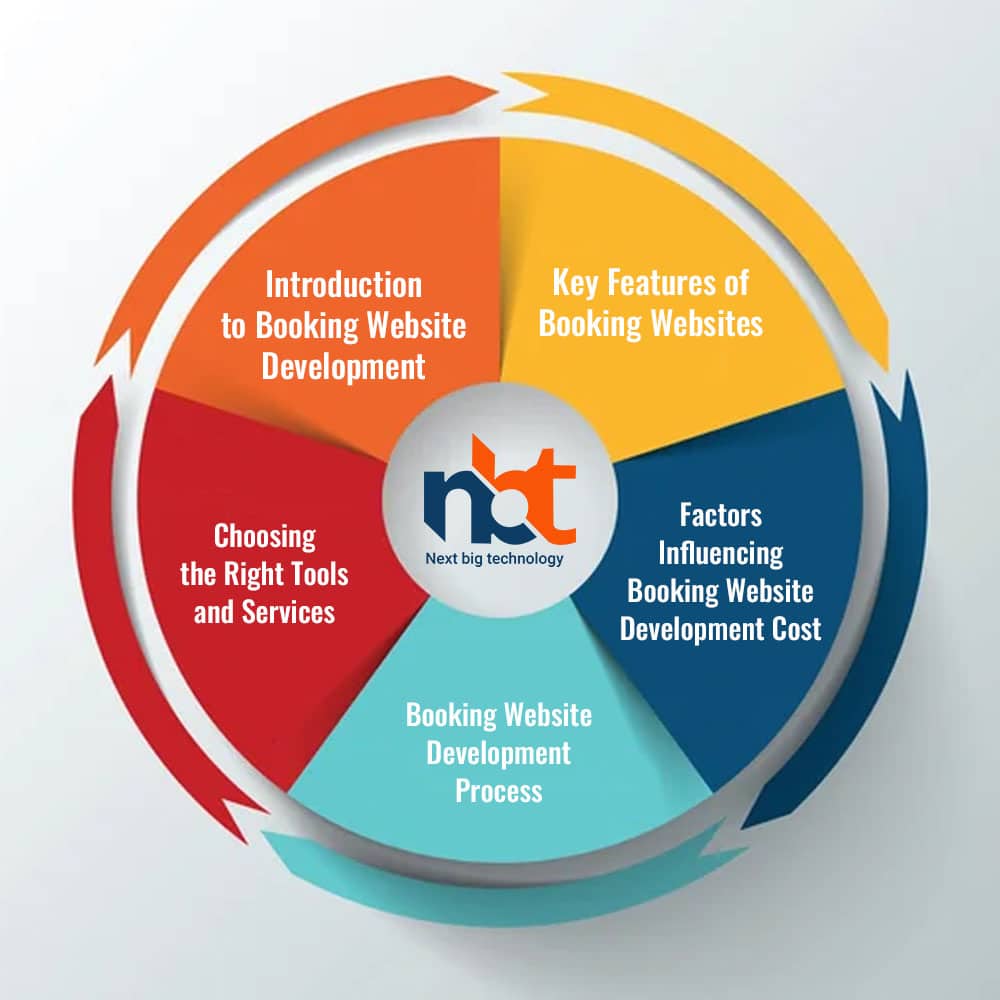
2. Key Features of Booking Websites
User-Friendly Booking System:
- Service Categories: Organizing services into easily navigable categories.
- Availability Calendar: Displaying real-time availability for appointments or reservations.
- Time Slots: Allowing users to select preferred time slots for bookings.
Online Reservation and Booking:
- User Registration: Enabling users to create accounts for smoother booking.
- Guest Booking: Allowing one-time reservations without requiring an account.
- Confirmation: Sending automated email or SMS confirmations after successful booking.
Resource Management:
- Resource Allocation: Managing availability for services, rooms, or equipment.
- Overbooking Prevention: Implementing safeguards to prevent double bookings.
- Booking Limits: Setting restrictions on the maximum number of bookings.
Customization and Personalization:
- User Profiles: Allowing users to create profiles with their preferences.
- Special Requests: Providing a section for users to make specific requests.
- Language and Currency: Offering multilingual and multi-currency support.
Payment Integration:
- Secure Payments: Integrating payment gateways for online transactions.
- Deposit Options: Offering partial or full payment at the time of booking.
- Refund Policy: Clearly outlining the refund and cancellation policy.
Notification and Reminders:
- Booking Reminders: Sending automated reminders before the scheduled appointment.
- Cancellation Alerts: Notifying users of changes or cancellations.
- Feedback Requests: Requesting feedback after the service is provided.
User Reviews and Ratings:
- Customer Reviews: Allowing users to rate and write reviews for services.
- Trust Building: Displaying authentic reviews to build credibility.
- Review Moderation: Monitoring and managing user-generated content.
Admin Dashboard:
- Booking Management: Providing a dashboard to manage bookings, availability, and resources.
- Analytics and Reports: Offering insights into booking trends, revenue, and occupancy.
- User Support: Facilitating user assistance and responding to inquiries.
Factors Influencing Booking Website Development Cost
- Functionality and Complexity: The extent of features, integrations, and customization.
- Design and User Experience: Creating an intuitive, visually appealing, and user-friendly interface.
- Payment Integration: Incorporating secure payment gateways for online transactions.
- Resource Management: Developing systems to manage availability and prevent overbooking.
- Custom Development: Building unique features or integrations tailored to the business.
- Mobile Responsiveness: Ensuring the website functions seamlessly on mobile devices.
- Ongoing Maintenance: Regular updates, security checks, and technical support.
Booking Website Development Process
1. Planning Phase
- Define Website Goals: Identify the purpose, target audience, and types of services to be booked.
- Feature Selection: Determine the booking features, such as availability calendars and payment gateways.
- User Experience Design: Plan an intuitive user journey for bookings and reservations.
- Technology Selection: Choose a suitable content management system (CMS) or development platform.
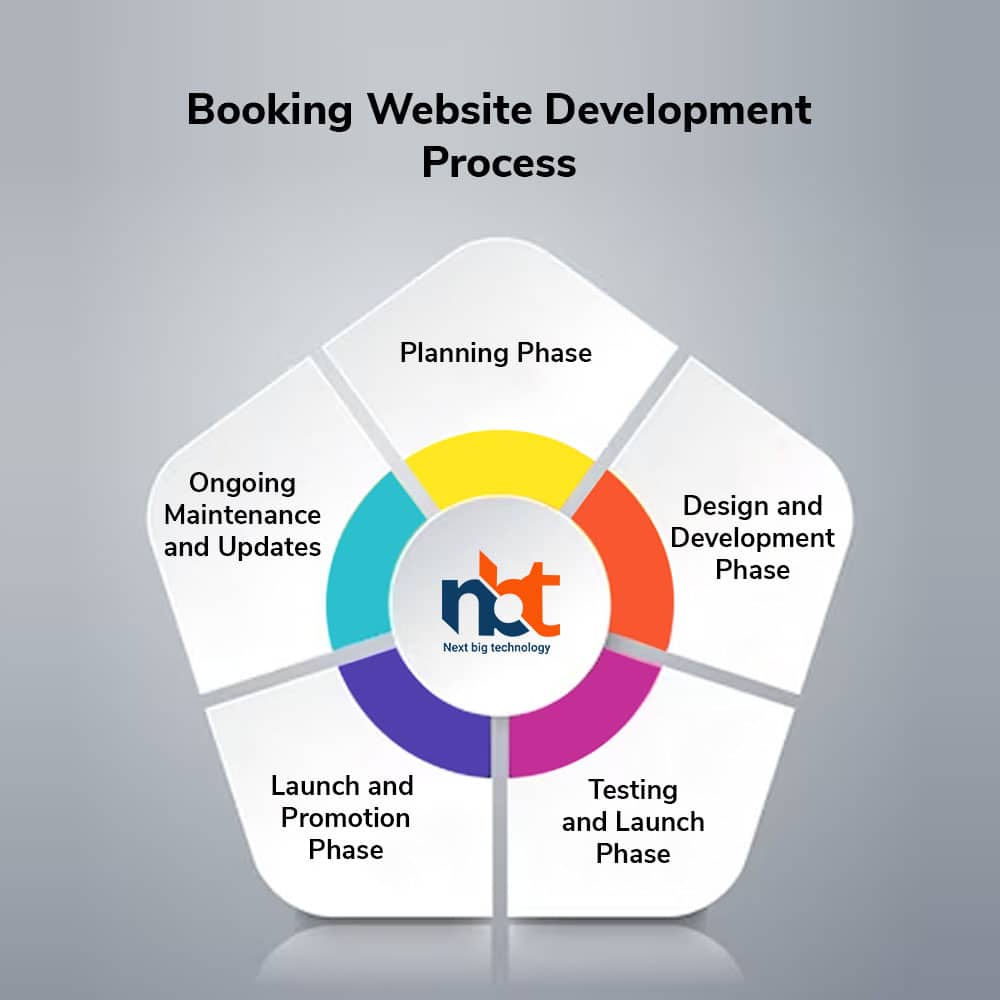
2. Design and Development Phase
- User Interface Design: Design a visually appealing and user-friendly booking interface.
- Backend Development: Create the backend systems for availability management and payment processing.
- Payment Integration: Integrate secure payment gateways for seamless transactions.
- User Registration: Develop user registration and profile creation functionalities.
3. Testing and Launch Phase
- Quality Assurance: Test the booking system thoroughly, including availability and payment processes.
- User Testing: Invite real users to test the booking process and gather feedback.
- Mobile Testing: Ensure the website is responsive and functional on various mobile devices.
- Security Checks: Implement security measures to safeguard user data and payment information.
4. Launch and Promotion Phase
- Final Deployment: Upload the website to the chosen hosting server.
- Promotion Strategy: Advertise the booking website through social media, advertising, and business networks.
- User Training: Provide user guides or videos on how to use the booking system.
- Analytics Setup: Implement tracking tools to monitor booking trends and user behavior.
5. Ongoing Maintenance and Updates
- Regular Content Updates: Keep availability calendars, services, and pricing up to date.
- Technical Support: Address technical issues and inquiries promptly.
- Performance Optimization: Regularly optimize website speed and loading times.
- Security Measures: Implement regular updates and security patches.
6. Choosing the Right Tools and Services
- Content Management Systems (CMS): Explore options like WordPress, Joomla, or custom development.
- Booking System Plugins: Consider booking system plugins like Bookly, Amelia, or custom solutions.
- Payment Gateways: Choose


