







The rise of AI image generation technology has led to the creation of innovative applications like Krea AI. These apps change how we interact with visual content. To develop an AI app like Krea AI, you need to know its key features, the cost implications, the right tech stack, and a realistic development timeline.
As AI app development keeps evolving, businesses want to add AI image generation to their products. This introduction will explore what it takes to make an app like Krea AI. We’ll look at the essential features, cost factors, technology stack, and timeline considerations.
Table of Contents
Key Takeaways
- Understanding the core features of Krea AI is crucial for developing a similar app.
- The cost of developing an AI app can vary widely based on several factors.
- Choosing the right tech stack is vital for the app’s performance and scalability.
- A well-planned development timeline is essential for successful project execution.
- AI image generation technology is a key differentiator for modern visual content applications.
What is Krea AI and Why Build a Similar App?
Krea AI has changed how we make and edit digital content with its AI image generation. It’s an AI-powered creative tool that has made a big impact. This has made people want to create similar apps for the growing need for creative tools.
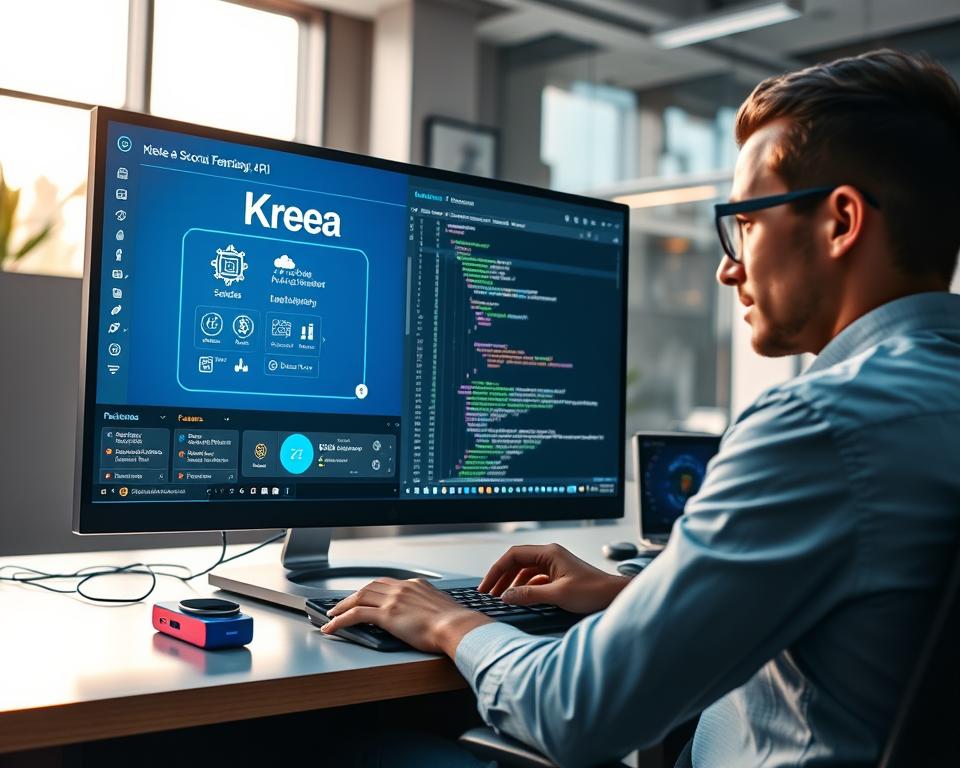
The app uses smart AI to make high-quality images from what users input. It’s great for designers, marketers, and content creators. Making an app like Krea AI can help meet the demand for AI creative solutions.
Here are some reasons to build an app like Krea AI:
- It gives users advanced tools to make content easier
- It meets the growing need for AI content in many fields
- It offers a unique solution that can stand out in a crowded market
Here’s a look at what makes AI image generation apps different:
| Feature | Krea AI | Similar Apps |
|---|---|---|
| AI Image Generation | Yes | Yes |
| Text-to-Image Conversion | Yes | Variable |
| User Interface | Intuitive | Variable |
By knowing what Krea AI offers, developers can make an app that meets user needs in digital content creation.
Market Opportunity for AI Image Generation Apps
AI image generation technology is changing the creative world. It offers a big chance for app developers to be innovative. The need for AI creative tools is growing fast.
Growing Demand for AI-Powered Creative Tools
The creative field is seeing more demand for AI tools. These tools help make content faster, improve productivity, and open up new artistic ways. AI image generation apps lead this trend, making it easy to create high-quality images.
“AI is not just a tool, it’s a collaborator. It’s changing the way we create and interact with visual content.”
Many factors push the use of AI image generation. People want to make content quicker, have unique visuals, and use more images in marketing. This shows how important visual content is today.
Target Audience and Use Cases
AI image generation apps appeal to many, like creative pros, marketers, influencers, and hobbyists. They serve various needs, from graphic design and digital art to marketing and advertising.
| Target Audience | Use Cases |
|---|---|
| Creative Professionals | Graphic Design, Digital Art, Visual Effects |
| Marketers | Advertising, Social Media Content, Branding |
| Social Media Influencers | Content Creation, Personalized Visuals |
Competitive Landscape Analysis
The AI image generation app market is getting more crowded. Both big names and new players are fighting for a spot. The focus is on offering top AI image making, easy-to-use apps, and cool features.
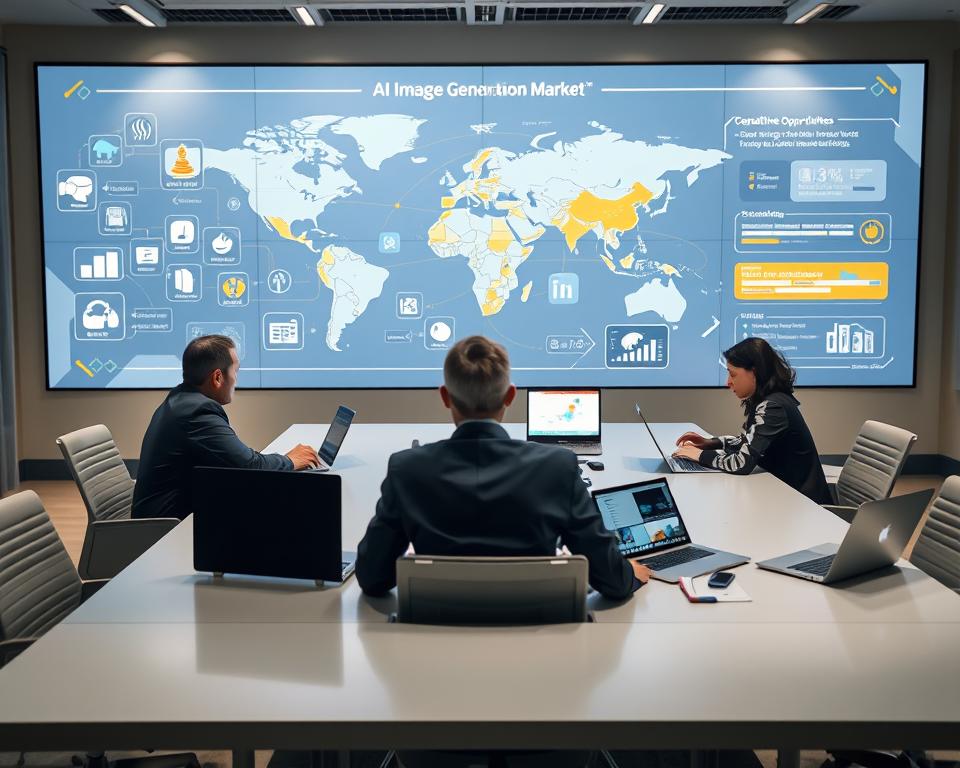
To stand out, focus on tech, user experience, and support. Apps with special features like style transfer or real-time image generation will likely lead the market.
Core Features of Krea AI Like App Development
To make an app like Krea AI, you need to add the latest AI features. These features help users edit images in new and exciting ways.
Real-Time AI Image Generation
Krea AI apps can make images right when you ask for them. This makes creating something new fun and fast. Real-time image generation works thanks to smart AI that quickly turns your ideas into pictures.

Text-to-Image Conversion
These apps can also turn text into pictures. This text-to-image feature uses AI to understand what you write and make it into a picture. It’s great for anyone who wants to see their ideas come to life fast.
Image Enhancement and Upscaling
Krea AI apps can also make images better. They use AI to make pictures clearer and more detailed. This is useful for making old photos look new or for professional images.
Style Transfer and Artistic Filters
These apps can change images into different styles or add artistic filters. AI helps turn images into various artistic looks, from famous paintings to modern digital art. This lets users try out different styles for their pictures.
By adding these key features, developers can make apps that go beyond what users expect. These apps offer powerful tools for AI-driven image processing and creativity.
Advanced AI Capabilities to Include
Creating a Krea AI-like app means adding advanced AI features. These features should make the app more user-friendly and creative. It’s important to include tools that make image creation easy and offer lots of creative options.

Pattern Generation and Tiling
Pattern generation and tiling are key features to add. They let users make seamless patterns for different designs. AI algorithms can create complex patterns based on what the user wants, like texture and color. This is great for designers and artists.
- Generate repeating patterns for fabric, wallpaper, and other materials
- Customize patterns based on user-defined parameters
- Seamlessly tile patterns to create larger designs
AI-Powered Inpainting and Outpainting
Inpainting and outpainting are game-changers. Inpainting fills in missing parts of an image, while outpainting adds to it. These features use AI to make the content look right and feel natural.
- Restore damaged or corrupted images using inpainting
- Expand image canvases using outpainting for more creative freedom
- Improve image quality and detail through AI-driven processing
Background Removal and Replacement
Removing and replacing backgrounds is vital for many uses. AI tools can accurately detect and remove backgrounds. This lets users swap them out for new ones or transparent layers.
- Automatically remove backgrounds from images with high precision
- Replace backgrounds with custom images or colors
- Use chroma keying for professional-grade background replacement
Multi-Model AI Integration
Integrating multiple AI models is key for a full toolset. This means combining models for tasks like making images from text, improving image quality, and adding artistic styles.
- Combine text-to-image models with image enhancement algorithms
- Use style transfer models to apply artistic effects to images
- Integrate multiple AI models for more versatile image generation and editing
User Interface and Experience Requirements
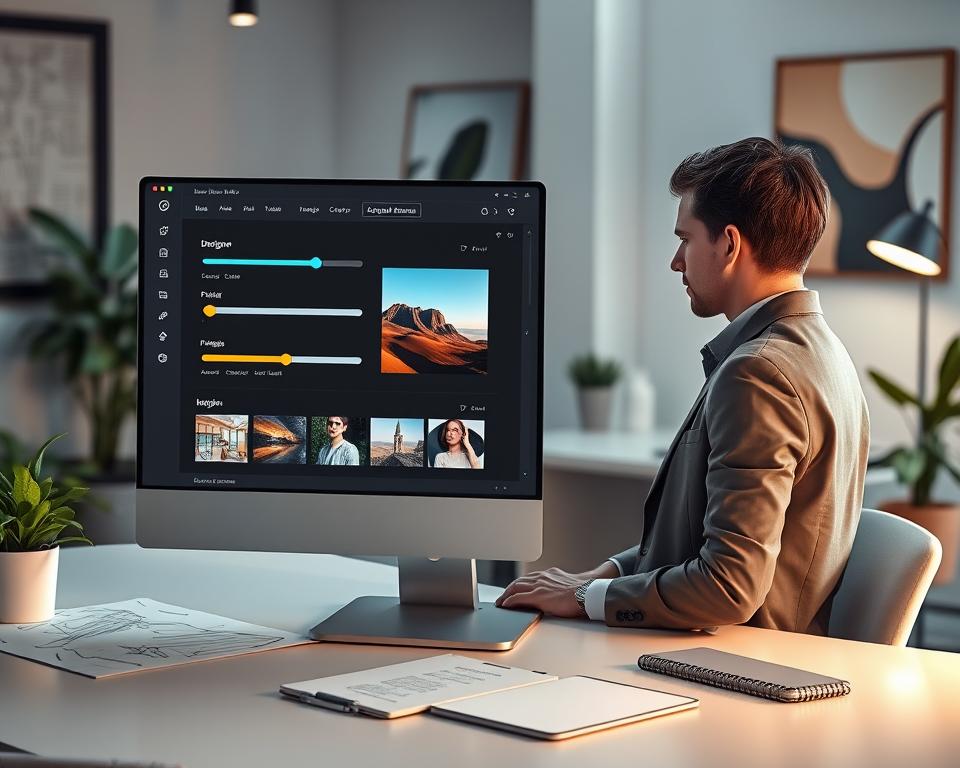
Making a user-friendly interface is crucial for AI image generation tools. A good design lets users easily use the app’s features. This makes their experience better and more productive.
Intuitive Canvas-Based Editor
The canvas-based editor is where users spend most of their time. A well-designed canvas offers a smooth and easy experience. It lets users focus on their creative work, not on learning the tool.
What makes a canvas-based editor great includes:
- An easy-to-use toolbar with clear labels
- Smooth zooming and panning
- Real-time undo and redo
- Customizable grid and snapping options
Real-Time Preview and Rendering
Real-time preview and rendering are key for a good user experience. Users want to see changes right away. This means the app needs a fast rendering engine.
| Feature | Description | Benefit |
|---|---|---|
| Real-Time Preview | Instantly see changes as you make them | Enhanced user experience |
| GPU Acceleration | Use GPU power for faster rendering | Improved performance |
| Progressive Rendering | See gradual improvement in image quality | Better user engagement |
User Dashboard and Project Management
A user dashboard is vital for managing projects. A well-organized dashboard makes project management easier. It helps users easily pick up where they left off.
What makes a user dashboard great includes:
- A project gallery with thumbnail previews
- Project filtering and sorting options
- Quick access to often-used features
- Notifications for updates or errors
Tech Stack for Krea AI Like App Development
Creating an AI image generation app needs a solid tech stack. The tech you choose affects how well the app works, grows, and what it can do.
Frontend Technologies
The frontend of an AI image app is key for how users interact with it. It’s about making the app easy to use and fast.
React and Next.js Framework
React and Next.js make building the frontend better. They help with fast loading and making the app work well on servers.
WebGL and Canvas APIs
WebGL and Canvas APIs are crucial for showing graphics and handling complex image tasks in the browser.
Backend Infrastructure
The backend is essential for AI tasks, storing data, and connecting to APIs.
Node.js and Python Backend
Node.js is great for handling data in real-time and API interactions. Python is best for AI and machine learning.
API Gateway and Microservices
Using an API Gateway and microservices architecture boosts scalability and keeps the app easy to manage.
Database Solutions
Choosing the right database is key for storing user data, project files, and more.
| Database | Use Case |
|---|---|
| PostgreSQL | Relational data storage |
| MongoDB | Flexible storage for varied data types |
| Redis | Caching frequently accessed data |
PostgreSQL for Relational Data
PostgreSQL is a strong relational database for structured data.
MongoDB for Flexible Storage
MongoDB is perfect for storing different data types because of its flexible schema.
Redis for Caching
Redis helps by caching data, making the app faster by cutting down on database queries.
Cloud Services and Hosting
Cloud services give the needed infrastructure for growth and reliability.
AWS, Google Cloud, or Azure
AWS, Google Cloud, and Azure offer many services like computing, storage, and AI.
CDN for Asset Delivery
A Content Delivery Network (CDN) makes asset delivery faster and cuts down on latency.
AI and Machine Learning Technologies
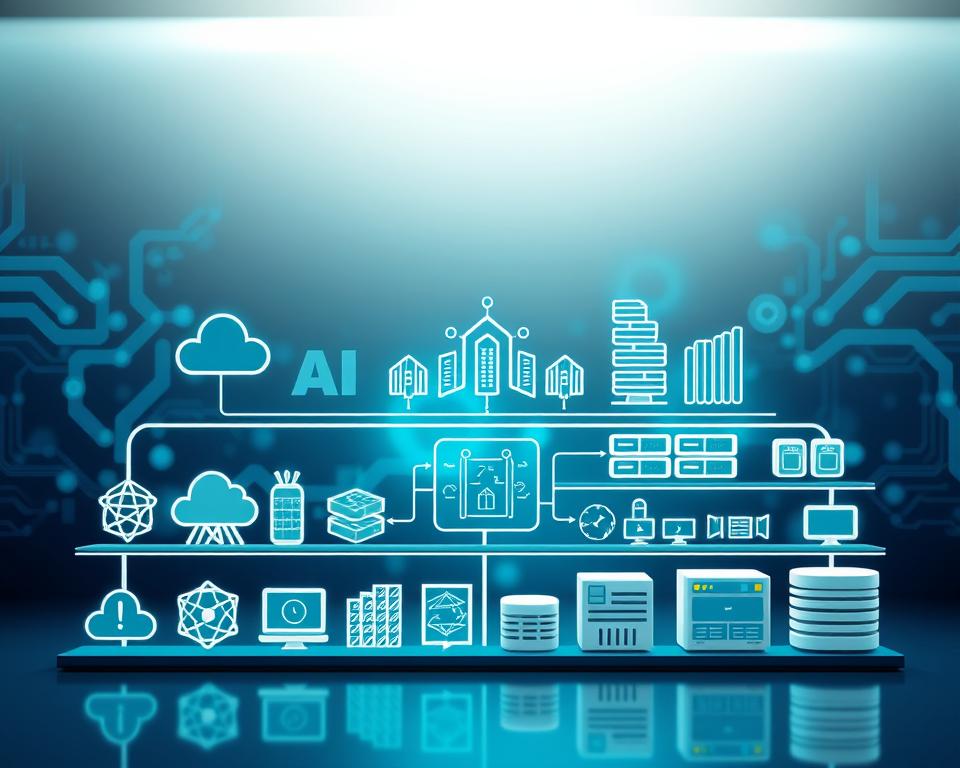
AI and machine learning are key to apps like Krea AI. They help create advanced images. These technologies are vital for making high-quality AI content that users love.
Stable Diffusion and Diffusion Models
Stable diffusion models are important in making images. They use a method called diffusion-based image synthesis. This method makes high-quality images from text prompts.
The stable diffusion method helps control and improve image making. It’s why AI image apps are so good at what they do.
GPT-Based Models for Prompt Processing
GPT-based models are key for understanding user prompts. They can handle natural language inputs. This lets users give text prompts for AI to make images.
Using GPT-based models makes the app more user-friendly. Users can give complex prompts, and the AI makes images. This makes the app versatile and easy to use.
Computer Vision Libraries
Computer vision libraries are vital for AI image apps. They offer tools for image processing and analysis.
OpenCV and TensorFlow
OpenCV is a top computer vision library. It has many features for image and video processing. When paired with TensorFlow, developers can build strong AI models for image tasks.
PyTorch for Model Training
PyTorch is a leading machine learning framework. It’s great for training AI models quickly. Its dynamic computation graph and automatic differentiation make it perfect for AI image generation research.
GPU Infrastructure Requirements
AI image generation needs strong GPU infrastructure. High-performance GPUs are essential for training and running AI models.
NVIDIA GPUs and CUDA
NVIDIA GPUs are the top choice for AI computing. They provide the power needed for AI tasks. CUDA lets developers use GPUs for general computing, including AI model training.
GPU Orchestration Solutions
Good GPU orchestration is key for managing GPUs in AI apps. Solutions that manage GPUs well help train and deploy AI models efficiently. This boosts performance and cuts costs.
Development Process and Methodology
Creating an AI-powered image generation app like Krea AI needs a clear and efficient development process. This process makes sure the app meets user needs, grows well, and uses the newest AI tech.
Requirements Gathering and Planning
The first step is requirements gathering. It’s about knowing who will use the app, what features it will have, and what tech it needs. A good planning phase makes a clear plan for the project. It keeps everyone on the same page about what needs to be done and when.
Design and Prototyping Phase
After gathering requirements, the next step is design and prototyping. Here, we make wireframes and prototypes to show what the app will look like and how it will work. This design phase is key to making sure the app is easy to use. A user-friendly app helps keep users coming back.
Agile Development Approach
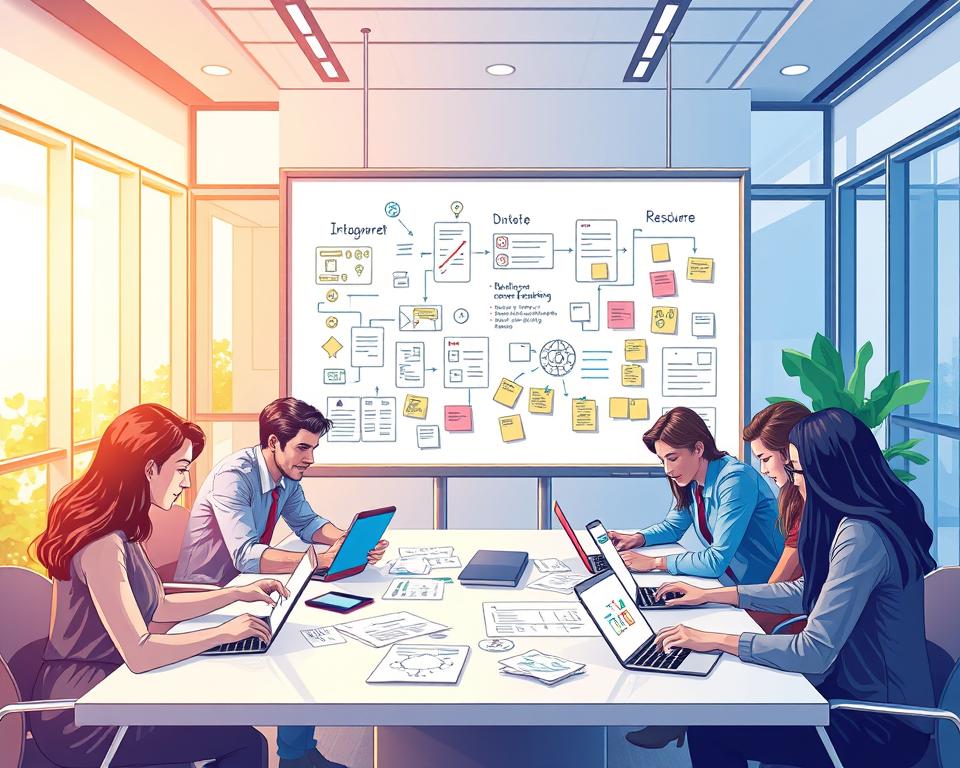
Using an agile development approach is a good idea for apps like Krea AI. This method is flexible and can change as needed. It breaks down big tasks into smaller ones and works on them in cycles. This way, the team can quickly adapt to changes and finish the app fast.
- Regular sprint planning and review meetings
- Continuous integration and deployment
- Active collaboration between cross-functional teams
Testing and Quality Assurance
Testing and quality assurance are very important in making the app. We do different tests like unit testing, integration testing, and user acceptance testing. Our goal is to make sure the app works well and meets standards. A detailed testing process finds and fixes problems early, saving time and money.
- Unit testing for individual components
- Integration testing for overall functionality
- User acceptance testing for real-world scenarios
Timeline for Building a Krea AI Like Application
To build a Krea AI-like app, knowing the development process and timeline is key. The timeline is important for planning and doing the project well.
MVP Development Timeline
Creating a Minimum Viable Product (MVP) is a smart way to test your app’s core functions. The MVP timeline has several phases.
Phase 1: Core Features (8-12 Weeks)
This first phase focuses on the app’s core features. This includes user registration, basic image generation, and a simple user interface.
Phase 2: AI Integration (6-8 Weeks)
In this phase, the AI is added to the app. This lets it create and manipulate images in advanced ways.
Phase 3: Testing and Launch (4-6 Weeks)
The last phase is all about testing. It makes sure the app works well and then it’s ready to launch.
| Phase | Duration (Weeks) | Description |
|---|---|---|
| Phase 1: Core Features | 8-12 | Development of basic features and user interface |
| Phase 2: AI Integration | 6-8 | Integration of AI for advanced image generation |
| Phase 3: Testing and Launch | 4-6 | Testing and launch preparation |
Full-Featured Application Timeline
Building a full-featured app takes longer. It includes more advanced features and improvements.
Complete Development Cycle (6-9 Months)
The full development cycle for a full-featured Krea AI-like app can take 6 to 9 months. This depends on the complexity and scope of the features.
Factors That Impact Development Speed
Several things can change how fast your Krea AI-like app is developed.
Team Size and Expertise
A bigger team with the right skills can speed up development. A smaller team might take longer.
Feature Complexity
The complexity of the features affects the timeline. More complex features need more time to develop.
Third-Party Integrations
Adding third-party services can also slow down development. It takes extra time for testing and making sure everything works together.
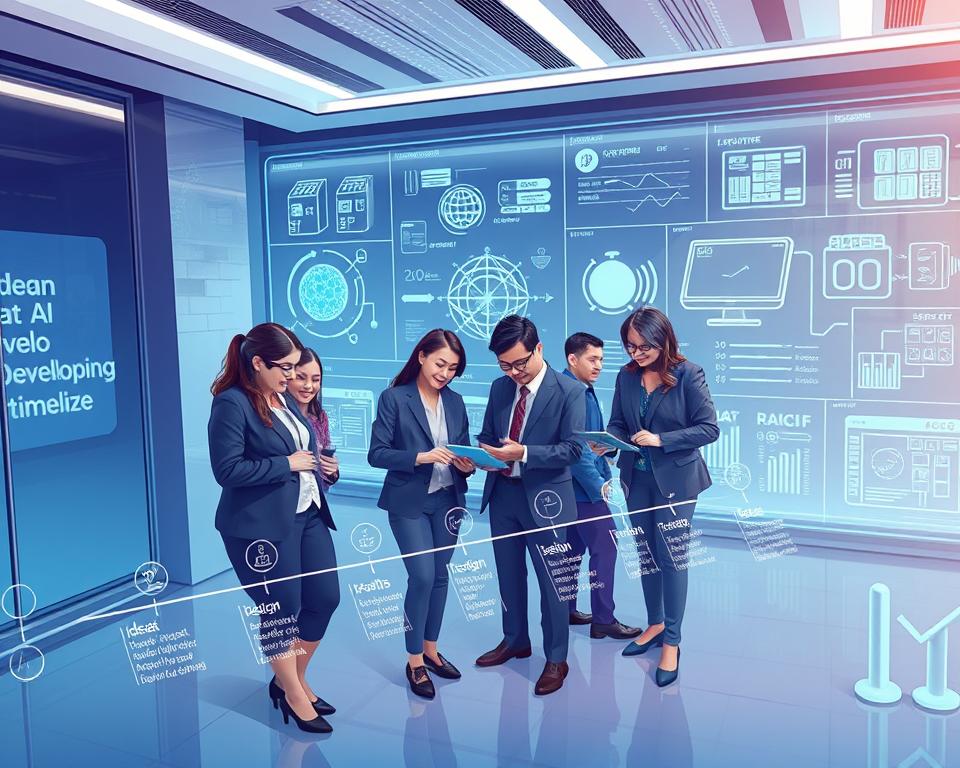
Knowing these factors and planning well can help manage the development timeline effectively.
Cost Factors in Krea AI Like App Development
Creating an app like Krea AI involves understanding many cost factors. This complex process includes several elements that affect the total cost.
Development Team Composition and Rates
The team’s cost is a big factor in making an AI app. It has different professionals with unique skills.
Full-Stack Developers
Full-stack developers handle both the app’s front and back ends. Their rates change based on where they are and their experience.
AI/ML Engineers
AI/ML engineers work on the AI models. Their skills are key and can raise the cost.
UI/UX Designers
UI/UX designers make the app easy to use. Their costs depend on how complex the design is.
DevOps Engineers
DevOps engineers keep the app running smoothly. They are crucial for the app’s infrastructure and growth.
| Role | Average Hourly Rate | Monthly Cost (160 hours) |
|---|---|---|
| Full-Stack Developer | $50-$100 | $8,000-$16,000 |
| AI/ML Engineer | $75-$150 | $12,000-$24,000 |
| UI/UX Designer | $40-$80 | $6,400-$12,800 |
| DevOps Engineer | $60-$120 | $9,600-$19,200 |
Infrastructure and Operational Costs
Infrastructure costs cover server hosting, GPU computing, and more. These are essential for the app’s operation.
Server and Hosting Expenses
Server and hosting costs vary by cloud provider and operation size.
GPU Computing Costs
GPU computing is vital for AI model training. High-performance GPUs can be very expensive.
AI Model Training and API Costs
Training AI models and using APIs can be costly. Costs depend on model complexity and API use.
Geographic Location Impact on Pricing
The team’s location greatly affects pricing. Labor costs and laws vary by region.
North America Rates
North America has high development rates due to living costs and laws.
Eastern Europe Rates
Eastern Europe offers lower rates, making it a good choice for outsourcing.
Asia Pacific Rates
The Asia Pacific region has a wide range of development services. It suits various budgets.
Knowing these cost factors is key for budgeting an AI app like Krea AI. Consider the team, infrastructure, AI model training, and location. This helps estimate the project’s total cost.
Detailed Cost Breakdown by Development Phase
Understanding the costs of making an AI image generation app is easier when we break it down. The process has three main parts: making a Minimum Viable Product (MVP), the full app, and keeping it updated.
MVP Development Costs
Creating an MVP is a smart way to test the market with little money. It’s cheaper than making a full app.
Estimated Range: $40,000 – $80,000
Estimated Range: $40,000 – $80,000
The MVP has basic features like real-time AI image making and a simple interface. Costs vary based on feature complexity, tech used, and team rates.
Full Application Development Costs
After the MVP proves successful, it’s time to build a full app. This app will have advanced AI, better user experience, and more features.
Estimated Range: $120,000 – $250,000
Estimated Range: $120,000 – $250,000
Building the full app costs more because it includes complex features like style transfer and AI inpainting. The price depends on the project’s scope and tech used.
Ongoing Maintenance and Updates
After the app is made, there are ongoing costs for upkeep and updates. This keeps the app competitive and secure.
Monthly Operational Expenses
Monthly costs include server fees, upkeep, and customer support. These are key for a smooth app operation.
Feature Enhancement Budget
Having a budget for new features is vital to stay ahead. It’s for adding new features and improving old ones based on user feedback and trends.
Monetization Strategies for Your AI App
Creating a successful AI app is not just about making a great product. It also means finding effective ways to make money. As AI technology grows, knowing how to earn from your app is key for its success.
Subscription-Based Models
One top way to make money from AI apps is through subscription models. This lets users get extra features or use the app all they want for a regular fee.
Freemium Tier Structure
A freemium tier structure lets users try basic features for free. But, they have to pay for more advanced stuff. This way, you can get more users and some will pay for more.
Premium and Professional Plans
Offering premium and professional plans can really increase your earnings. These plans have extra features or better support. They’re great for users or businesses needing more.
Credit-Based Systems
Another good way to make money is with a credit-based system. Users buy credits to use specific AI features or make a certain number of images. This works well for apps with different usage patterns.
Enterprise Solutions and API Access
AI apps with special features can make a lot by offering enterprise solutions and API access. This means selling the AI tech to companies. They can then use it in their own products or services.
By using different monetization strategies, you can make your AI app more stable and profitable. Always listen to what users say and keep up with market trends. This will help you adjust your plans as needed.
Challenges and Solutions in AI App Development
Creating AI apps, like Krea AI, comes with many hurdles. Developers face issues like high computing needs, ensuring image quality, and dealing with heavy traffic. These challenges are key to a smooth user experience.
Managing High Computational Requirements
Apps like Krea AI need lots of computing power for tasks like image creation. To tackle this, developers use GPU acceleration and cloud-based infrastructure. These tools speed up processing and make complex tasks easier.
| Solution | Description | Benefits |
|---|---|---|
| GPU Acceleration | Utilizing Graphics Processing Units for compute-intensive tasks | Faster processing, improved performance |
| Cloud-Based Infrastructure | Leveraging cloud services for scalable computing resources | Scalability, reduced infrastructure costs |
Ensuring Image Quality and Consistency
Keeping image quality high and consistent is vital for AI image apps. Methods like image upscaling and style transfer boost image quality. Also, using high-quality training data is key for steady results.
Handling Peak Traffic and Scaling
AI apps can see sudden traffic increases. It’s crucial to have a scalable setup. Load balancing strategies and auto-scaling infrastructure are vital for managing high traffic.
Load Balancing Strategies
Load balancing spreads traffic across servers to avoid server overload. This keeps the app fast even when it’s busy.
Auto-Scaling Infrastructure
Auto-scaling adjusts resources based on traffic changes. It adds or removes servers as needed, ensuring the app performs well under any traffic level.
Content Moderation and Safety
Content moderation is essential in AI app development. It ensures content meets community standards and is safe. Using AI-powered content moderation tools helps catch and block harmful content.
By solving these challenges, developers can build strong and user-friendly AI apps, like Krea AI.
Compliance, Security, and Data Privacy Considerations
Creating a Krea AI-like app needs careful focus on compliance, security, and data privacy. As AI grows in our lives, making sure these systems are safe and follow rules is key.
GDPR and Data Protection Regulations
The General Data Protection Regulation (GDPR) is a big data law in the European Union. It sets a global data privacy standard. It’s vital for apps that handle personal data to follow GDPR. Important points include:
- Getting clear user consent for data use
- Using strong data protection steps
- Being open about how data is used
- Letting users control their data
Andrew Yang, a big name for data privacy, once said,
“The biggest risk to people’s privacy is not that their data will be stolen, but that they’ll be manipulated and exploited by companies using their data.”
AI Ethics and Responsible Use
AI ethics is very important when making AI apps. Making sure AI is used right means several things:
Bias Mitigation
AI can keep or make biases worse if not made right. Ways to fight bias include using diverse data and checking AI choices often.
Transparency in AI Operations
Being open is key to trust in AI. This means explaining how AI makes decisions and when users talk to AI.
Intellectual Property Rights
Intellectual property (IP) rights are very important in AI app making. Key IP issues include:
User-Generated Content Ownership
It’s important to have clear rules on who owns content made with the app. Users should know their rights and duties with their content.
Copyright Protection Measures
It’s crucial to protect copyrights. This means finding and stopping copyright breaks in user content.
By focusing on compliance, security, and privacy, developers can make AI apps that are not just new but also safe and responsible.
Conclusion
Creating an app like Krea AI is a big chance in the fast-growing AI image market. Knowing the main features, advanced AI, and tech needed helps businesses make a top app. This meets the increasing need for AI tools in creativity.
To succeed, focus on making the app easy to use. Use the latest AI tech and find good ways to make money. Keeping up with new tech and user wants is key for lasting success in Krea AI app making.
With good planning, doing, and always improving, companies can make the most of AI image apps. They can become leaders in this exciting and growing market. This brings a successful end to their Krea AI app making journey.


